The situation
The client called on Sunday afternoon. His wife had knocked a cup of tea onto a Samsung Galaxy S10 on the table. The phone shut off instantly. They tried rice (yes, really). For three days. It didn’t work.
On Monday morning they brought the phone in. The buttons were unresponsive, the display dark. The phone held holiday photos, wedding photos, photos from the granddaughter’s christening. They had a Google backup enabled, but only occasionally — in the clients’ words, „probably about three months ago, last time."
Diagnostics
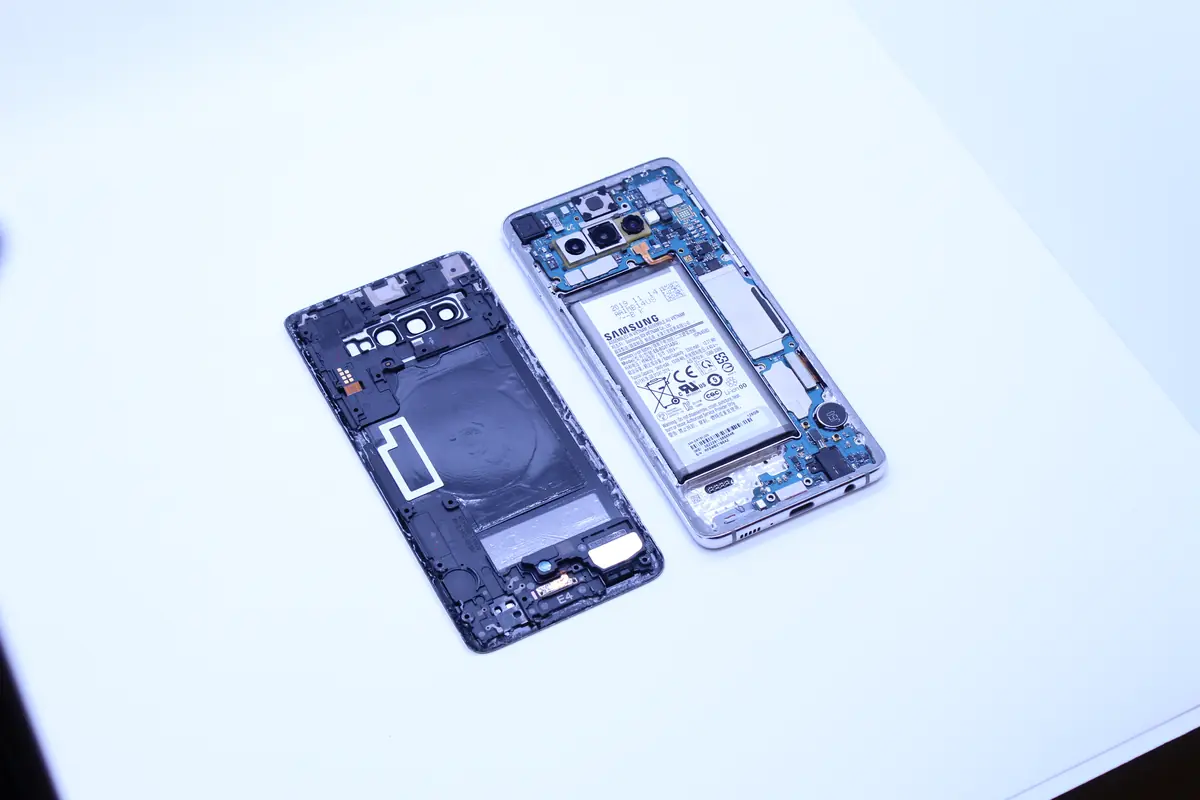
The Galaxy S10 (SM-G973F/DS) is the dual-SIM version of Samsung’s 2019 flagship. The storage is UFS 2.1, unencrypted without a PIN/biometrics. After unscrewing the phone, we saw:
- A mainboard with pronounced oxidation around the power section. Tea (with milk and sugar — confirmed by the client) contains ions that corrode metal very quickly.
- A short circuit in the PMIC (Power Management IC) area. A multimeter measured a short connection between VCCIO and GND.
- The memory chip (UFS) visually undamaged. It sits on the other side of the board, where the liquid did not reach.
- The other connectors (flex, camera) with light oxidation, but repairable.
The scenario: the power is dead, but the memory should be fine. Two approaches:
- Repair the board — clean off the oxidation, replace the PMIC, restore the phone and read the data conventionally. Risky; the PMIC is a BGA chip, and replacement requires reballing.
- Chip-off the UFS — remove the memory chip from the board, read it directly and externally via an adapter. Safer for the data, but we lose any chance of restoring the phone.
Given the priority (the photos, not a working phone), we took route 2.
The solution
Seven days:
- Day 1: Intake, diagnostics, explaining both approaches to the client.
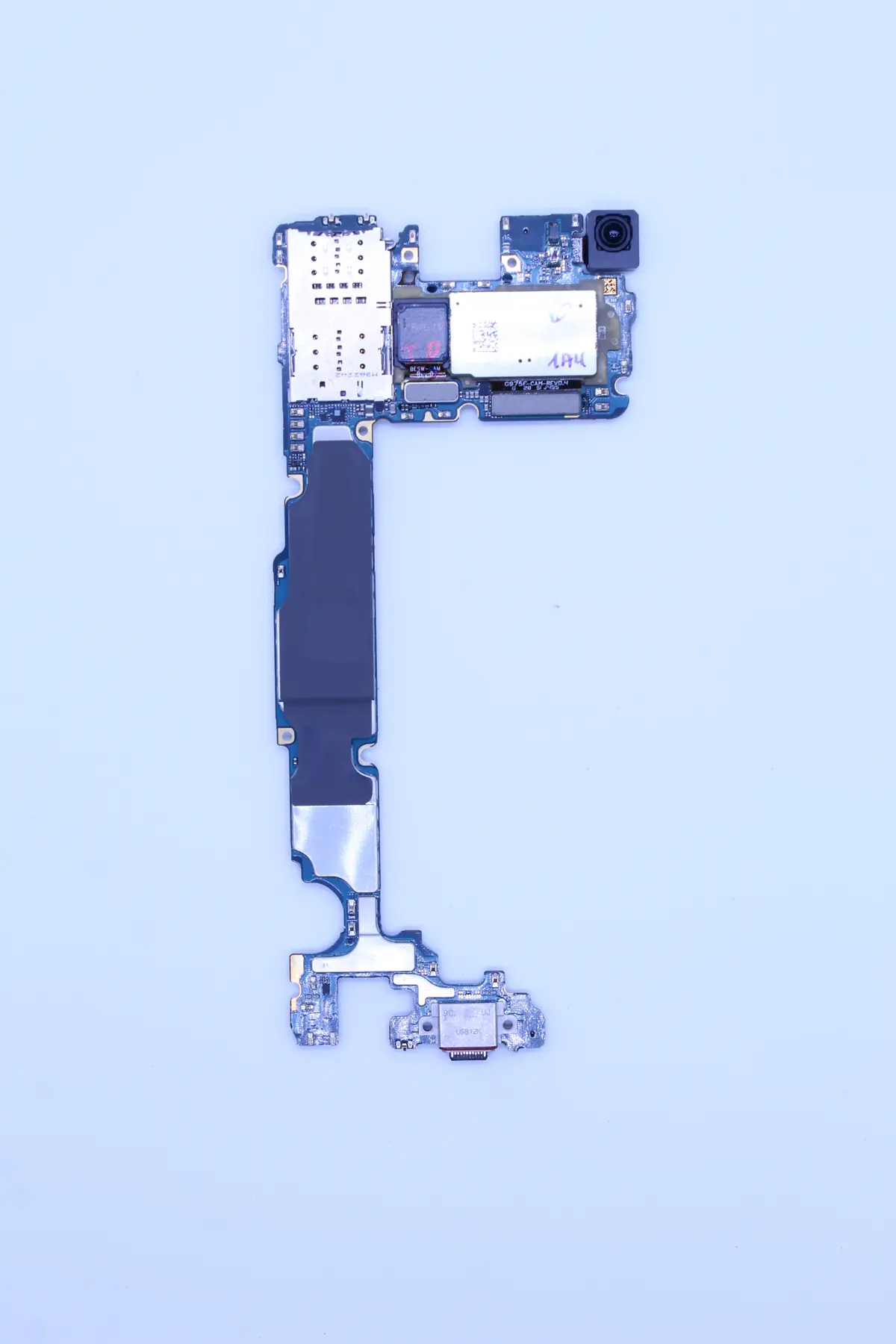
- Day 2: Thorough ultrasonic cleaning of the board in isopropanol — for documentation and in case the chip-off didn’t work out.
- Days 3–4: Identifying the UFS chip. Samsung uses its own UFS 2.1 128 GB chip (KLUCG4J1CB-B0B1). Desoldering in an infrared soldering station — 260 °C, 90 seconds with preheating. Critical not to damage the surrounding BGA chips.
- Day 5: Reballing the UFS chip. Laying down new microballs to plug it into a UFS adapter.
- Day 6: Reading via UFSProg (a specialized reader for UFS memory). Obtained a 128 GB raw image. Decoding the Samsung FTL, parsing the EXT4 filesystem from the user partition.
- Day 7: Exporting the photos and videos, integrity check. In total, 95 % of the files recovered. Missing mainly the photos from the last 2 days (cache that had not been fully written to storage).
The result
- 95 % of data recovered (about 78 GB of photos and videos out of 82 GB used)
- 7 days in total
- Granddaughter’s christening — all photos recovered.
- Wedding — all photos and videos recovered.
- Holiday — in full.
- Missing only 2 days of photos before the incident (they were not stored in the cache).
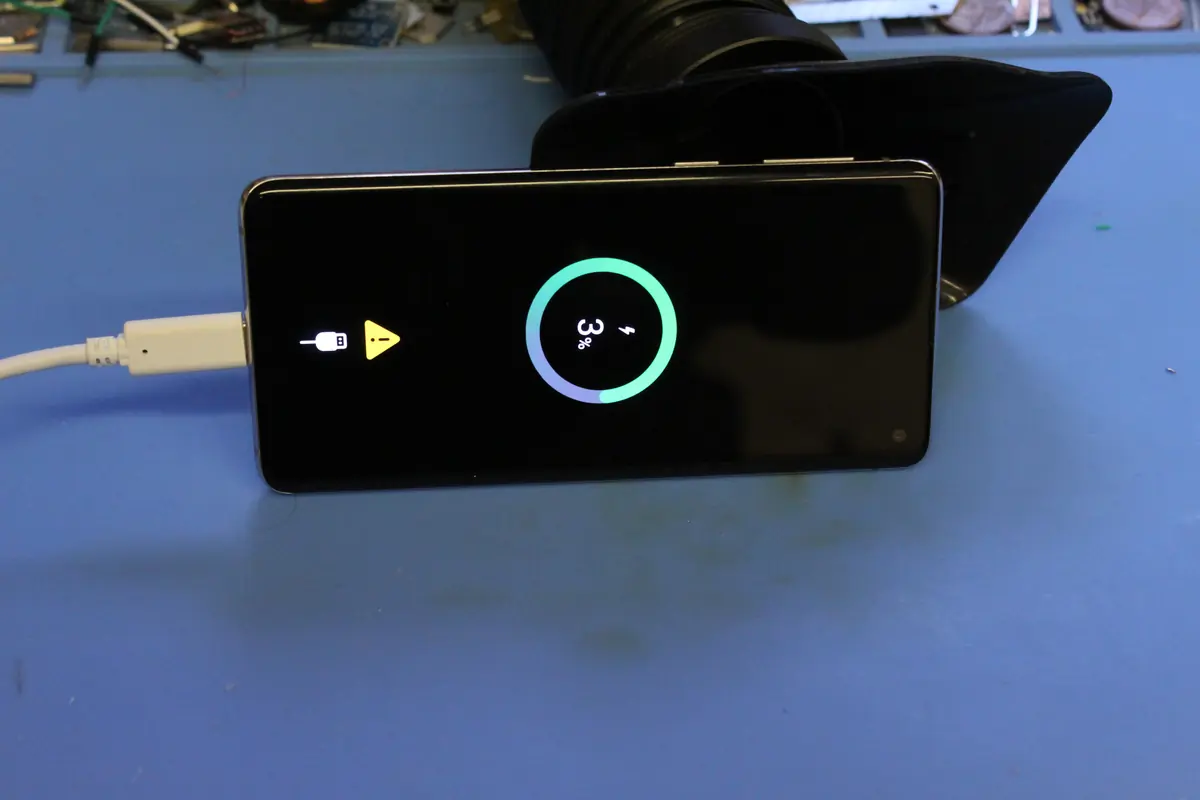
The phone itself cannot be revived — after the chip-off, the board is without memory. The client took it away as a „souvenir" and received the photos on a USB flash drive.
Lessons learned
A few basic rules for when your phone drops into water or you spill on it:
- Turn it off immediately. Don’t switch it back on „just for a moment." Every second of power in the presence of water = electrolysis and corrosion.
- Rice does not work. It’s a myth from a time when phones were simpler. A modern smartphone has 1,000× more components, which corrode at different rates. Rice won’t pull the water out from inside.
- Take it to a service within 24 hours. Corrosion continues even without power, just more slowly. The sooner, the less damage.
- Don’t insist on repairing the phone if you want the data. If the data is the priority, chip-off is more reliable than a repair. But chip-off = a destroyed phone.
- A backup before the incident is cheaper than a recovery after it. Google Photos or iCloud are free for thumbnails and cheap for full size. A few crowns a month will save you from many thousands of crowns for chip-off recovery.
For those who use a Galaxy or iPhone as their primary camera:
- Check your automatic backup settings — look every week to see whether it really is running.
- Set the photo app to back up over Wi-Fi — so you don’t pay for mobile data.
- If you have important photos, export them to an HDD from time to time. Google Photos may delete content after years of inactivity, and Apple has storage limits.
PRO TIP
One evening of backing up = a few minutes of setup on the phone. No data recovery we ever do is ever cheaper than the preventive backup the client could have made before the incident.
Have a similar case? Phone recovery enquiry · +420 775 556 063