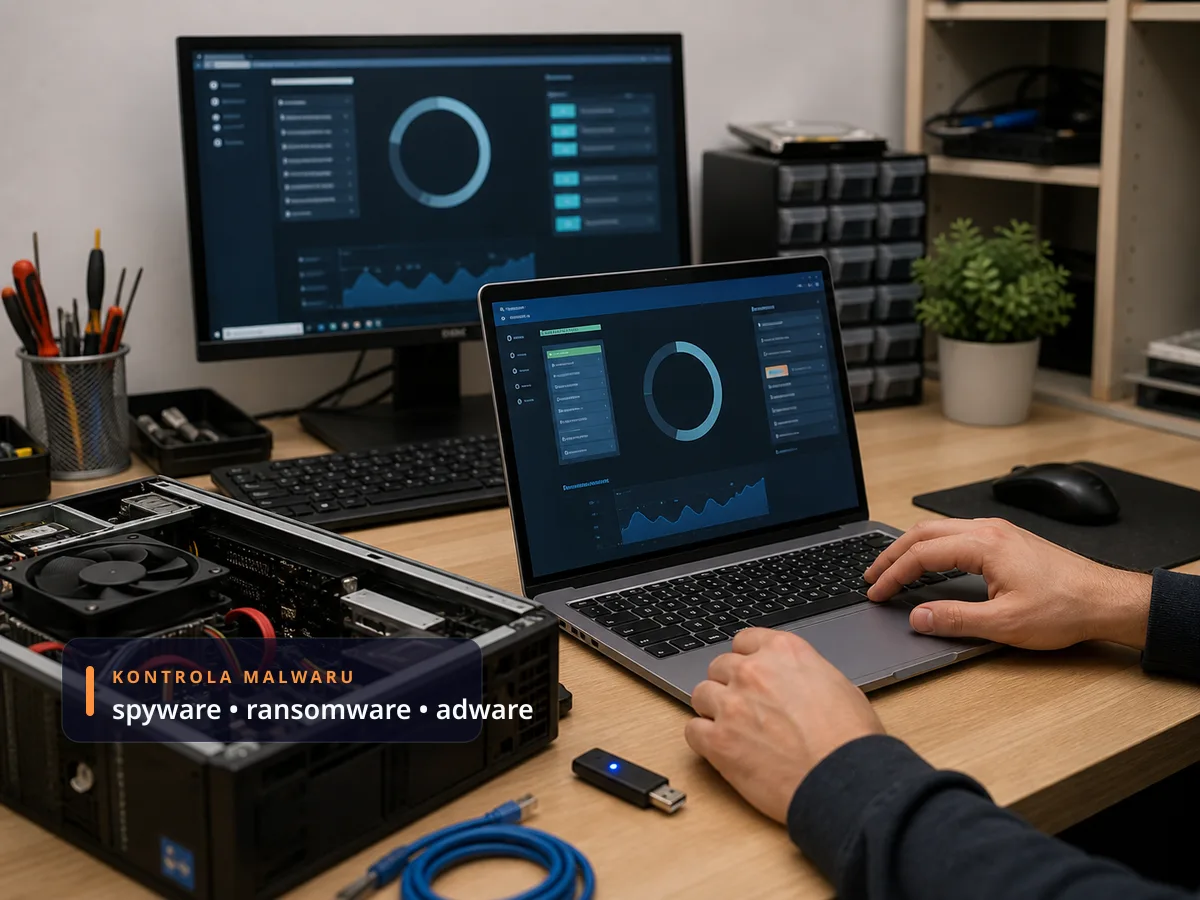
The danger of a virus infection is a constant threat to your computer. Even the best antivirus program cannot provide 100% protection. As a result of a virus infection, you can very quickly lose valuable data and a functioning computer.
What can happen if I catch a virus
- Your internet connection will slow down dramatically
- You will unknowingly send viruses to other computers
- PC performance will degrade significantly
- Your PC will stop working entirely
- Ransomware will encrypt your files and demand a ransom
- A banking trojan will log into your bank in your name
What are the procedures
When infected with a computer virus, there are several ways to proceed:
- Virus removal using an antivirus program (ESET, Bitdefender, Malwarebytes, Kaspersky)
- If that doesn’t help — OS reinstallation with a 100% guarantee of virus removal. In this case, however, all data is removed from the PC — upon your request, we will of course back it up.
Our professional solution
If you are interested in a professional solution, let us remove the viruses from your PC. Our technician will proceed as follows:
- Arrange an appointment by phone or email
- Depending on your requirements, collect your PC and take it to our lab, or repair it on the spot at your premises while you wait
- Thoroughly and quickly remove all malware — Malwarebytes, HitmanPro, RogueKiller, ESET Online Scanner, rescue disks
- Secure the PC with an antivirus program — we will recommend a suitable antivirus based on your situation (home, business, licensed, or free)
- Advise on how best to prevent future virus infections:
- Safe software downloading
- Avoiding suspicious links in emails
- Password management (password manager, MFA)
- Backups (in case of ransomware)
Virus removal pricing
- Indicatively from 900 Kč — the single source of truth is our service price list; the exact price always depends on the extent of the infection and the state of the system, and we quote it after diagnostics.
- If a clean OS reinstallation with a data backup turns out to be the safer route, you get the price of the combination up front from the price list — no surprises.
- On-site service in Brno per the price list.
- Overview of other repair jobs with indicative prices: laptop repair — jobs and prices.
How to remove a virus yourself — and when to stop
A safe home procedure: disconnect the computer from the internet, run a full scan with your antivirus (on Windows, Microsoft Defender is enough — ideally its offline scan on restart) and add a second opinion with a one-off scanner such as Malwarebytes. Remove suspicious browser extensions and change your passwords from a different, clean device.
Stop and hand it over to us when: it is ransomware (encrypted files — neither paying nor deleting brings anything back), a banking trojan is involved (someone signed in to your bank), the detection keeps coming back after a restart, or the computer holds data you cannot afford to lose. Repeated „clean-ups" that never resolve the infection only extend the time an attacker can see your passwords.
When an antivirus isn’t enough and you need service
- Ransomware has already encrypted files → contact us immediately and do not pay the ransom. Free decryption is sometimes possible (No More Ransom)
- The PC won’t start at all or runs slower than before without explanation
- The browser redirects you to unfamiliar sites and shows uncontrolled pop-ups
- You don’t remember what you installed, yet the CPU is constantly at 100%
- You’ve been receiving messages that spam is being sent from your account to your contacts
Infected PC? Contact us · +420 775 556 063 · Brno-Židenice location