Skip to content
OS Reinstallation

Computer Reinstallation

Slow PC, frequent errors, long startup and shutdown? Your OS needs a reinstall. We'll do it at your place or at our centre for 900 Kč — including drivers and basic software.

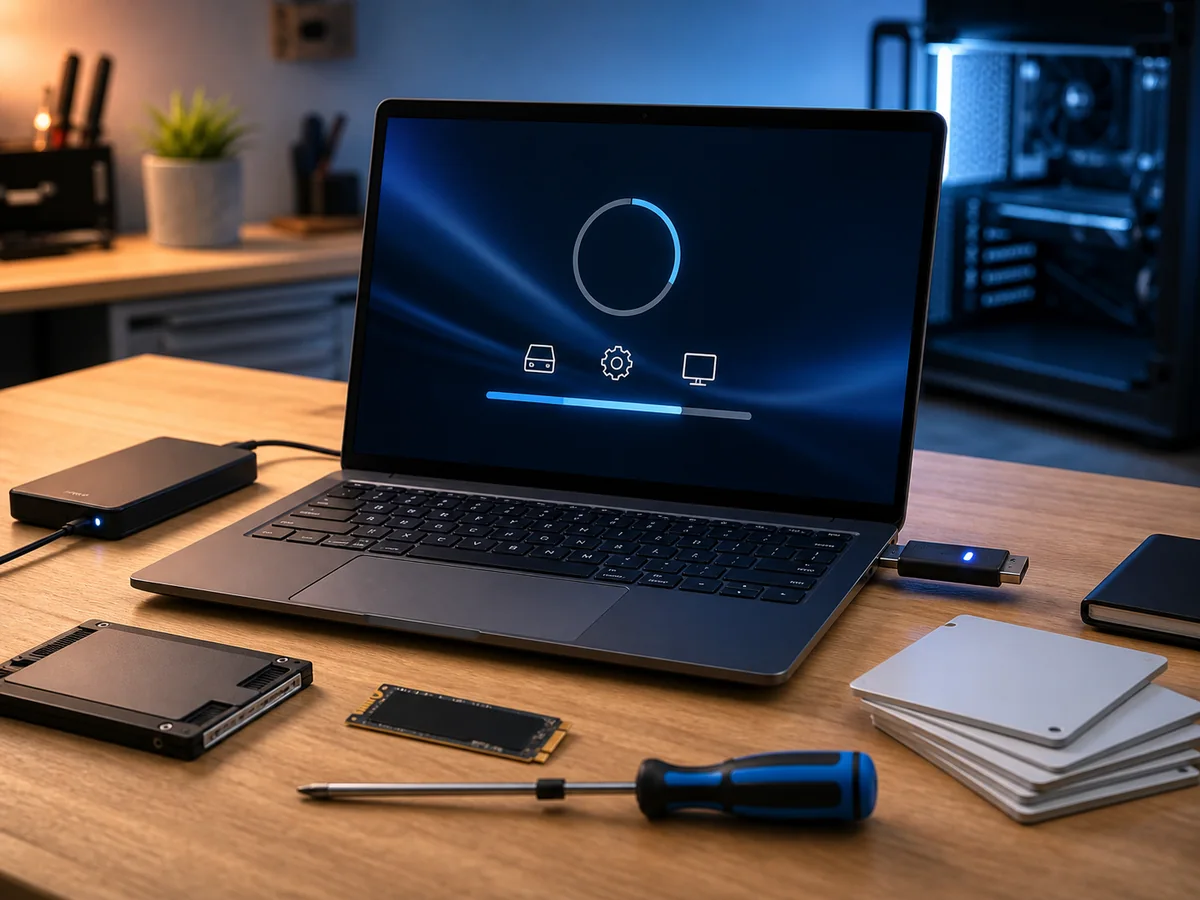
Reinstalling a computer at the workshop: a laptop showing an installation screen, a USB installer, an external drive and an SSD for data migration
18
years in business
95 %
success rate, faulty HDDs
18 +
media categories
Brno
own laboratory
  • Free diagnostics
    We find the fault at no charge
  • Repair in 2–5 days
    Standard turnaround
  • 12-month warranty
    On work performed
  • In person in Brno
    Viniční 3587/216
  • 18 years of experience
    Since 2008

The operating system (OS) of every computer eventually needs to be reinstalled. After prolonged use, its performance gradually degrades. Typical symptoms include:

  • Routine operations take longer than they used to
  • Error messages start appearing
  • Startup and shutdown take significantly longer than before
  • The system randomly freezes or restarts
  • Some programs won’t launch, even though they worked previously

If you answered yes to at least one of these, your system would likely benefit from a reinstallation.

How we handle it

Just get in touch and we’ll take care of everything else:

  • Our technician comes to you and reinstalls the OS on the spot, or
  • We transport the PC to our centre and handle it there

What our solution includes

  • Operating system reinstallation (Windows 10/11, or Linux/macOS as required)
  • Driver installation essential for trouble-free operation (chipset, graphics, audio, network, USB, card reader)
  • Office suite installation (MS Office, LibreOffice, or OpenOffice — your choice)
  • Antivirus installation
  • Archive/compression tool installation (7-Zip, WinRAR, WinZip)
  • PDF reader installation (Adobe Reader, Foxit, SumatraPDF)
  • Additional software installation based on your requirements (Photoshop, CAD, game clients, etc.)

Data backup before reinstallation

Reinstallation results in data loss on the system drive. Backing up your data is no problem for us — we can back up to:

  • An external drive you provide
  • Another internal drive (if one is present in the PC)
  • The cloud (OneDrive, Google Drive, iCloud)
  • A USB flash drive

Important: always verify that your backup is intact before reinstallation — the process is irreversible.

Recommendation — hardware check at the same time

We recommend combining an OS reinstallation with a hardware check:

  • Add an SSD (if you don’t already have one) — makes the PC several times faster
  • Expand RAM — from 4/8 GB to 16/32 GB
  • Dust cleaning — eliminates overheating, extends lifespan
  • Thermal paste replacement — essential for older laptops

These steps can contribute to a further performance boost for your PC.

Pricing

  • OS reinstallation + drivers: 900 Kč
  • With data transfer and SSD: from 1 500 Kč + SSD cost
  • With dust cleaning: 1 550 Kč

For businesses with a Company ID, a separate price list applies.


Need a reinstallation? Contact us · +420 775 556 063

FAQ

Frequently asked questions

How much does diagnosing a computer or laptop cost?
Diagnostics at our premises is free if the repair goes ahead — we look at the device, tell you what is wrong, and propose a repair with a fixed price agreed up front. We only start work once you approve it. If you eventually collect the device without ordering the repair, we charge for diagnostics per our [price list](/en/pc-laptop-service-brno/pricing/): small electronics 188 CZK, PC / laptop / hard-drive faults from 588 CZK, phones 1,000 CZK (all incl. VAT).
How long does a laptop or PC repair take?
Standard servicing (SSD replacement, adding RAM, cleaning fans, reinstalling the system) is done within 1–3 working days. More complex repairs (motherboard replacement, BGA soldering, power-jack repair) take 3–10 days. If you are in a hurry, we can arrange an express turnaround.
Do you reinstall Windows and move the data across?
Yes, this is one of the most common jobs. Before reinstalling we back up your data (documents, photos, e-mail profiles, browser bookmarks), perform a clean install of Windows 10 or 11, install drivers and basic software, and put your data back. The whole job usually takes one working day.
What if my PC won't start and I have important data on it?
First, switch the computer off and do not try to boot it again — if the cause is the drive, every further power-on can damage the data. Bring it to us and we will diagnose whether it is a system issue (servicing is enough) or a hardware drive fault (in which case we continue with data recovery in our lab).
Do you also remove viruses and malware?
Yes. We run a full scan, remove ransomware, adware and trojans, and set up protection for the future (Windows Defender configured correctly, or a third-party antivirus to your preference). If you have had a recent incident, we will also recommend changing passwords and reviewing your bank transactions.
Can you upgrade RAM and the SSD even in newer laptops?
Yes. In most business laptops (ThinkPad, Dell Latitude, HP EliteBook) the memory slot and the M.2 socket are serviceable. In ultrabooks the RAM is sometimes soldered directly to the board — in that case an upgrade is not possible and we will advise what can be done (typically a larger SSD plus a different system configuration).
What about the warranty on the repair?
We provide a 24-month warranty on the service work and 24 months on spare parts. If the same fault reappears, we repair it free of charge. The exception is physical damage (a drop, liquid spill) or a fault in a different part of the device.
Do you repair Apple MacBooks too?
Yes — on MacBooks we mainly handle software issues (macOS reinstall, data migration, cleaning), SSD replacement on older models, dust removal and battery replacement. We do not solder T2/M1/M2 chips — for that you need an authorised Apple service centre.
Call Contact