Skip to content
Data Loss Prevention

Data Backup

Backup is the best 'data recovery' there is. It protects against data loss, destruction, or corruption — and is the smart move before an OS reinstall. We'll set up automatic backups for you.

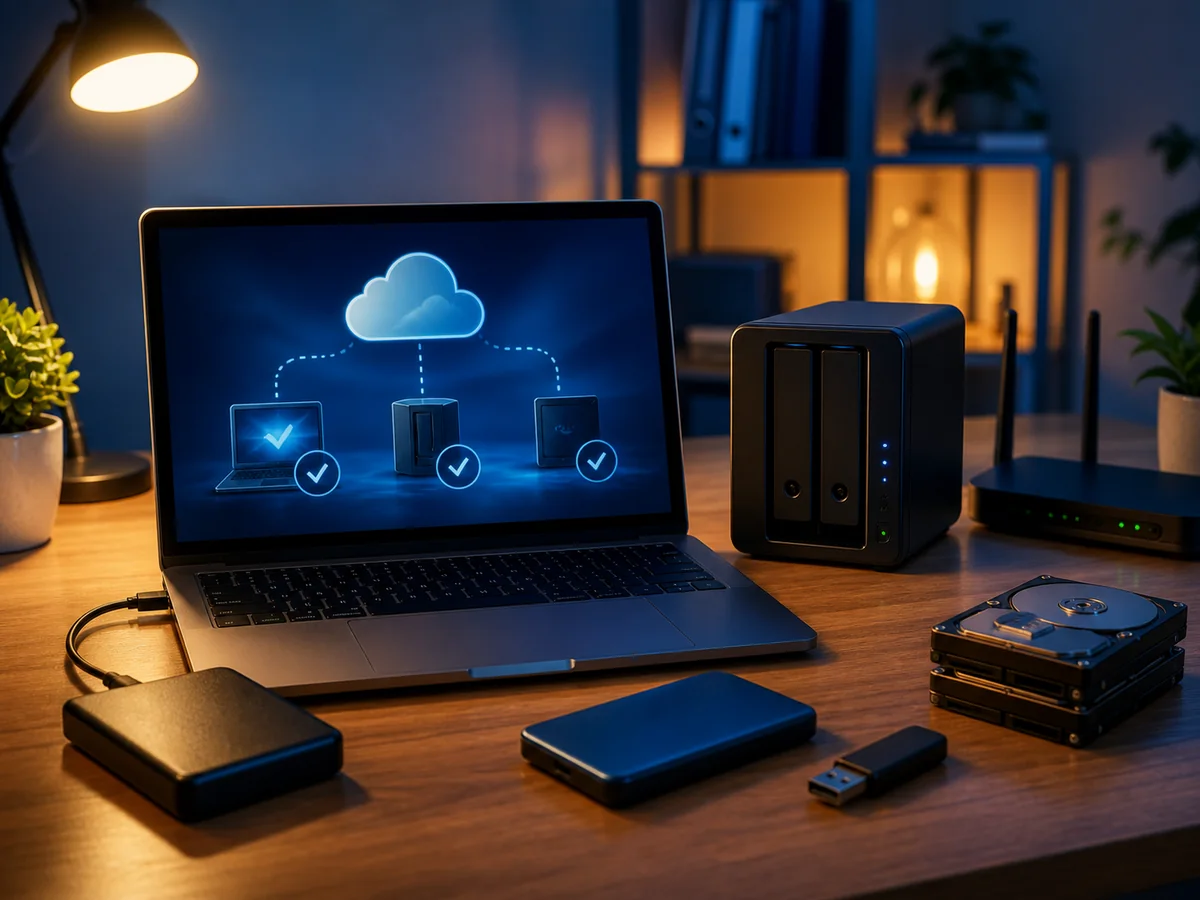
Backing up data at home: a laptop, an external drive, a NAS and other media for automatic backup copies
18
years in business
95 %
success rate, faulty HDDs
18 +
media categories
Brno
own laboratory
  • Free diagnostics
    We find the fault at no charge
  • Repair in 2–5 days
    Standard turnaround
  • 12-month warranty
    On work performed
  • In person in Brno
    Viniční 3587/216
  • 18 years of experience
    Since 2008

Data backup is performed as a preventive measure against data loss, destruction, or corruption — and is strongly recommended before reinstalling an operating system. Backup copies of your files are stored outside your PC or laptop, where they remain available in the event of a failure.

Why back up

  • Disk failure — both HDDs and SSDs fail. The question is when, not if.
  • User error — you delete a file, overwrite it with another, or format a disk
  • Ransomware — file encryption within minutes
  • Theft or loss — stolen laptop, forgotten USB drive
  • Fire, water — physical destruction of the device

Without a backup, your data is at risk every day.

Backup options

External HDD/SSD

  • Purchase a 1–4 TB drive for a couple of thousand crowns
  • Connect via USB, set up automatic backup (Windows Backup, macOS Time Machine, or a more advanced tool)
  • Disconnect after backup — prevents ransomware infection

NAS (Network Attached Storage)

  • Synology, QNAP, WD My Cloud, Asustor
  • Built-in RAID protection (1/5/6)
  • Access over the network, often remotely (via cloud)
  • Suitable for both home and small business use

Cloud storage

  • OneDrive, Google Drive, Dropbox, iCloud, pCloud
  • Off-site backup — protects against physical loss of your home/office
  • Monthly subscription, but data syncs up and down automatically

Network server

  • Home NAS or business server
  • Windows Server Backup, EaseUS Todo Backup, Veeam, Bacula
  • Centralised management, scheduled full + incremental backups

Tape drives (LTO)

  • Long-term enterprise archiving
  • Ransomware-resistant (offline)
  • Suitable for large companies

The 3-2-1 rule

Best practice for critical data:

  • 3 copies of your data (original + 2 backups)
  • 2 different media (e.g. internal disk + NAS or cloud)
  • 1 copy off-site (outside your physical location) — cloud, another branch, bank safe deposit box

We perform data backup to

  • CD/DVD (smaller volumes)
  • External hard drive
  • Another PC on the network
  • Server (local or cloud-based)
  • Other media according to your requirements

Automatic backup setup

We come to you, assess your situation (how much data you have, where it resides, what the priorities are), and:

  1. Agree on a strategy (which files to back up, where, how often)
  2. Configure the tool — Windows Backup / macOS Time Machine / EaseUS / Synology Hyper Backup
  3. Backup schedule — full + incremental (daily / weekly / monthly)
  4. Test the restore — a backup you haven’t tested restoring is false peace of mind
  5. Monitoring — set up email notifications for both successful and failed backups

For businesses — server backup

We offer advanced solutions for businesses — see IT for Business — Backup:

  • EaseUS Todo Backup Server/Advanced Server
  • Veeam Backup & Replication
  • Windows Server Backup / NTBackup
  • Hybrid strategy (local + cloud)
  • Bare-metal recovery, BMR recovery

Want your data professionally secured? Have questions? Contact us · +420 775 556 063

FAQ

Frequently asked questions

How much does diagnosing a computer or laptop cost?
Diagnostics at our premises is free if the repair goes ahead — we look at the device, tell you what is wrong, and propose a repair with a fixed price agreed up front. We only start work once you approve it. If you eventually collect the device without ordering the repair, we charge for diagnostics per our [price list](/en/pc-laptop-service-brno/pricing/): small electronics 188 CZK, PC / laptop / hard-drive faults from 588 CZK, phones 1,000 CZK (all incl. VAT).
How long does a laptop or PC repair take?
Standard servicing (SSD replacement, adding RAM, cleaning fans, reinstalling the system) is done within 1–3 working days. More complex repairs (motherboard replacement, BGA soldering, power-jack repair) take 3–10 days. If you are in a hurry, we can arrange an express turnaround.
Do you reinstall Windows and move the data across?
Yes, this is one of the most common jobs. Before reinstalling we back up your data (documents, photos, e-mail profiles, browser bookmarks), perform a clean install of Windows 10 or 11, install drivers and basic software, and put your data back. The whole job usually takes one working day.
What if my PC won't start and I have important data on it?
First, switch the computer off and do not try to boot it again — if the cause is the drive, every further power-on can damage the data. Bring it to us and we will diagnose whether it is a system issue (servicing is enough) or a hardware drive fault (in which case we continue with data recovery in our lab).
Do you also remove viruses and malware?
Yes. We run a full scan, remove ransomware, adware and trojans, and set up protection for the future (Windows Defender configured correctly, or a third-party antivirus to your preference). If you have had a recent incident, we will also recommend changing passwords and reviewing your bank transactions.
Can you upgrade RAM and the SSD even in newer laptops?
Yes. In most business laptops (ThinkPad, Dell Latitude, HP EliteBook) the memory slot and the M.2 socket are serviceable. In ultrabooks the RAM is sometimes soldered directly to the board — in that case an upgrade is not possible and we will advise what can be done (typically a larger SSD plus a different system configuration).
What about the warranty on the repair?
We provide a 24-month warranty on the service work and 24 months on spare parts. If the same fault reappears, we repair it free of charge. The exception is physical damage (a drop, liquid spill) or a fault in a different part of the device.
Do you repair Apple MacBooks too?
Yes — on MacBooks we mainly handle software issues (macOS reinstall, data migration, cleaning), SSD replacement on older models, dust removal and battery replacement. We do not solder T2/M1/M2 chips — for that you need an authorised Apple service centre.
Call Contact