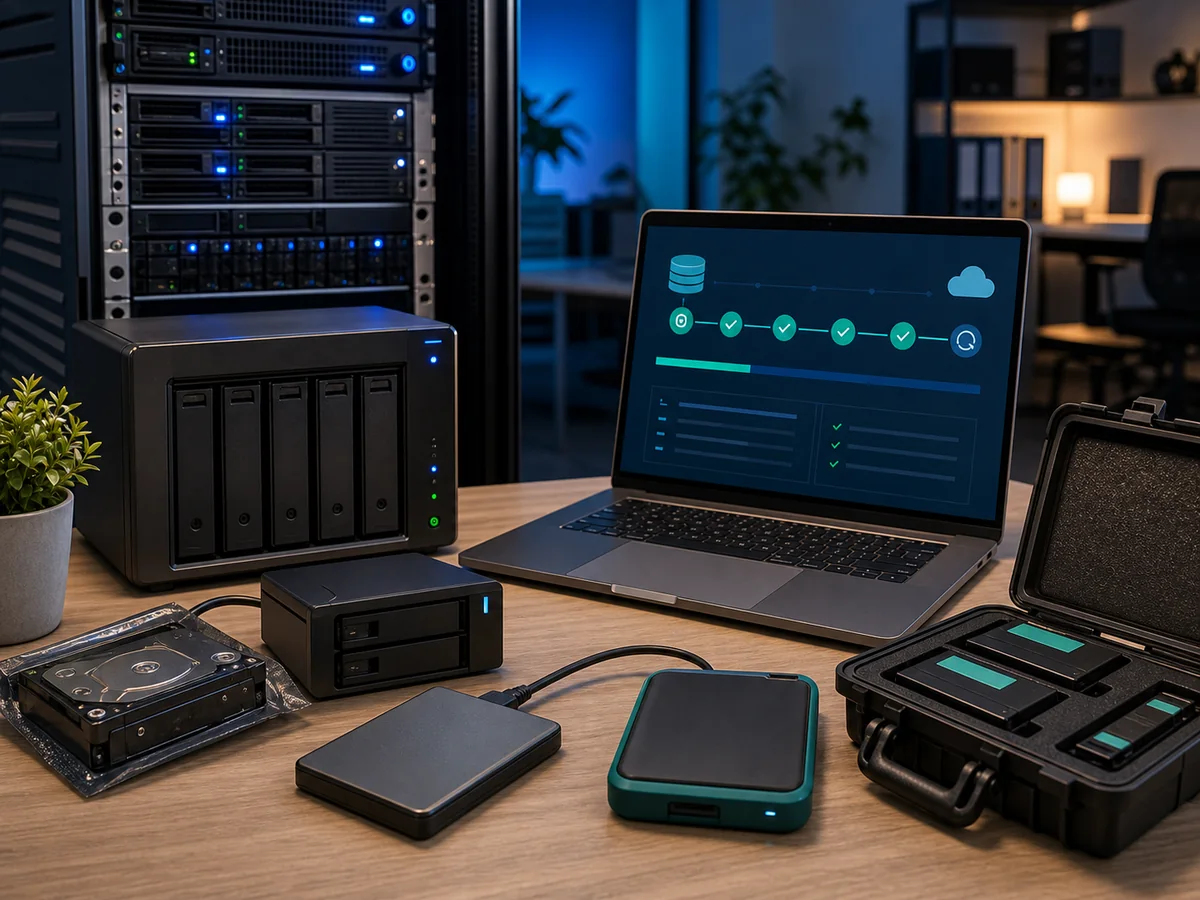
Are you interested in reliable and efficient data backup? One of our proven tools is EaseUS Todo Backup — we have excellent experience with it and gladly recommend it as a key complement to built-in backup capabilities.
Although Windows Server includes NTBackup or Windows Server Backup by default, these integrated options may not always be ideal for comprehensive protection — and that is precisely where EaseUS Todo Backup excels.
Why we are enthusiastic about EaseUS Todo Backup
- Comprehensive server and database backup — disk backups, system images, file, Outlook, SQL, and Exchange backups. All from a single tool (EaseUS — Todo Backup Advanced Server)
- Fast and smart backups — full, incremental, and differential backup with automated scheduling and deduplication
- Bare-metal recovery and dissimilar hardware — rapid recovery to the same or different hardware via rescue media using the BMR feature
- Broad storage support — local (disk, USB, NAS), FTP, cloud storage (OneDrive, Google Drive, Dropbox)
- Intuitive interface — clear backup progress monitoring, image mounting as a virtual disk, email notifications, PXE server, centralised management
- Security and flexibility — strong AES encryption, password protection, server-performance-friendly (lag-free)
- Excellent price/performance ratio — more affordable than competing solutions with similar features
How to use EaseUS Todo Backup in your environment
- Scheduled backups — full + incremental/differential on a daily and weekly basis
- Hybrid backup — combine local (NAS, disk) with cloud targets, fulfilling the 3-2-1 rule
- Disaster preparedness — bootable WinPE USB drive for fast recovery
- Image verification and mounting — browse and restore files without a full restore
- Recovery to different hardware — BMR recovery for migrating a server to new hardware or into a VM environment
Summary of EaseUS benefits for businesses
By adding EaseUS Todo Backup to your toolkit you gain:
- A proven and fast tool
- Complete protection of server and database environments
- Automated and flexible backup plans
- Secure encrypted storage to various targets
- Reliable rapid recovery even when hardware changes
We know how to do it
We perform backups according to a predefined schedule and regularly verify the process. This prevents data loss both from hardware failure and accidental deletion.
Backup targets include:
- Network storage (shared drives, SMB/NFS)
- External disks (RDX, USB HDD, removable NAS drives)
- Optical media (long-term record archiving)
- Tape drives (LTO for enterprise offline archive)
- Cloud (Azure Backup, AWS S3, Backblaze B2, OneDrive Business)
Enterprise alternatives
- Veeam Backup & Replication — the standard for VM environments (VMware, Hyper-V)
- Veeam for Microsoft 365 — backup for Exchange Online, SharePoint, OneDrive, Teams
- Acronis Cyber Protect — backup + anti-ransomware, centralised management
- Bacula — open-source enterprise backup
We will help you choose according to your infrastructure and budget.
Comparison: Windows Server Backup vs. EaseUS Todo Backup vs. Veeam
| Capability | Windows Server Backup | EaseUS Todo Backup | Veeam Backup & Replication |
|---|---|---|---|
| Disk and system images | yes | yes | yes |
| Incremental and differential | partially | yes | yes |
| Deduplication | no | yes | yes (strong) |
| SQL / Exchange granular recovery | no | yes | yes |
| M365 / SharePoint / Teams | no | limited | yes (separate product) |
| VM-consistent backups (VMware, Hyper-V) | no | limited | yes (CBT) |
| Bare-metal recovery to different HW | limited | yes | yes |
| Immutable backups / object lock | no | no | yes |
| Cloud target (Azure, S3) | no | yes | yes |
| Ransomware detection | no | limited | yes (SureBackup) |
| Suitable for | single Windows Server | small and medium businesses | medium and enterprise VM environments |
Recommendations by company size
- Up to 5 servers without VMs: EaseUS Todo Backup Server + cloud target (Wasabi, Backblaze B2) — the most cost-effective combination.
- 5–50 VMs (VMware/Hyper-V): Veeam Backup & Replication — a standard that auditors will appreciate.
- Microsoft 365 (Exchange, SharePoint, OneDrive, Teams): a dedicated tool — Veeam for M365 or Altaro. Native M365 backup does not exist.
- Enterprise with compliance requirements: Veeam + object-lock cloud (immutable) + offline LTO tape archive.
Ransomware protection
Ransomware attacks targeting backups are common today. We recommend:
- Immutable backups — backups that cannot be altered or deleted for a defined period (3-2-1-1-0)
- Air-gapped copies — offline tapes, disconnected USB drives, off-site copies
- MFA on backup consoles and cloud accounts
- Dedicated account for the backup system (not an AD admin)
Do you want your data professionally secured? Contact us · +420 775 556 063
Related: Windows Server management · Regular maintenance