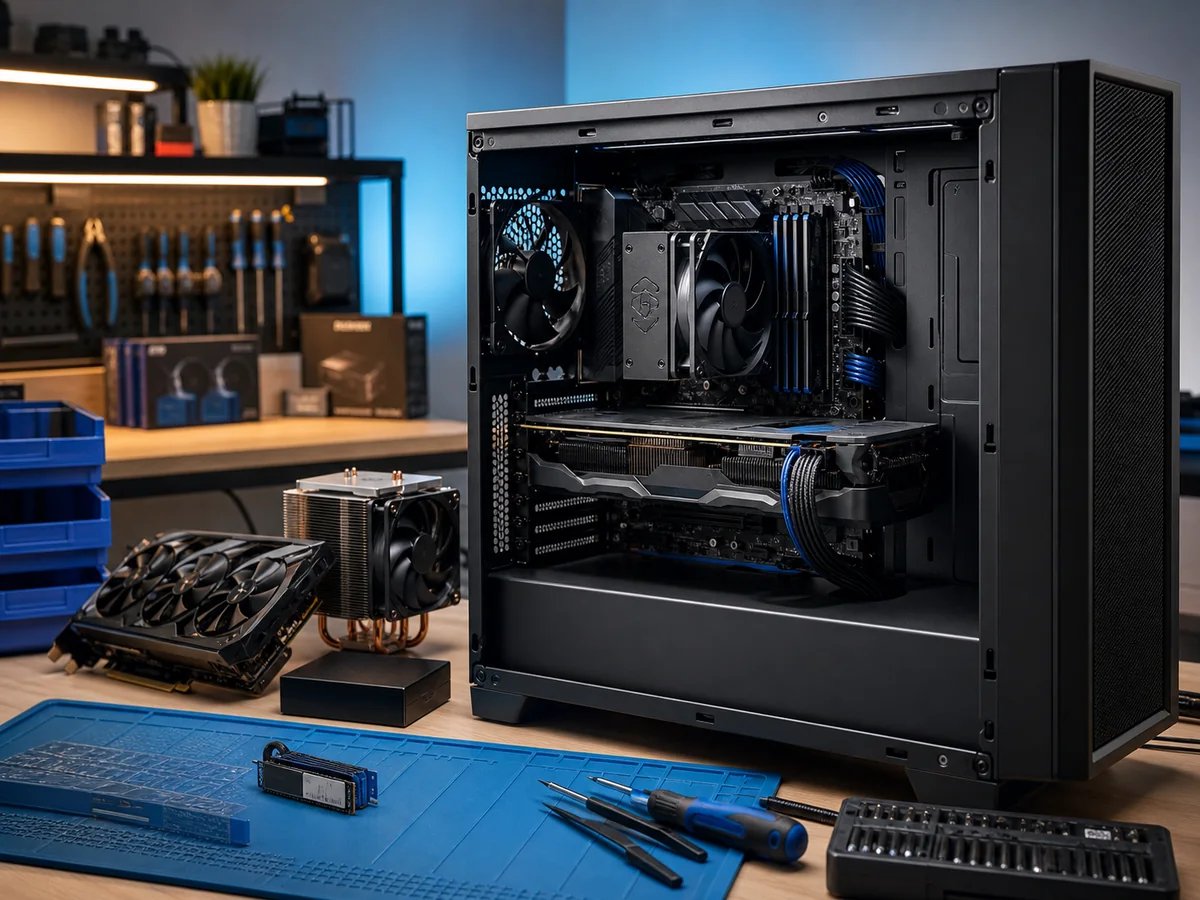
Generally speaking, you can get a more powerful desktop PC than a laptop for the same price. Unless you need a notebook for its portability and flexibility, a desktop PC is the better choice. However, mass-produced computers are rarely the best option for most users.
Disadvantages of mass-produced PCs
- Every customer uses their PC for different purposes and has different hardware requirements. Off-the-shelf PCs are not tailored to a specific user.
- With pre-built systems, you pay for components or software you won’t use. They often lack the components you would actually welcome.
- You usually cannot modify the build without voiding the warranty. The PC cannot be upgraded during the warranty period — this is a major drawback, especially for gamers who demand maximum performance.
- The customer is forced to choose between price and quality.
The solution — custom-built PCs
These drawbacks can be effectively eliminated by building a PC to your exact specifications. You can attempt to assemble the PC yourself, but you risk:
- Inefficient component selection (a weak GPU for your workflow, an oversized power supply, an unsuitable cooler)
- Hardware damage due to incorrect installation
- Permanent damage to the computer (e.g., inserting RAM backwards, burning out the CPU by not connecting the cooler)
Entrust your PC build to our technicians instead — we’ll help with component selection, assembly, and installation of all necessary drivers, programs, and applications.
Advantages of a custom-built PC
- The most up-to-date components — we select from the current market offerings. Demanding users can have the latest hot releases integrated into their builds, while price-conscious users benefit from the newest distributor discounts. You always get the best possible configuration in a given price range. If a component no longer meets your needs, you can simply replace it with a newer one without voiding the warranty.
- Optimised for specific use — PC builds are designed and optimised directly for your individual needs.
- Lower price compared to mass-produced PCs — you don’t pay for features you don’t need.
Typical configurations we work with
Office PC
- Office, internet, email, light photo editing
- Intel Core i3/i5, AMD Ryzen 5
- 16 GB RAM, 500 GB NVMe SSD
- Integrated graphics or low-profile GPU
Creative PC (photo/video/3D)
- Intel Core i7/i9, AMD Ryzen 7/9
- 32–64 GB RAM
- 1 TB NVMe SSD + 2–8 TB HDD/NVMe
- NVIDIA RTX 4070/4080, AMD RX 7800/7900
- Large monitor (27”+, 4K or ultrawide)
Gaming PC
- Ryzen 7 / Core i7
- 32 GB RAM, high frequency
- NVIDIA RTX 4070/4080/4090 or AMD RX 7900
- Quiet high-performance cooler, quality power supply (80+ Gold)
- Fast NVMe SSD for game load times
Server or workstation
- Xeon W / Threadripper Pro
- 64–256 GB ECC RAM
- NVMe RAID, enterprise HDD for archiving
- NVIDIA RTX A-series or Quadro RTX
Our process
- Consultation — tell us what you’ll be using the PC for and your target budget
- Configuration proposal — we’ll present 2–3 options with different price/performance ratios
- Approval and ordering of components
- Assembly in our lab, OS installation, drivers, essential software
- Testing — CPU/GPU/RAM stress tests, boot stability, cooling
- Handover with invoice, warranty, and a checklist
Interested in this service? Contact us · +420 775 556 063 — describe what you’ll be using the PC for.