A drive starts clicking and panic lights up in your head. A clear, rhythmic „click-click-click" every two seconds, and behind it could be your holiday photos, your thesis or ten years of family memories. That sound is almost always the same diagnosis — the heads cannot find their track and are tapping against the platter. And every further power-on makes it worse.
This article comes from our lab in Brno. Five steps you should take right away. And one specific case that shows why time really matters.
How a clicking drive sounds
Here is one sample from our lab, just to be sure. A real Western Digital WD20SDRW-34VUUS0 2 TB with a mechanical head fault. If your drive makes a similar sound, you are almost certainly in the same situation.
A steady rhythm, a repeating cycle, no fan-like noise. Those are heads trying to park on the ramp, failing, and repeating the attempt over and over.
1. Disconnect the power immediately
Switch the computer off with the button, or pull the power cable straight out of the wall if the situation looks critical. For an external drive, unplug the USB. Do not power it on again.
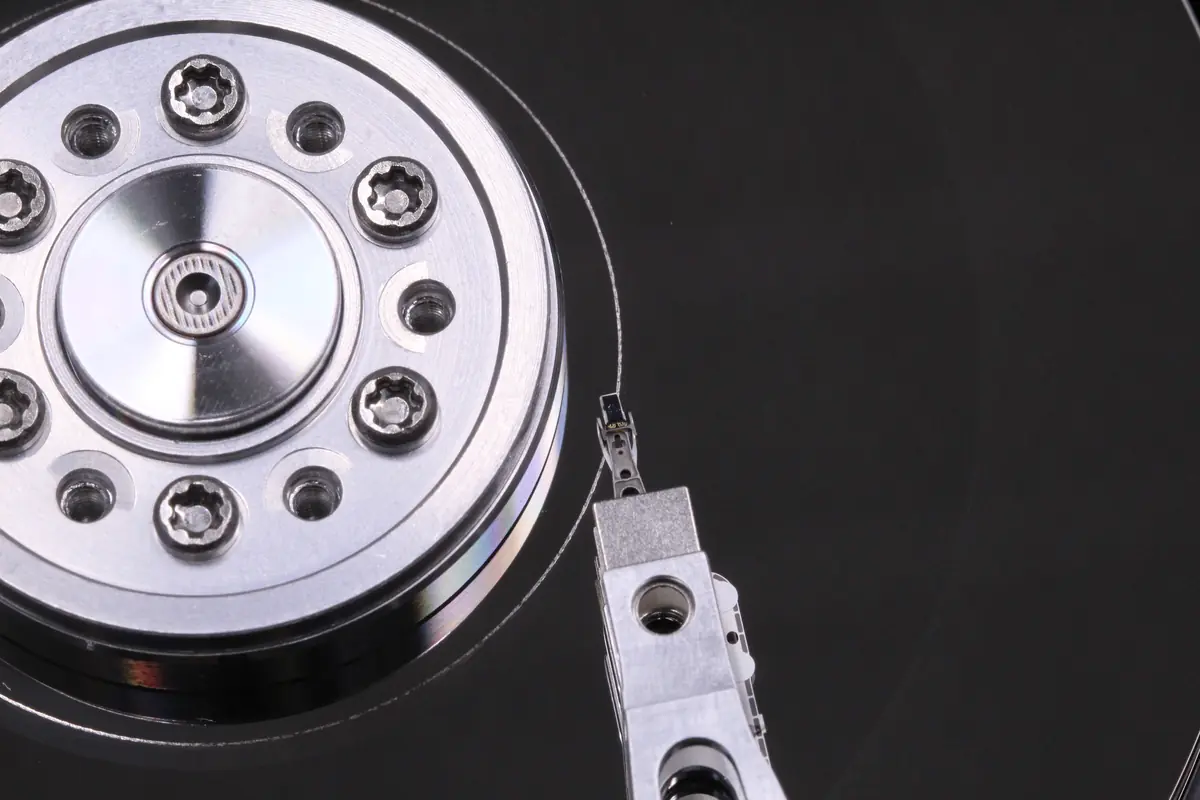
Why so strictly. When a head is not properly aligned, it taps against the surface every time the platter spins up. Vibration, shocks and small amounts of material start to settle inside the drive like dust. That dust then scratches more tracks. Within a few dozen power-ons, a local problem turns into wholesale destruction.
2. Do not try to „fix" anything
The internet is full of advice that is mostly either ineffective or actively harmful:
- The freezer → water condensation inside the drive after you take it out, a conductive contact on the electronics, a short circuit. The myth comes from a different fault (thermal dropouts of chips on the PCB); it does nothing for a mechanical head fault.
- Tapping or a „light knock" → more damage to the heads, a risk of tearing the slider off entirely.
- „Let it cool down overnight" → it does not help. The mechanics are not temperature-dependent.
- Opening the drive to take a look → the moment the lid comes off, the platters are contaminated with dust from the room. Recovery becomes more expensive and less likely.
If for some reason you have to connect the drive one more time (for example to make an emergency copy of a critical file), connect it through a hardware write blocker, make the copy sector by sector, and disconnect immediately after the first click. But this is not a recommendation — it is a „no other choice" measure.
3. No recovery software
Recuva, TestDisk, PhotoRec, R-Studio — all excellent tools for logical errors (a deleted partition, formatting, a corrupted file system). On a mechanically faulty drive, however, they are useless. Software cannot help the heads read a sector; it only accesses the drive repeatedly, which keeps the heads tapping.
When a drive clicks, it is not a software problem. It is physics. And no .exe in Windows will fix physics.
4. Pack the drive safely
If you are sending the drive (by courier, by post) or bringing it to us:
- The original box of the drive if you still have it, otherwise an antistatic bag.
- Bubble wrap at least 5 cm on all sides, not a single paper wrapper.
- A sturdy carton, not a thin envelope, not the courier’s plastic sleeve.
- A „FRAGILE" label and tell the courier verbally as well.
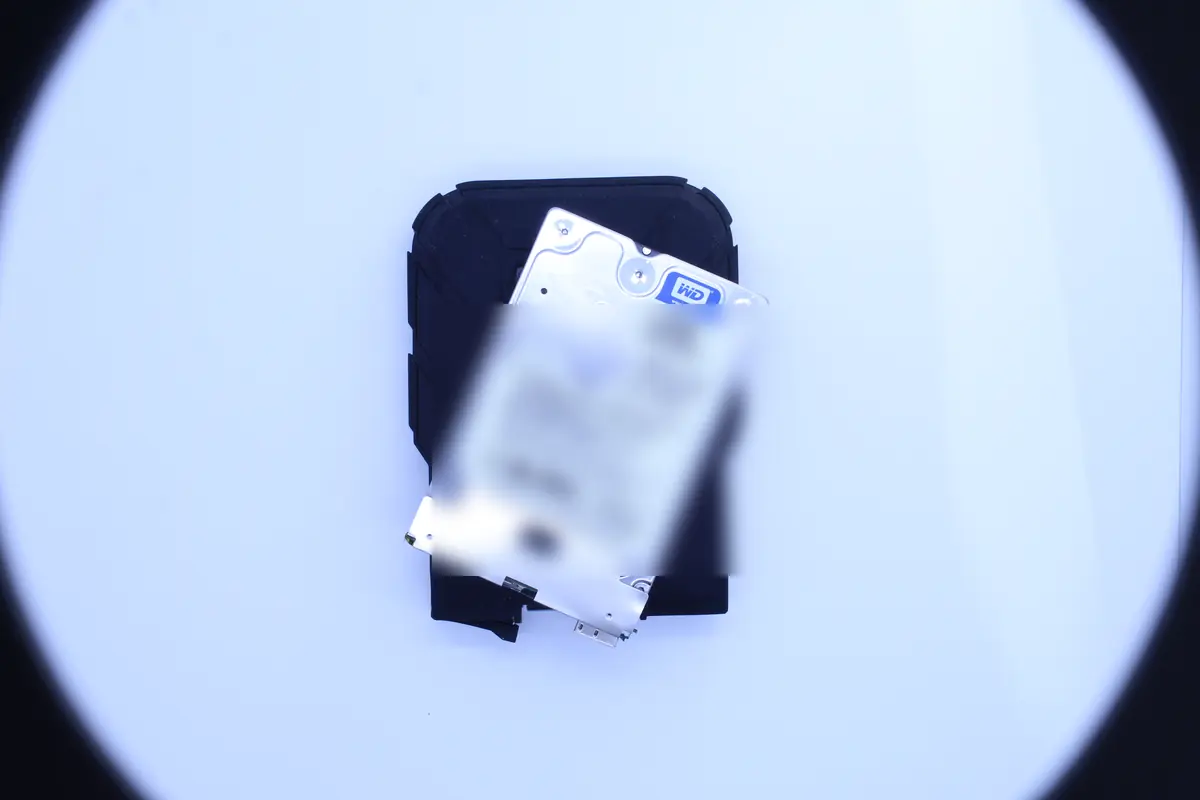
For an external drive with its own enclosure: if you feel up to it, unscrew the bare drive from the USB box (4–6 screws on the underside) and send just that. If not, send the whole drive without the power adapter — there is no need to send the adapter and it only slides around in the parcel.
5. Contact a lab with experience
Recovery from a mechanically faulty drive is not a cheap process, and it is not something that can be done at home. It requires:
- A cleanroom or a laminar-flow box with HEPA filtration. A single dust particle a few microns in size that sticks to the platter will wipe out a track at the very next rotation.
- A donor drive of the same model, the same firmware revision and a similar age. Not every „same model" fits — head-stacks changed over the course of production.
- Hardware for controlled reading such as PC-3000 or DeepSpar. It can read sector by sector, isolate weak heads and read a faulty drive in a way that avoids further destruction.
- Experience. Opening a drive is a one-way process. There is no second chance.
Call +420 775 556 063 or bring/send it to the address:
ITHOPE s.r.o. Viniční 3587/216 615 00 Brno-Židenice Open Mon–Fri 10:00–16:00
Initial HDD and SSD diagnostics are free — we find out what can be recovered and quote the price in advance; only then do you decide. In non-standard cases (the drive was opened by another service, overwriting/formatting, complex analysis) diagnostics cost 1 210 Kč including VAT (1 000 Kč excluding VAT) — we will tell you in advance. Within 24 hours we have a clear verdict and a price estimate. We never start the actual recovery without a verdict.
How it turned out with that particular drive
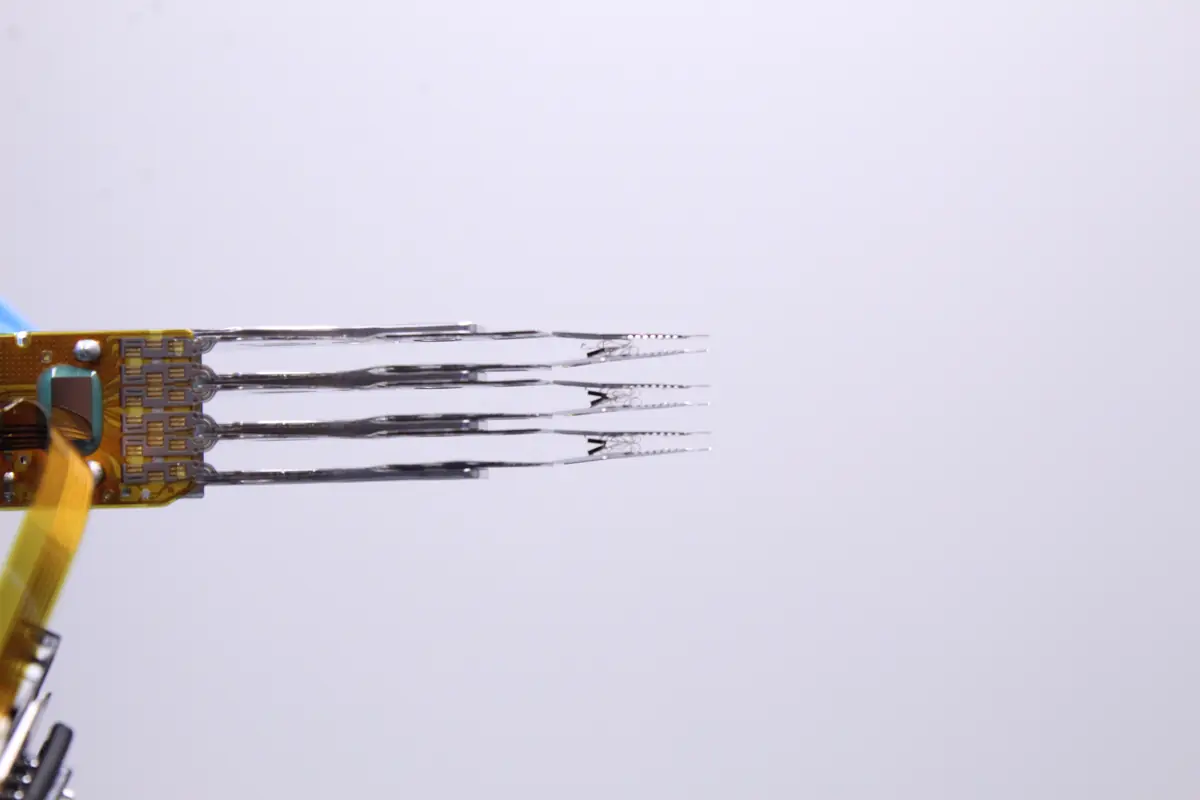
Let us go back to the drive in the opening photo. The client brought in an external HDD in August 2024. The drive had started clicking two weeks earlier. The client powered it on every day, waited a few minutes, switched it off, tried again. When that stopped making sense, he opened it at home with a screwdriver outside any dust-free environment — he wanted to see what was inside.
Condition on arrival:
- Complete destruction of the head-stack — sliders torn off, suspension bent on some of the arms (see the hero photo).
- Platters heavily contaminated with dust from being opened in the living room.
- Sharpened platter edges in the parking area — traces of repeated clicking.
The recovery went through. It took two weeks, a cleanroom, four attempts to match a donor head-stack and a lot of patience reading the weak sectors. The price was 13 400 Kč. The client got his data back.
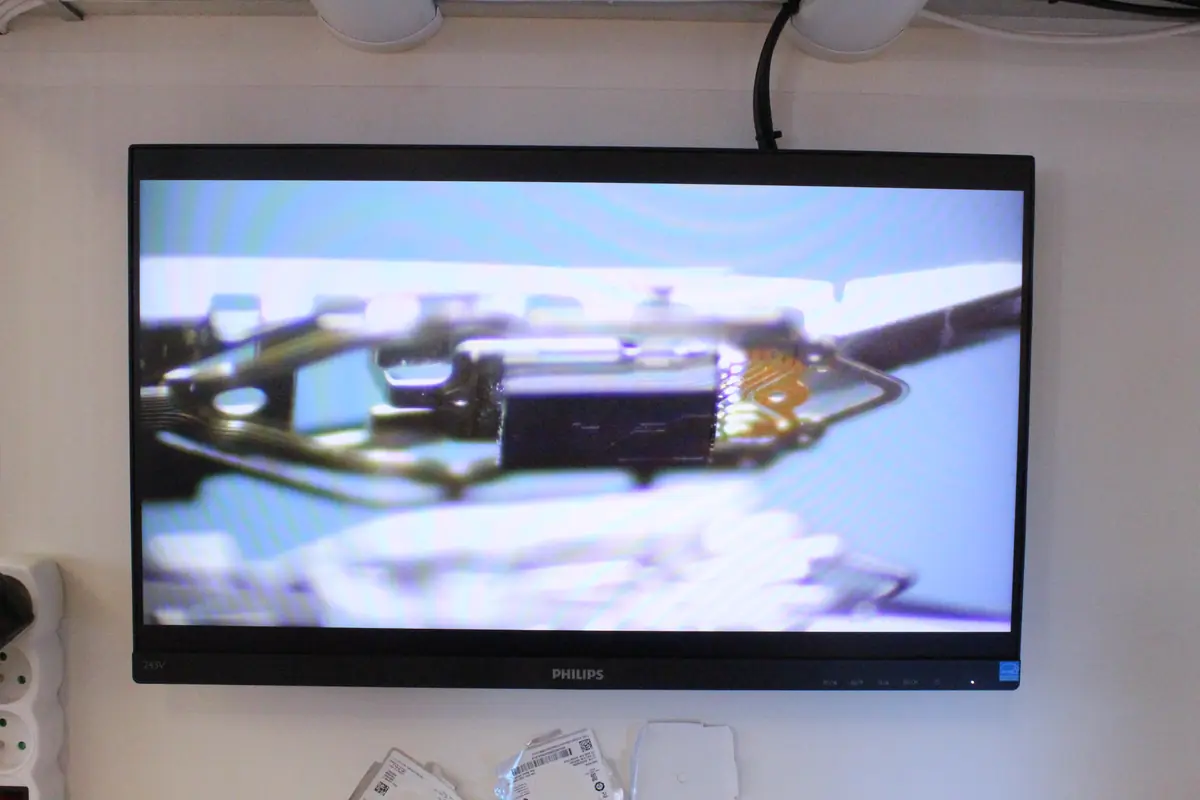
The point: had the drive not been opened at home, the recovery would have cost roughly half and taken 4–5 days instead of two weeks. Clicking on its own is manageable. Clicking plus living-room dust is a different league.
Quick FAQ
What if I have already plugged it in ten times today? The risk of damage is higher, but it is still worth trying. The sooner you stop, the better the result. It is not „ten power-ons and that is it" — it is a logarithm, where each further power-on adds a small amount of damage.
How do I tell whether it really is clicking? A steady, rhythmic click-click-click every one to three seconds, coming straight from the drive. Not the noise of fans (continuous), not a BIOS beep (short, a few beeps, then silence). On external drives, put your ear right against the body of the drive.
Is it really that serious, or will it sort itself out? With a mechanically faulty HDD it never sorts itself out. Clicking is a symptom that worsens under load. SSDs and USB flash drives have no moving parts — if an SSD is „clicking", it is most likely a power problem or a controller fault, not the mechanics.
Can I do the recovery at home myself? No, not if the drive holds data that matters. Home „diagnostics" by opening the drive in an ordinary room means contamination that the lab then has to deal with by cleaning — and that makes the recovery more expensive and lowers the odds.
Is your drive clicking right now? Do not plug it in again. Call us or send an enquiry — initial HDD and SSD diagnostics free, a clear verdict within 24 hours.
Where to find us
ITHOPE is a company based in Brno, Czechia: we do data recovery from disks, RAID and NAS, PC and laptop service and IT for business, all in our own lab at Viniční 3587/216, 615 00 Brno.
Phone +420 775 556 063 (24/7 line). You can bring the device in person, or send it by courier (Zásilkovna, PPL).