The situation
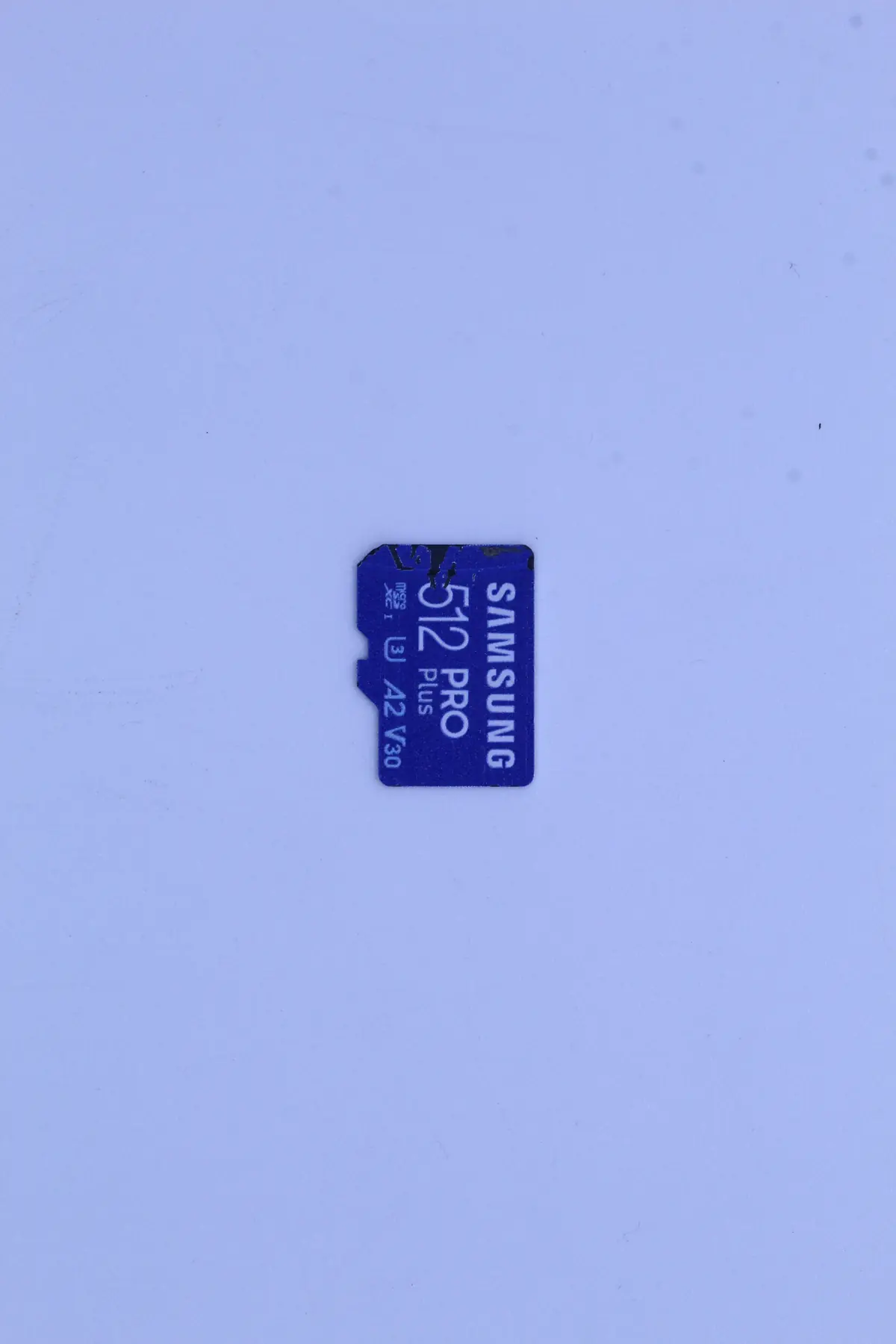
The client pulled a microSD card out of a camera. The card had jammed in the adapter and stayed inside slightly skewed. He removed it with tweezers. He didn’t notice that the tiny plastic corner cracked in the process.
He came back a month later. The camera no longer sees the card. On the computer it reports „The drive cannot be read". The card holds a holiday, photos from his daughter’s wedding and a year’s worth of photos of his grandchildren. He has had the card for 6 months, a Samsung Pro Plus 512 GB — a top-tier card of its day.
Diagnostics
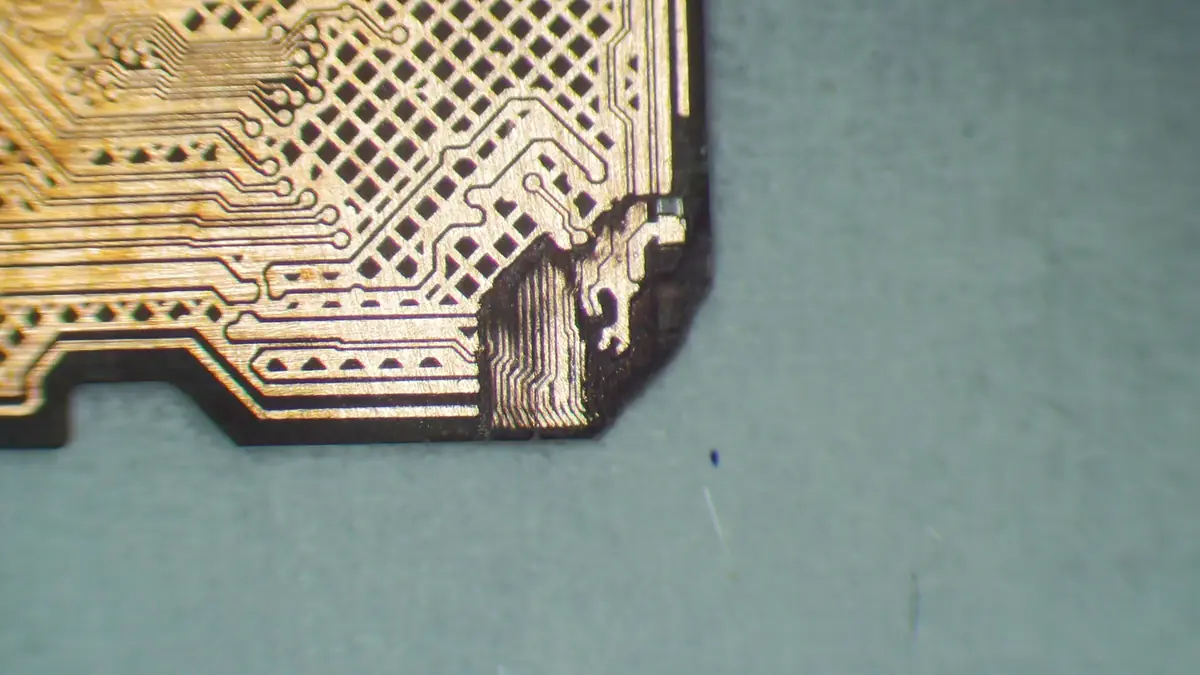
Under the microscope we saw the first problem immediately — microcracks running from the cracked corner across the substrate toward the memory chip. Several conductive traces were severed. The second problem was revealed by the PC3000 Flash — when we connected the card to an adapter through the measuring station, it showed overcurrent (draw well above spec). That means a short circuit somewhere inside the substrate.
Three scenarios: (1) a mechanical short between the power layer and the data layer of the PCB, (2) a damaged controller, (3) a damaged memory chip. Only scenario 3 risks actual data loss — the first two are a matter of micro-soldering and re-addressing.
An X-ray inspection showed an intact memory chip. Good news in theory. In practice it meant we would have to do a chip-off — lift the chip off the substrate, solder it externally and read it through the PC3000 Flash with the Samsung translator.
The solution
The work took two weeks. The most demanding part was the first stage — the chip-off itself.
- Week 1, days 1–3: Mechanical cleaning of the cracked corner, identification of every severed trace under the microscope. Decision in favor of chip-off (reading the microSD through an adapter was impossible because of the short circuit).
- Week 1, days 4–5: Desoldering the memory chip. MicroSD cards use BGA chips glued to the substrate — the thermal profile has to be precise, otherwise the microspheres under the chip are destroyed. Infrared soldering station with monitored temperature.
- Week 1, days 6–7: Reballing the chip — applying new tin microspheres to connect it to the read adapter. Under the microscope, manual work accurate to tenths of a millimeter.
- Week 2, days 8–10: Reading the chip through the PC3000 Flash Reader. Extraction of the raw data of the memory array without interpretation.
- Week 2, days 11–13: Reconstruction of the FTL (Flash Translation Layer) from the dump. Samsung uses a proprietary wear-leveling algorithm. Using their translator we obtained the logical blocks.
- Week 2, day 14: Parsing the file system (exFAT), exporting the files, checking the integrity of the JPG headers. 76 % of the files recovered without errors. 14 % with partial damage (missing end of the JPG — it will display, but no quality preview). 10 % lost (blocks that could not be read).
The outcome
- 76 % of the data recovered (roughly 312 GB out of 410 GB of used capacity)
- 14 days in total
- The client picked out the most important photos — the daughter’s wedding complete, the holiday at 90 %, photos of the grandchildren missing about 8 months (that was in the most damaged part of the memory).
- He took the data away on two microSD cards plus a backup to the cloud.
Lessons learned
MicroSD cards are the physically most fragile storage you use. They are 1 mm thin, the chip sits on the substrate just a millimeter below the surface. Press the tip of the little card wrong with a finger and it cracks. It must not jam in the adapter. It must not be pried mechanically in the phone.
Our recommendation:
- Copy photos from the camera to the computer right after you get back from an event. Not „when I have time" — straight away.
- Use cards as a transport medium, not as an archive. 5 years on the shelf = a very real chance they will no longer be readable.
- Take two cards on holiday — one in use, the other as a backup in a separate bag.
What to watch out for
If the card jams in the adapter, don’t pry it out with tweezers or a screwdriver. The right procedure: turn the adapter upside down and the card usually falls out on its own by gravity. If it doesn’t, carefully break the adapter open — a 400 Kč card is worth more than a damaged 30 Kč plastic adapter.
Have a similar case? Memory card recovery enquiry · +420 775 556 063