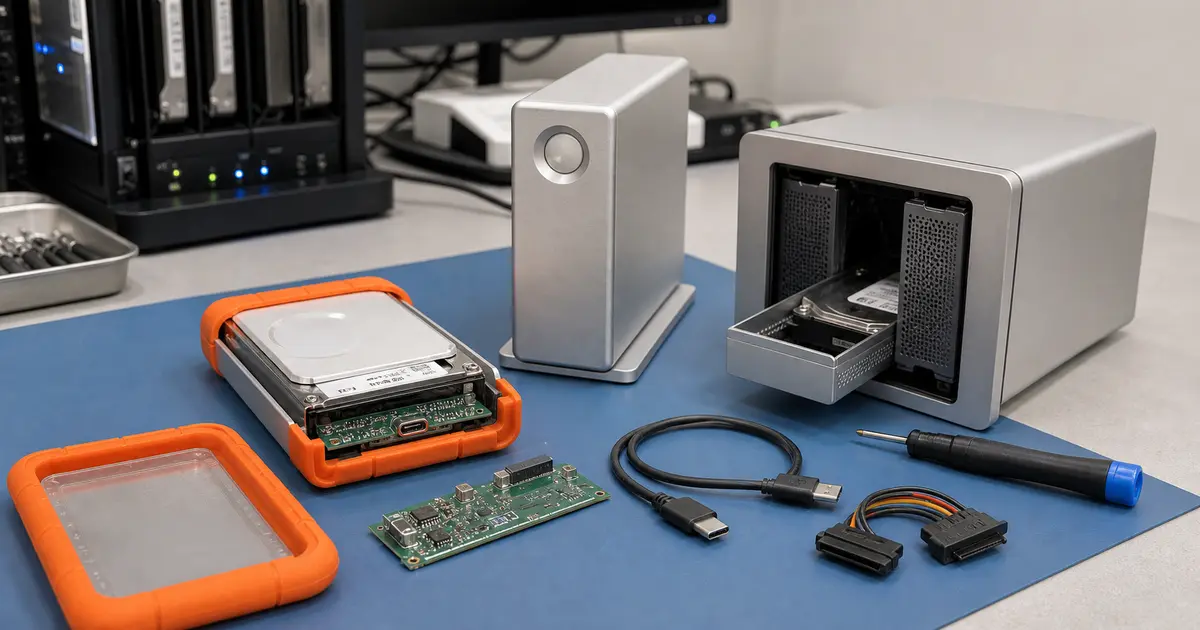
Immediate answer: If the disk clicks or screeches after a fall, disconnect it immediately and do not power it on — every rotation of the platters reduces the chance of recovery. If the disk appears as empty or offers initialization, never confirm it, otherwise you will overwrite the file structure. For encrypted LaCie models (Rugged Secure, older Porsche Design), keep the entire enclosure including the electronics — without the original chip, data cannot be decrypted. Multi-disk boxes LaCie 2big, 5big and 6big contain a RAID array — do not initiate automatic rebuild. For selected HDDs and RAID arrays, the first indicative diagnostic in our Brno-Židenice laboratory is normally free.
Why LaCie disk data recovery is so specific
The LaCie brand is favoured mainly by photographers, cameramen and graphic studios. Inside the orange rubber bumpers of Rugged models or the massive aluminium blocks of the d2 Professional often lies the only copy of an archive of wedding shoots, short films or custom graphics. LaCie is a premium brand owned by Seagate, so inside the elegant enclosures beat the hearts of standard Seagate mechanisms — and these are subject to the same physical laws as any other hard drive. A fall from height, overheating or a power surge is just as fatal for them as for disks without a designer casing.
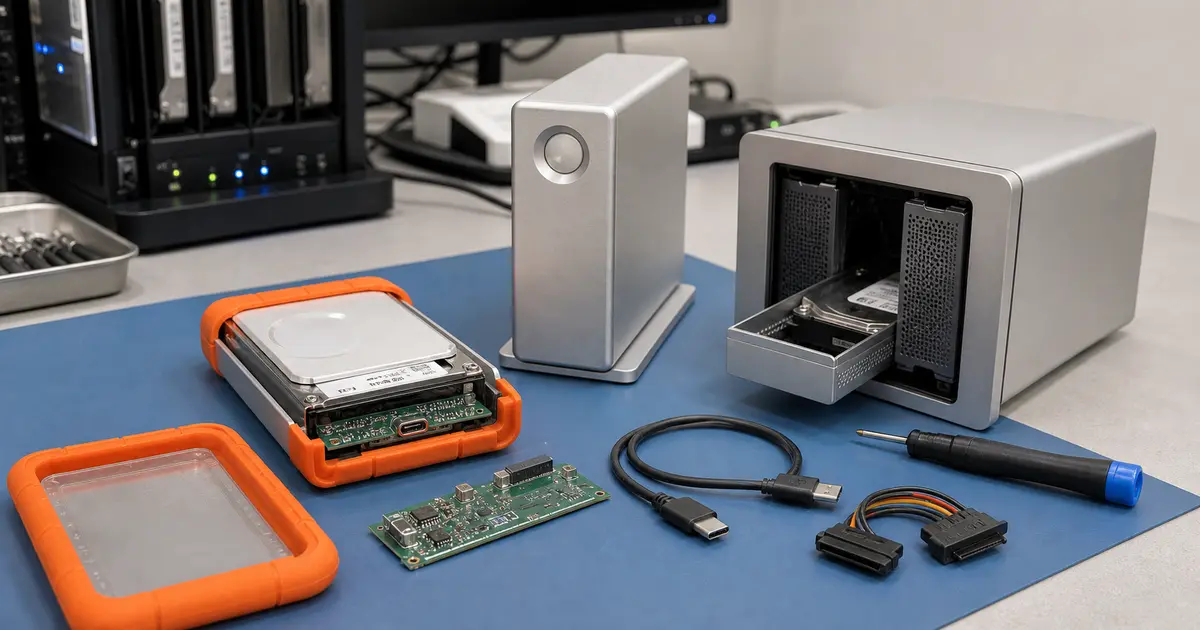
LaCie disk data recovery requires a specific approach, because the failure may not only lie in the drive mechanism itself. The USB-C/Thunderbolt bridge board, which serves as the interface between the disk and the computer, fails very often. Moreover, in encrypted models, this chip acts as a hardware key — if it burns out, the data remains encrypted, even if the mechanism is physically intact. Therefore, at ITHOPE, we perceive every LaCie disk as a system of three components: the drive mechanism, the bridge electronics and the firmware layer. Let us look at the most common failure scenarios.
Most common LaCie disk faults by series
LaCie Rugged: the rubber bumper is not all-powerful
The Rugged series is built for the field, but the orange rubber shell mainly protects the edges of the enclosure, not the internal mechanism. During a fall onto a hard surface, the read/write heads inside the 2.5” drive can be damaged. Typical symptoms are clicking, screeching or repeated spinning up and stopping of the motor. The second common fault is a torn off or loosened connector directly on the enclosure board — you can recognise this by the disk showing no power indication at all after connection. The third scenario is a damaged bridge board, where the disk appears dead, although the mechanism inside is physically alive.
LaCie d2 / Porsche Design: the silent death of electronics
Desktop 3.5” models of the d2 Professional series and the older Porsche Design typically suffer from overheating during continuous operation — the aluminium body provides passive cooling, but without air circulation or with clogged ventilation holes, the internal temperature rises above safe limits. The second classic is a fault in the power circuit after a power surge or storm, where the disk does not start up at all after pressing the button. For models with hardware encryption (typically older Porsche Design), this applies doubly: if the bridge chip fails, you cannot retrieve data without the original board.
LaCie 2big / 5big / 6big: when one member of the RAID array fails
Multi-disk boxes LaCie 2big, 5big and 6big use RAID. The most common user mistake is initiating an automatic rebuild after replacing a faulty disk — the array is in a degraded state at that moment, the remaining disks are often at the end of their lifespan and an intensive rebuild finishes them off. The same rules apply here as for NAS devices: label the disks according to their slot order, do not power on the array and consult a laboratory. We remove all disks from the box, create their sector clones, and only then perform the RAID logic reconstruction on the clones. Details can be found on the RAID and NAS recovery page and in the article how to extract data from a NAS.
Enclosure vs. disk: why LaCie „cannot be read" even when the mechanism is alive
One of the most frequent questions from LaCie users is: „The disk doesn’t appear in the computer at all, but I can hear it spinning." This is exactly the situation when the bridge board has failed — the small printed circuit board that converts the SATA signal from the drive mechanism to USB-C or Thunderbolt. In the laboratory, we professionally remove the drive mechanism from the enclosure and connect it directly via specialised hardware. If the disk is intact, we read and export the data.
Beware of encrypted models! The LaCie Rugged Secure series and older Porsche Design with hardware encryption use the bridge chip as a cryptographic module. In the event of any enclosure fault — whether burnt-out electronics or a damaged connector — simply replacing the enclosure is not enough. Without the original bridge board, the data is mathematically unreadable. That is why we emphasise: do not throw anything away, even if the enclosure is physically destroyed or soaked. Bring or send everything — the drive mechanism, the enclosure, the electronics and the power adapter.
What you should NEVER do when a LaCie disk fails
- Do not repeatedly power on the disk after a fall. Clicking, screeching or grinding sounds mean mechanical contact of the heads with the platter surface. Every additional rotation can irreversibly destroy the data layer.
- Do not open the disk outside a cleanroom. Even a microscopic dust particle between the head and the platter acts like sandpaper.
- Do not initialise or format the disk. When Windows or macOS pretends the disk is empty and offers initialisation, do not click OK. You would damage file system structures that could otherwise be reconstructed.
- Do not initiate a RAID array rebuild. For 2big/5big/6big models, do not start a rebuild after replacing a faulty disk. A degraded array is fragile and a rebuild can break it definitively.
- Do not try „miracle" utilities on a physically faulty disk. Programmes promising repair work on a logical level, not a physical one. They only further torment a mechanically damaged disk.
- Do not throw anything away from encrypted models. The bridge board is the key to your data. Even seemingly dead electronics can often be repaired or the necessary parameters can be read from it.
How LaCie disk data recovery works in the laboratory
The data recovery procedure for a LaCie disk at ITHOPE is firmly established and follows the principle of risk minimisation:
- First indicative diagnostic normally free for selected HDDs and RAID arrays — we determine whether the fault is mechanical, electronic (bridge vs. motor), or logical. For RAID boxes, we analyse the state of all member disks.
- 1:1 sector clone — for mechanically damaged disks, cloning takes place after an intervention in a cleanroom (e.g., read/write head replacement). Even for electronic faults, we create an exact copy so that we no longer manipulate the original. A similar procedure is shown in our Western Digital recovery case study.
- Work exclusively on clones — we perform file system reconstruction, reading encrypted areas and assembling RAID logic only on copies.
- Data export — after successful reconstruction, we write data to a healthy medium.
- Verification and handover — we check the completeness and openability of key formats (RAW, ProRes, PSD) and only then hand over the data.
How much does data recovery from a LaCie disk cost
The price depends on the nature of the fault and the disk capacity. Electronic faults (bridge board, power circuit) tend to be more affordable, mechanical interventions in a cleanroom (head or motor replacement) require more demanding work and donor parts. The most complex are RAID array reconstructions from multi-disk boxes. An indicative range can be found in the data recovery price list.
For standard recovery, „no recovery, no fee" means no recovery charge without recovered data. The first indicative diagnostic is normally free for selected HDDs and RAID arrays; agreed paid work, notably targeted searches for or recovery of specifically requested deleted or other individual files, remains payable even without a result.
Frequently Asked Questions
LaCie Rugged fell on the ground and now clicks — is it the end? It is not, but disconnect the disk immediately and do not power it on further. Clicking is the sound of read/write heads that deformed upon impact and are touching the platters. In a cleanroom, we replace the head stack with an identical donor part and then sector-clone the data area. We consistently achieve a success rate of around 95%.
The disk appears as empty, or the system prompts me to format it — what now? Under no circumstances click „Format„ or „Initialise". Either logical damage to the partition table has occurred, or the drive mechanism is not reading the file system metadata. In both cases, disk cloning and software reconstruction are necessary — writing by formatting would irreversibly worsen the situation.
I have a LaCie with a password or encryption — can you recover the data? Yes, but only with the original bridge board of the enclosure and knowledge of the password. Hardware encryption is tied to the specific chip — without it, no one can decrypt the data. Therefore, always send the entire enclosure with the electronics, even if it is physically destroyed.
Do you have experience with multi-disk LaCie 2big and larger? Yes. We proceed according to strict RAID rules: label the disks, clone them individually and only then assemble the logical array on the clones. More on the methodology on the RAID and NAS data recovery page.
How can I safely send my LaCie disk by post? Pack the disk so that it does not move inside the box and has cushioning on all sides. The exact procedure with photographs is on the page how to send a hard drive. We accept orders from all over the Czech Republic by post or courier.
Do you have a LaCie disk that has stopped working? Do not wait and do not experiment. Call +420 775 556 063 (phone and WhatsApp) or write to zachranadat@ithope.cz. Stop by in person at our laboratory in Brno-Židenice, or send the disk from any corner of the country. The first indicative diagnostic is normally free for selected HDDs and RAID arrays; no standard recovery charge applies without a result.
Where to find us
ITHOPE is a company based in Brno, Czechia: we do data recovery from disks, RAID and NAS, PC and laptop service and IT for business, all in our own lab at Viniční 3587/216, 615 00 Brno.
Phone +420 775 556 063 (24/7 line). You can bring the device in person, or send it by courier (Zásilkovna, PPL).