You can find part one of this case study here.
Diagnosis
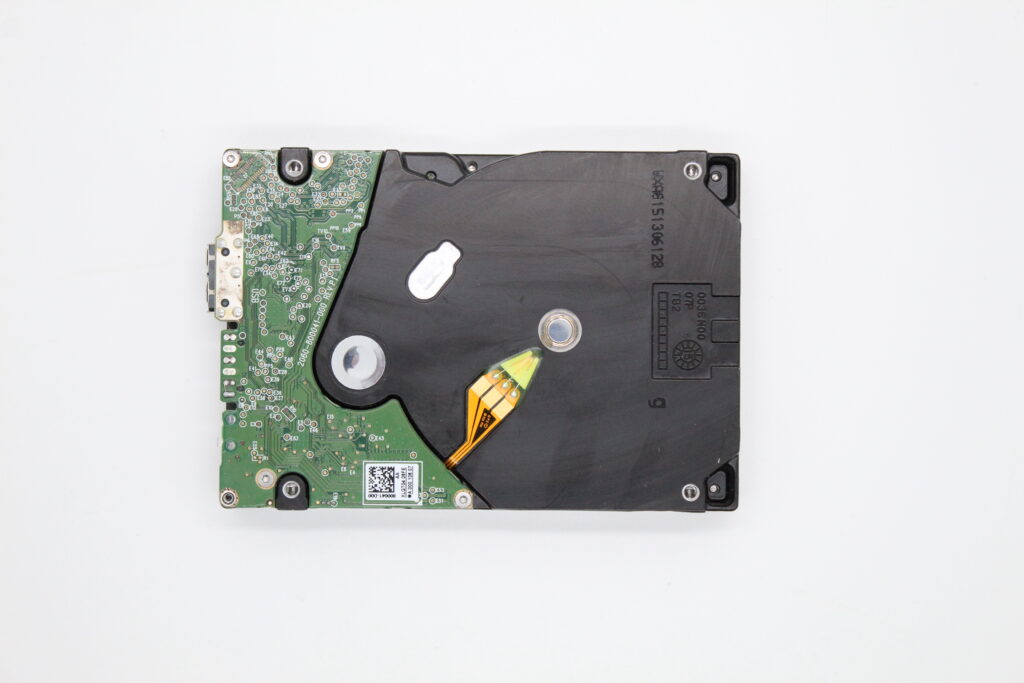
After carrying out a professional diagnosis of the external drive, our technicians identified a combined fault:
- Minor mechanical damage to the platter surfaces
- Corrupted firmware (the internal software in the drive’s service area)
We sent the client an email with the available solutions and a price quote. Because we always begin recovery work only after the client’s written (email) approval, we waited for their reply.
The recovery process
Once approved, we:
- Cloned the drive onto a healthy medium (DeepSpar), reading the surfaces carefully so as not to deepen the mechanical damage
- Reconstructed the firmware — the drive could not correctly initialize its own components, which is why it was initially invisible to the OS
- Extracted the data from the cloned bit images
- Provided the client with an online preview via our preview system — they could verify that the key photographs were there
Communication milestone — change of contact
After we sent the preview, the drive’s owner replied to us (not the original contact, who was in hospital). We agreed by email that:
- For the handover of the recovered data, the client would bring her own external drive
- We never write data back to the original medium (even if its condition allowed it) — this is a key safety rule
Handover
After the replacement medium was delivered to the lab:
- We wrote all the recovered data onto it
- Arranged payment and handover
- The client sent us her billing details by email
- We issued an invoice; once it was paid, she arranged a meeting at the office
Outcome
- More than 95% of folders and files in an undamaged state
- Key photographs recovered
- The customer was very satisfied — she pledged to recommend us and to write a review
Closing lesson
A combined fault (mechanics + firmware) is not rare — ordinary „software recovery programs" fail precisely here. If a drive does not appear in the OS and yet does not sound deeply damaged mechanically, a common cause is firmware corruption, which requires work in the service area (not with everyday tools).
Photos and Instagram
You can find photo documentation of similar interventions on our Instagram.
Have a similar problem? Request external drive recovery · +420 775 556 063