We would like to share with you the details of recovering data from a Western Digital external drive, the Elements series, which stopped working. For the protection of personal data (GDPR), we do not provide any details that could identify the customer.
First Contact
The client found our company on the Seznam.cz search engine and sent us a data recovery enquiry through our website using the enquiry form. Following our standard procedure, we then contacted him by email. We confirmed our laboratory’s opening hours and agreed that he would bring the drive in person.
Receiving the Drive
The client brought an external USB drive:
- Western Digital Elements
- Size 2.5”
- Model WD30NMRW
- Year of manufacture 2016
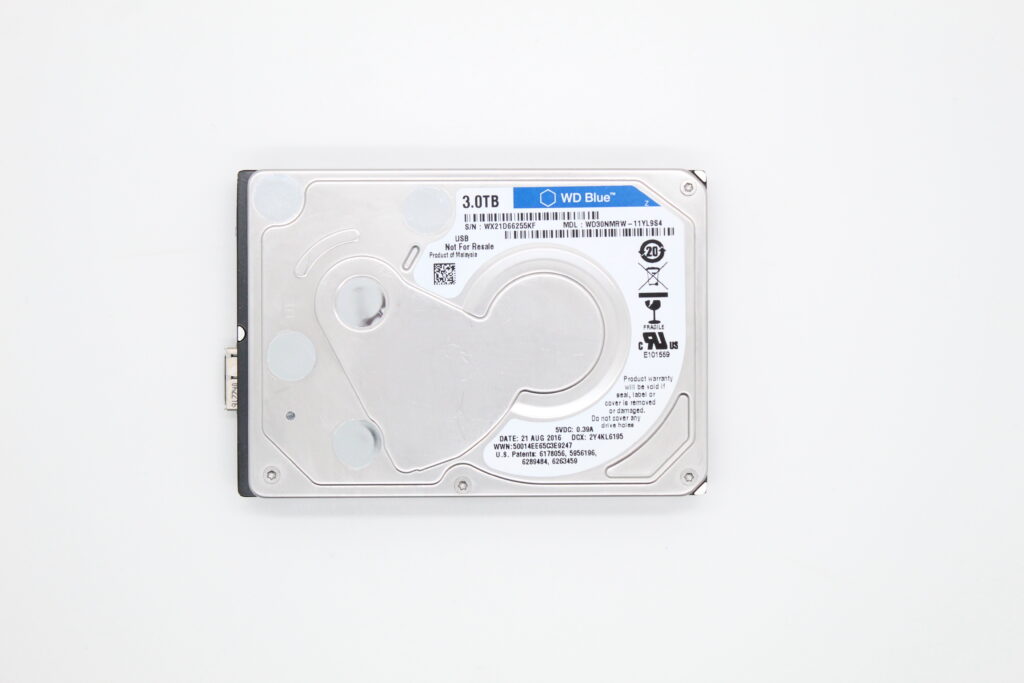
With the customer we drew up an order intake form and tried to gather as much information about the drive as possible:
- How did the damage occur?
- Which data does the client wish to recover?
- Was it personal or work data?
Why Knowing the Details Is Key
Detailed information about a damaged storage medium is always key for us. It is important to state whether:
- The drive fell or was not safely disconnected from the computer/television
- It is encrypted (BitLocker, VeraCrypt password)
- It contains multiple partitions
- A sudden power outage occurred during a data transfer
- The drive made some specific sounds the last time it was connected
Equally important information is whether the drive:
- Has already been to a „repair" or another data recovery at another company
- The client tried to open and disassemble it at home
All of this can affect or complicate our work — or even make it entirely impossible.
It is also always necessary to determine which data from the drive you are interested in and whether you know its location (folder names, file format).
How It Went in This Case
The client was handling his order on behalf of a friend (the drive’s owner), so the information was only approximate:
- The drive fell to the floor
- After connecting, the computer did not display it at all
- In this case it was primarily about recovering photos
The client left with the order form, and we immediately began the damage diagnostics on the drive.
Continuation
In Part 2 you will read what diagnosis we established for the drive, what the solution was, and how we recovered 95% of the data.
Do you have a similar case? Recovery enquiry · +420 775 556 063