Situation
The drive arrived by mail in a bubble-wrap envelope. In the accompanying letter the client wrote: „I opened the drive at home. I saw on YouTube that it’s easy. Family photos from the birth of my daughter (8 years), everything we have is here."
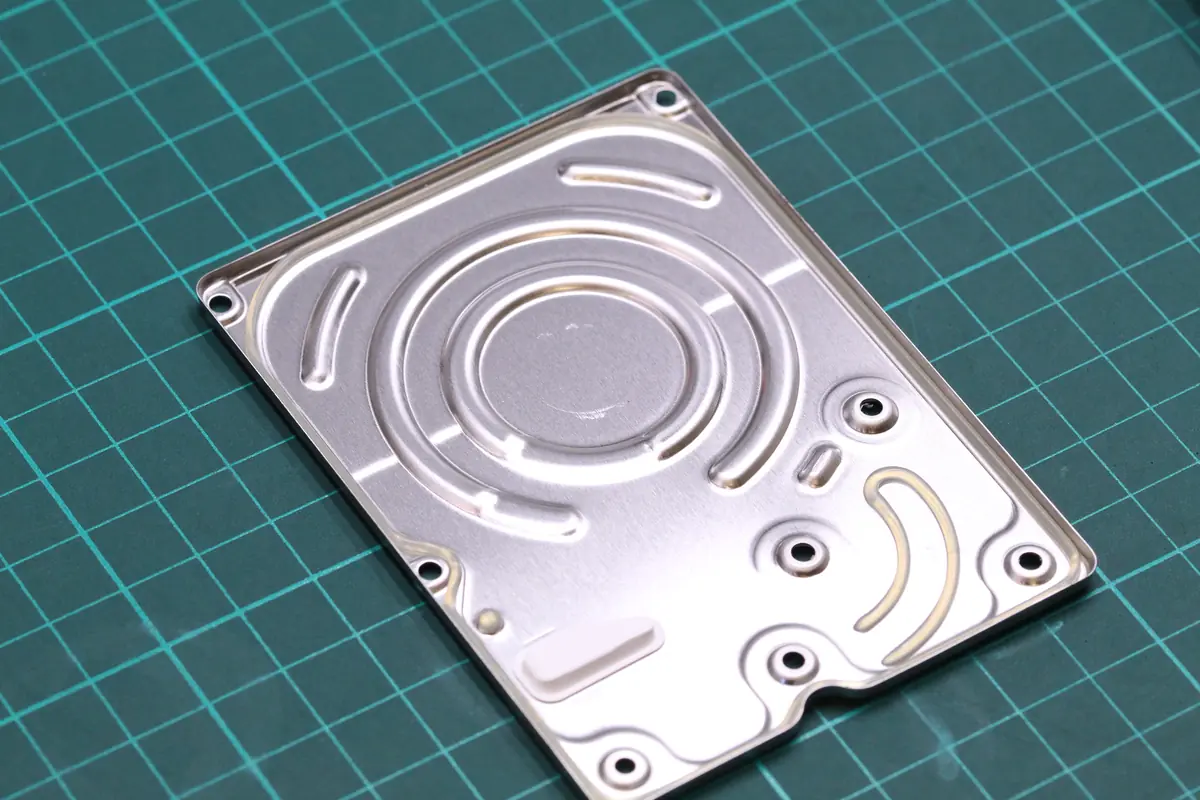
The drive was a WD Elements Play 1 TB (WDBBEP0010BRD-01, inside a WD10TMVW 2.5” from 2012). The client took it apart in the kitchen, put it back together somehow, and connected it to a computer. When it didn’t work, he wrapped it in bubble wrap and sent it.
This is the worst type of case we know — not because it’s technically unsolvable, but because it has already passed through the hands of an amateur.
Diagnostics
Opening in the clean room revealed:
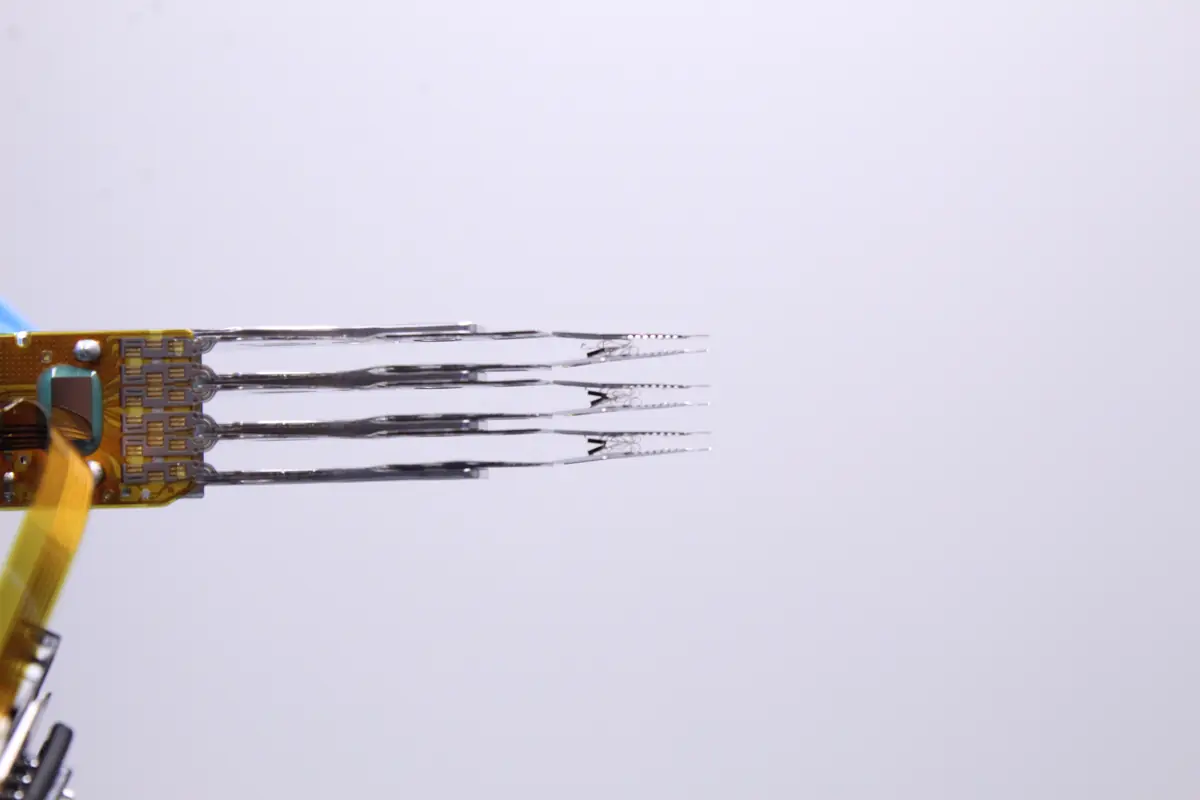
- Head-stack assembly completely destroyed. When the client closed the drive, he forgot to park the heads. On every subsequent power-up the heads fell straight onto the platter. The sliders are broken off, the arms over-bent.
- Platter edges ground down. The drive most likely tried to spin up several times after being closed — the heads were already flying across the platter and grinding away the pigment layer. Under the microscope you can see circular sharp edges.
- Dust contamination of all internal parts. Inside the lid there is dust from the client’s kitchen — visible particles on the platter, in the labyrinth, on the heads.
- Motor bearing — apparently fine, but with an unusual vibration. The shaft tension may have changed after several hard starts.
After weighing everything up, we wrote a report to the client: „The drive is in very poor condition. The chance of a complete recovery is low. We estimate 50–70 % depending on exactly where the most damaged tracks are."
The client replied: „At least something. How much will it cost?"
We agreed on a fixed price and got to work.
Solution
Fifteen days. The longest phase was preparation — cleaning, finding a donor, and planning the extraction.
- Week 1, days 1–3: Complete disassembly and cleaning of all surfaces. Each platter went through an isopropanol + special cleaning-pad cycle. Inspection under the microscope after every phase. Removal of loose ground-down particles that the donor head could pick up.
- Week 1, days 4–5: Searching for a donor. A WD WD10TMVW 2012 with a matching firmware revision — not in stock, we had to order it from an external supplier. The donor arrived the next day.
- Week 1, days 6–7: Transplantation of the head-stack assembly. A classic clean-room procedure, four technicians in the room at once for safety. Head 0 gently, head 1 gently, head 2 gently, head 3 gently.
- Week 2, days 8–10: Imaging via DeepSpar. The drive stopped several times on the scratched tracks. We used an aggressive layout — first reading fast with low priority, then another pass with better timing, then manual jumps. In total, 28 % of sectors went unread.
- Week 2, days 11–12: A second imaging set in the reverse direction (from the end of the drive). We managed to read another 8 %.
- Week 2, days 13–14: Reconstruction of the file system (NTFS). The MFT was in better shape than we expected — most of the family photos were in areas of the drive where the grinding was not so bad.
- Week 2, day 15: Handover of the data on a new external drive + USB flash. The client collected it in person.
Result
- 68 % of data recovered (about 540 GB of 790 GB used capacity)
- 15 days in total
- Family photos — 72 % recovered (8 of 11 years have most of their photos, the years 2019–2020 heavily thinned out).
- Holiday video — 60 % recovered, two videos complete, the rest with errors.
- Work documents — 90 % recovered.
At handover the client cried. The daughter in the photos, from birth to her 8th birthday.
Lessons
Drives are not YouTube tutorials. Seriously. The video the client saw was apparently about how to replace the PCB on a drive without opening the platter chamber. Not about how to open a complete drive. That difference is exactly the difference between „won’t power on, but the data is safe„ and „the data is scratched, every further start is a loss."
The rules we repeat to clients:
- Use external drives deliberately as a backup, not as your only storage. WD Elements is a great external drive, but it’s only one copy. For family photos, keep at least two (one at home, one with family, or one + cloud).
- If a drive starts clicking loudly, do not power it on again. Not ten times, not five. Once, you saw that it didn’t work, straight to a service.
- Back up family photos to the cloud. Google Photos is free for a limited capacity, Apple iCloud too. Or Backblaze for a few euros a month. Don’t look for rescue only when it’s too late.
- Don’t open it at home, even if YouTube says it’s simple. A kitchen is not a clean room. Your hands have greasy fingerprints. The air has dust.
The client’s response after two weeks: „My daughter will see her first year. I’m teaching her to back everything up right away."
What to watch out for
On YouTube there are plenty of videos where „data recovery" looks like swapping a part. The vast majority of such videos actually show replacing the PCB (electronics) — not opening the platter chamber. Before you touch the drive, distinguish these two completely different interventions. Unless you are a technician with experience and a clean room, neither of them makes sense to do at home.
Have a similar case? HDD recovery enquiry · +420 775 556 063