The situation
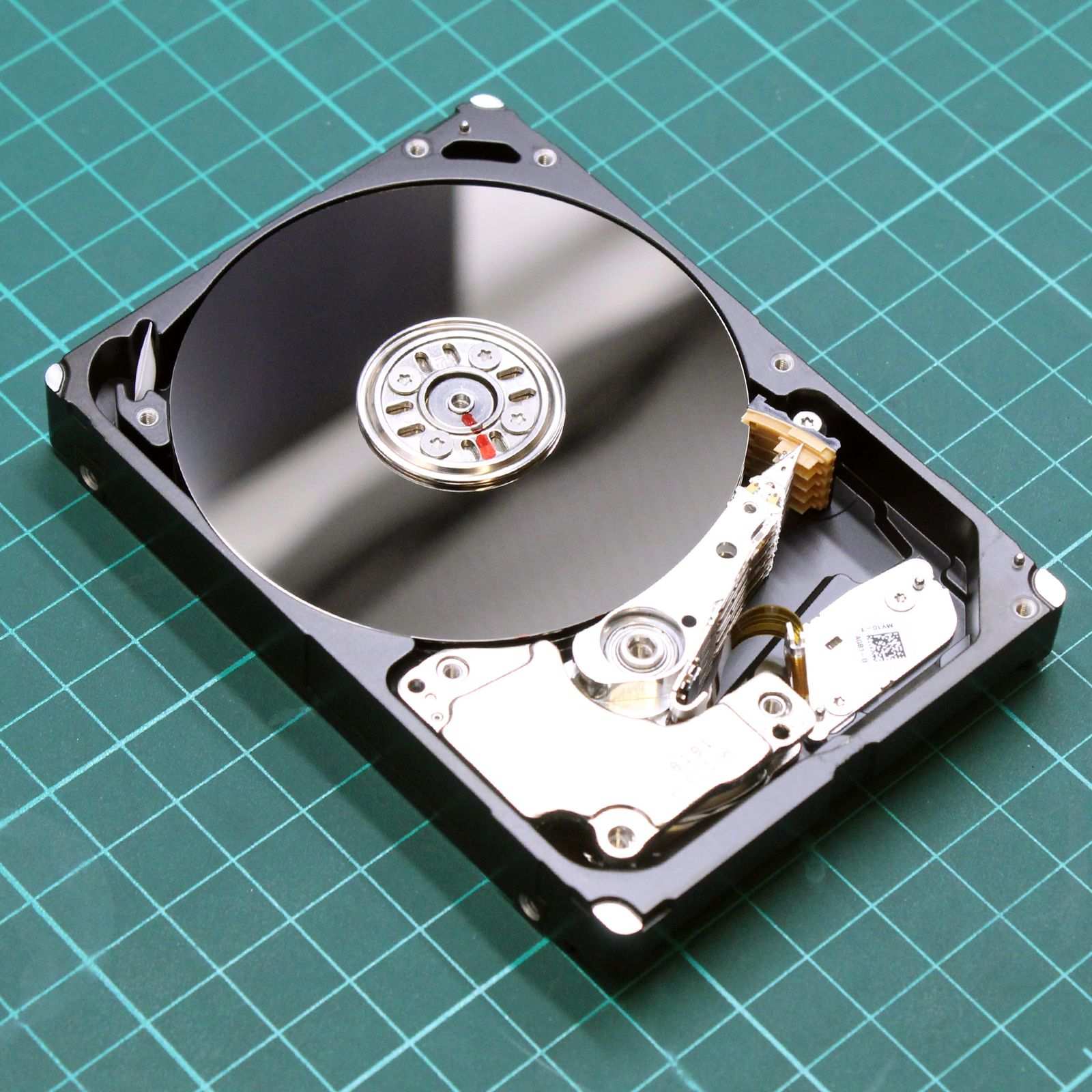
The client — a professional photographer — used an external Seagate Expansion 5 TB 2.5” (with an ST5000LM000 drive inside — a 15 mm SMR drive) as the primary storage for client photos from the past 3 years. No backup.
The drive fell off a desk while being carried (about 60–70 cm onto a parquet floor). After the fall:
- The laptop does not see the drive in Disk Management
- The external enclosure blinks its LED, but a repeated clicking comes from inside
- The client tried to plug it in six times („maybe it’ll catch") and flip it over and shake it once
What makes this story unusual: before the drive reached us, the client had sent it to another (unnamed) lab, which was unable to recover any data from it and returned the drive. During our intake diagnostics it was also obvious that someone had tampered with the drive amateurishly, without a deeper understanding of the subject — the head-stack assembly had been disassembled and reassembled incorrectly, with dust contamination visible on the platters. Only then did it reach us — and we got it into a state where it could be read.
Why this case is interesting
- SMR technology means the data on the platter is stored in overlapping tracks. A mechanically faulty SMR drive is more sensitive to further writes, because the internal remapping is more aggressive.
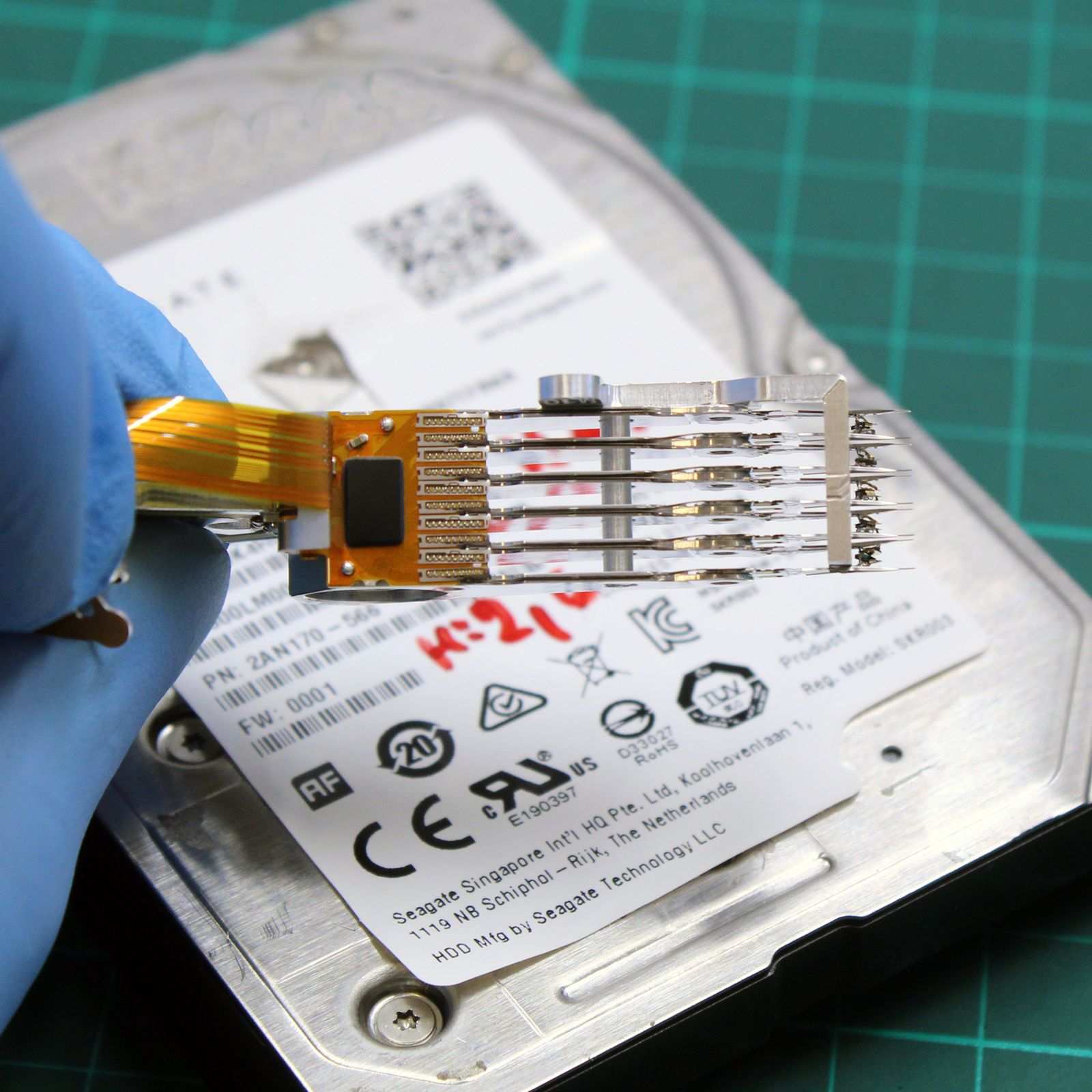
- A 2.5” 15 mm drive has compact mechanics; replacing the heads requires specific head combs and a clean environment.
- The client plugged it in 6× after the fall — the risk of platter damage was considerable.
What we did
- Day 1: Intake, visual inspection (no enclosure damage), removal from the external enclosure.
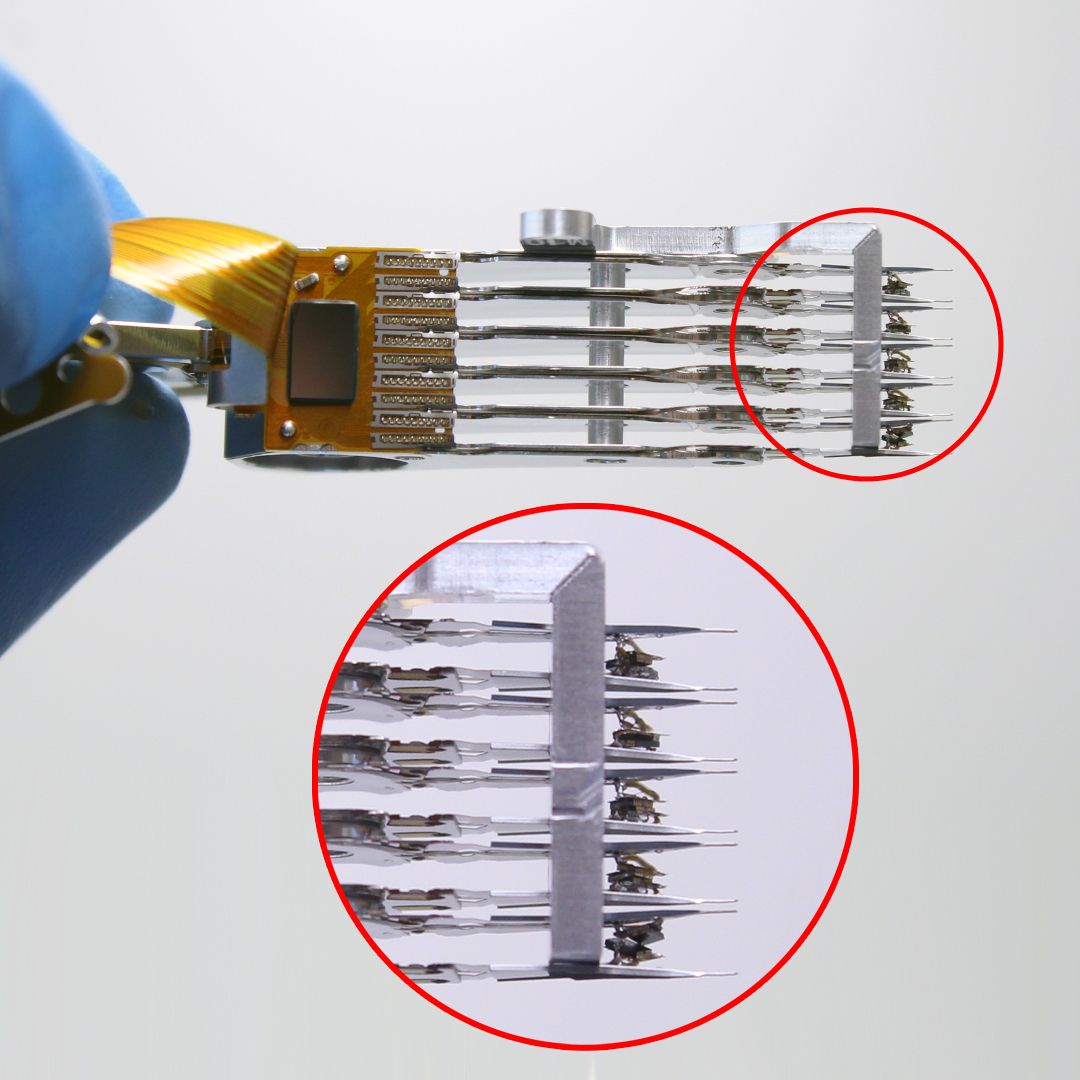
- Day 2: Opening the drive in a class 100 clean room (particle filtration < 0.5 μm). Identifying the damage: two of the six heads had a broken slider. The platters showed no visible scratches — lucky.
The result
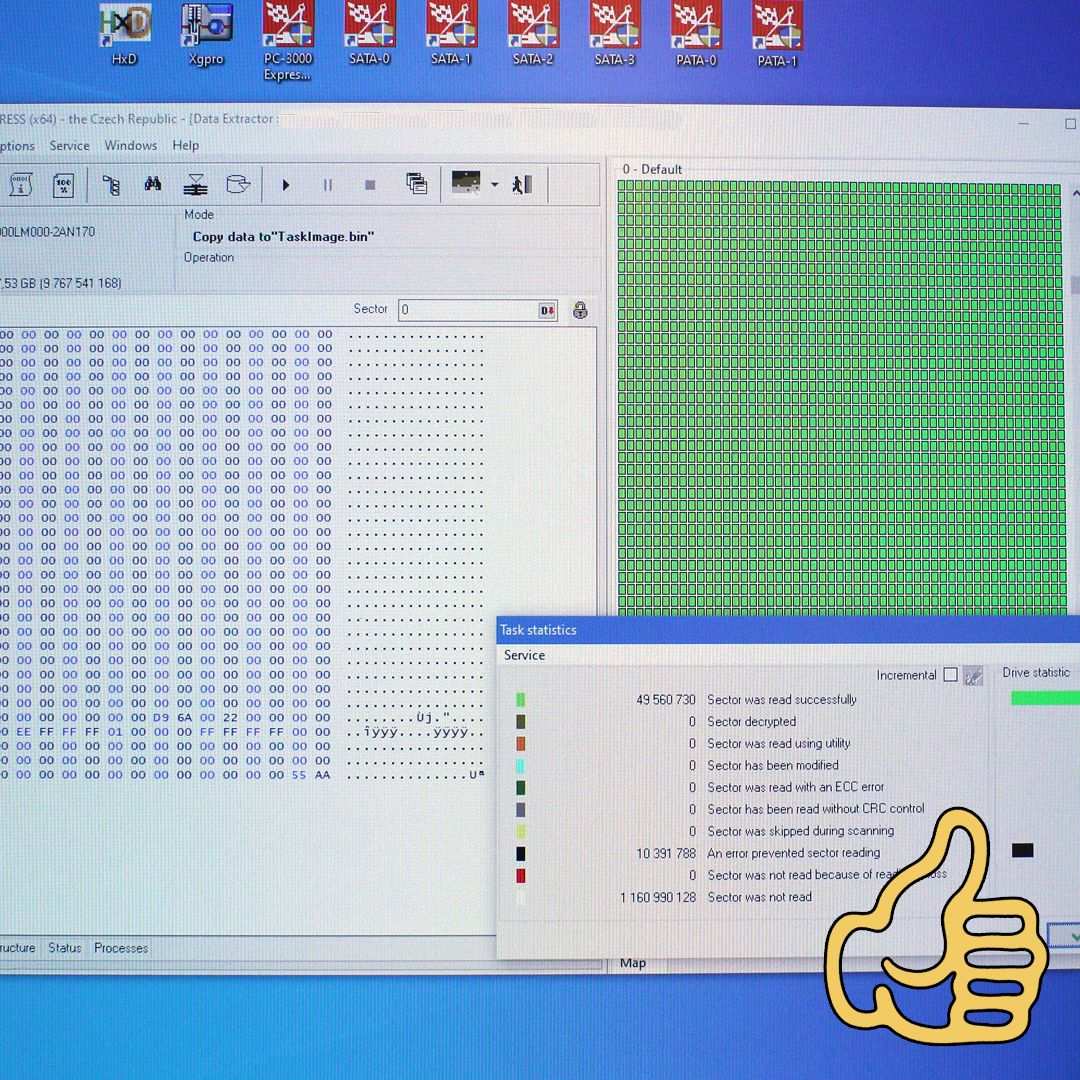
- 94% of the data recovered (about 2.4 TB out of 2.6 TB of used capacity)
- 6 days in total
- Price 14,900 CZK (mechanical failure + donor + lab work)
- The client took the recovered data away on two new NVMe drives (two, because „I’ll never try it with a single copy again"). We recommended he set up an automatic cloud backup.
Lessons learned
- If a drive clicks, do not plug it in again. The client’s six attempts could have led to the complete destruction of the platter. We were lucky it survived.
- SMR drives are great for archiving, not for primary storage with frequent writes. If it is your only storage, choose CMR (such as a Toshiba N300 or WD Red Plus).
- A 3-2-1 backup (3 copies, 2 different media, 1 off-site) is the cheapest „data recovery" there is.
Have a similar case? HDD recovery enquiry · +420 775 556 063