The situation
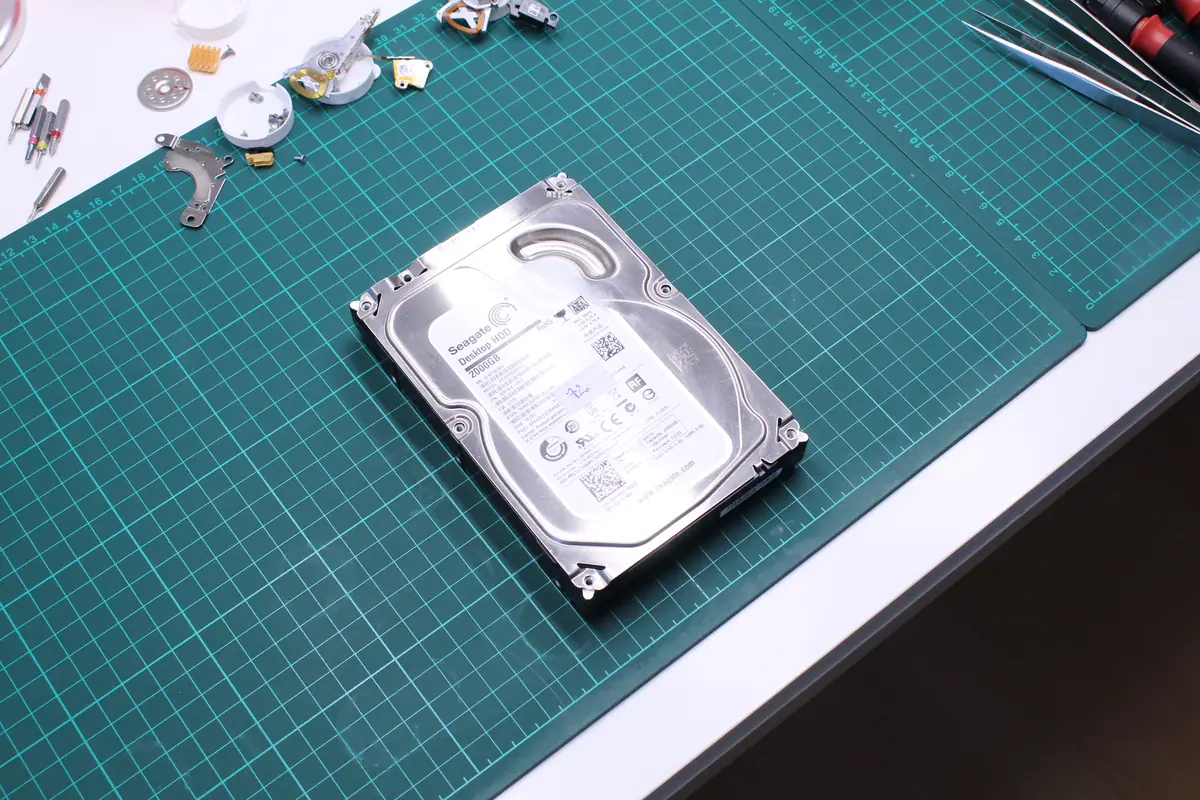
The client brought in a Seagate ST2000DM001 from 2016. He used it in a laptop PC as a secondary drive for photos and data. About a week earlier the drive started behaving strangely — Windows sometimes saw it, sometimes not. When the system did see it, copying was slow and occasionally stalled.
Before reaching us, he spent a few days turning it off and back on in the hope that „it would pass." It didn’t help. The drive held family photos from the last 3 years and a work folder with architecture projects.
Diagnostics
The Seagate ST2000DM001 belongs to the Grenada family — a 2 TB 3.5” desktop HDD with CMR recording. This family has weaknesses we see repeatedly:
- Fragile head-stack assembly arms — drives from 2013–2016 have a known weakness at the parking ramp.
- Micro-scoring during normal operation — over time the drive lightly grinds the surface in the area where the heads frequently park.
This particular drive had exactly that pattern:
- Three of the four heads had bent arms. Head 2 most of all — there was probably a partial contact with the platter above it.
- The platter surfaces had micro-scratches in the outermost 0.5–2% of tracks. Under the microscope they were visible as thin circular lines.
- The firmware, surprisingly, still worked — the translator was readable, the G-list had 1,200 bad-sector records (a healthy drive has hundreds at most; 1,200 is a warning).
- The motor and bearing mechanics were fine.
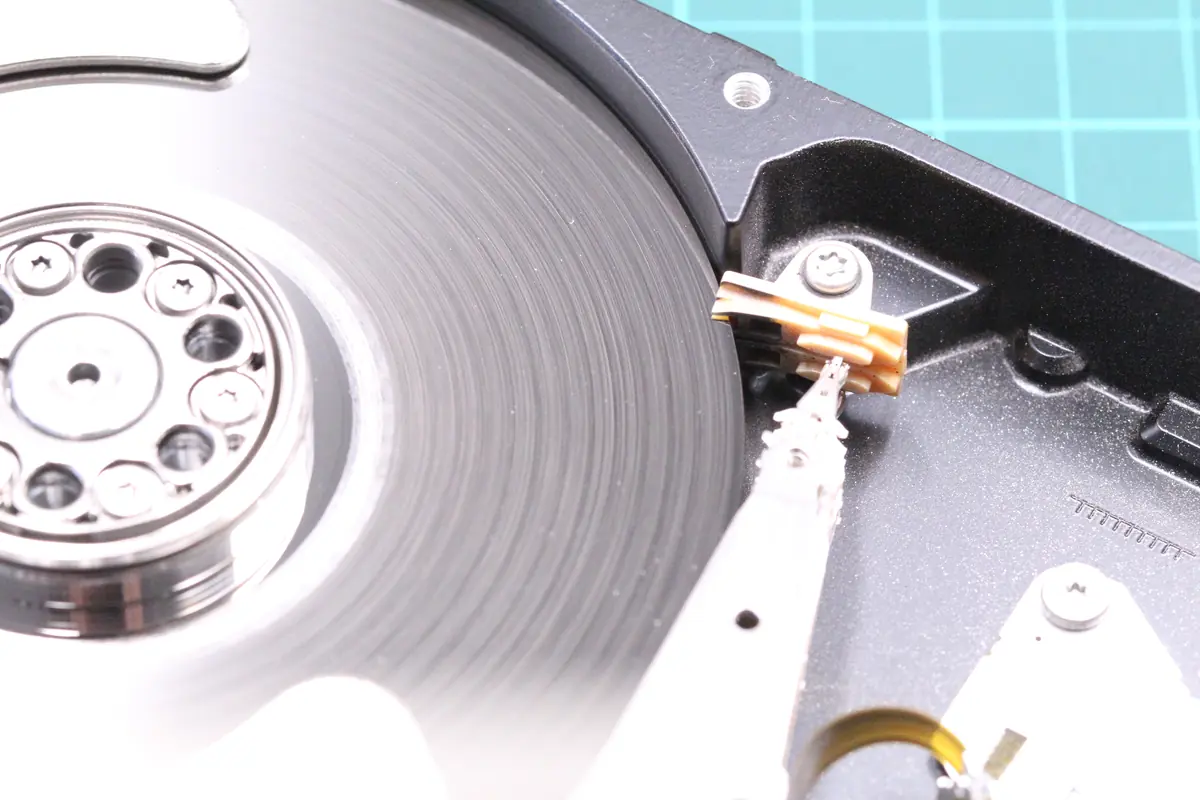
The client was lucky he brought the drive in time. Every further start-up could have finished off the arms completely, or the micro-scoring could have spread into the area where the data lives.
The solution
Eight days, the classic Seagate Grenada recovery process:
- Day 1: Intake, diagnosis on PC3000 HDD, confirmation of the Grenada family scenario.
- Day 2: Sourcing a donor. A Seagate ST2000DM001 with a matching firmware revision and SN range. In stock from an earlier job.
- Day 3: Donor preparation, parking-ramp check, compatibility check.
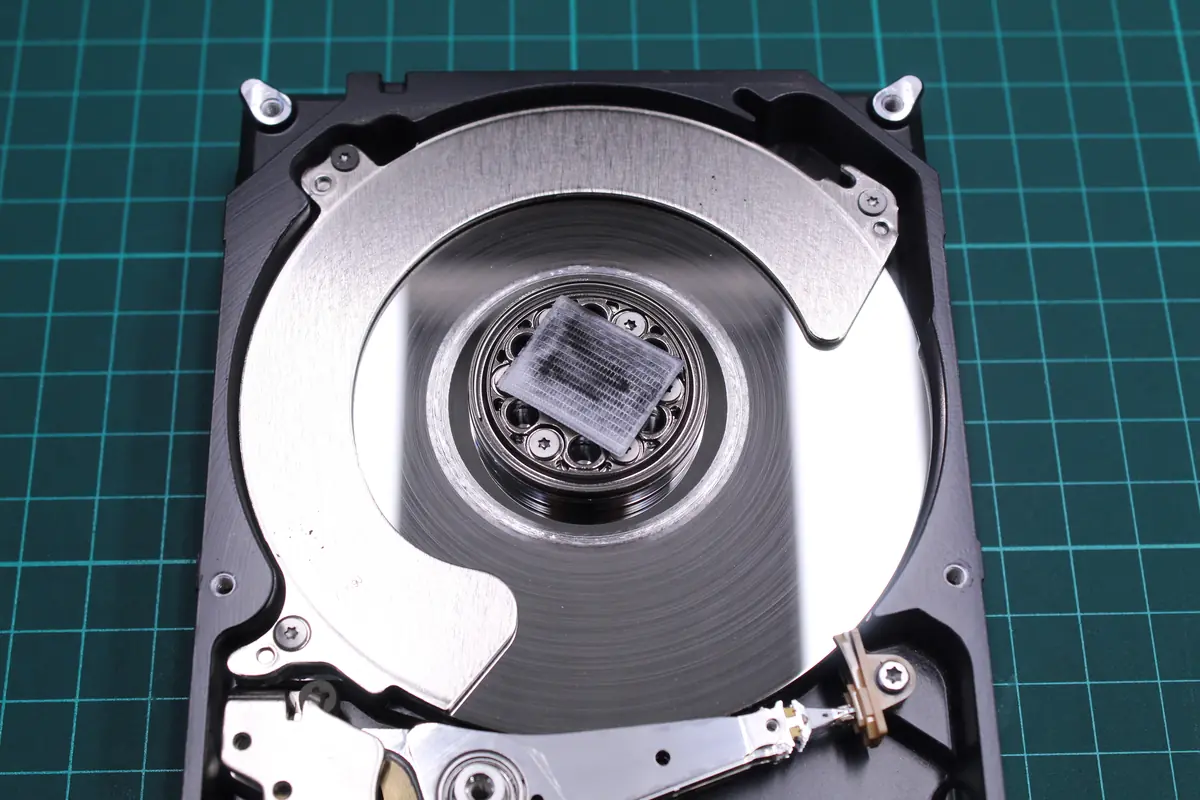
- Days 4–5: Head-stack assembly transplant in a class-100 clean chamber. Head 0 and head 1 went precisely; head 2 (the most bent) went the worst — the arms were still over-bent even on the donor (a family problem), but within acceptable limits. Head 3 precisely.
- Day 6: First test, drive spun up. It reads the first sectors. We continue.
- Day 7: Imaging via DeepSpar Disk Imager with an aggressive strategy for the micro-scratched areas. We started by cloning the user area, then the system area, and finally the firmware. In total, 11% of sectors were unread, mainly in the outer areas of the platter.
- Day 8: NTFS reconstruction from the clone, MFT fine, standard extraction. 89% of files without errors, 6% with minor artifacts, 5% missing.
The outcome
- 89% of data recovered (about 1.4 TB out of 1.6 TB of occupied capacity)
- 8 days in total
- Family photos — 94% recovered. Mainly the shots from the last 2 months are missing (they were in the scratched-platter area).
- Architecture projects — 100%, including reference materials.
- Documents — completely.
The client took his data away on two external drives. We recommended a cloud backup (OneDrive, since he uses Office 365).
Lessons learned
The Seagate Grenada family (ST2000DM001, ST3000DM001, ST4000DM000, ST2000DL003 and others) from 2013–2016 has known faults. If you own such a drive of an older manufacturing date:
- Watch the SMART values — especially attributes 5 (Reallocated Sectors), 197 (Current Pending), 198 (Offline Uncorrectable). As soon as they start to rise, it’s time for a copy and a replacement.
- Listen to the drive. Sudden clicking, a change of sound at start-up, a longer spin-up — those are signals.
- An unsaved day doesn’t count. If you have a Grenada drive with important data on it, keep a backup on another drive and in the cloud.
- Replacing it with a modern CMR drive (WD Red Plus, Seagate IronWolf, Toshiba N300) is simple and affordable. An SSD for the system + an HDD for the archive is a good combination.
PRO TIP
The Grenada family accounts for about 13% of all our HDD recovery cases. Thanks to that, we keep donors in stock, have a practiced procedure, and a clear idea of the typical weak spots. If you hear clicking on a similar drive, see repeated drop-outs in the OS, or rising Reallocated Sectors, it’s better to call us — don’t try to power it on five times until it „catches."
Have a similar case? HDD recovery enquiry · +420 775 556 063