The situation
This case came to us through a B2B partner. The end client had brought in an older MacBook (2015–2016 Intel) with an HDD on which macOS was reporting „Disk not recognised".
The partner ran an initial diagnosis — the drive spins up in principle, the firmware sees it, but on the attempt to read data it froze. SMART showed nothing alarming (Seagate has its own diagnostics outside standard SMART). The drive was then sent to us through the partner channel.
On the drive the end client had home video of the birth of a child, holiday photos spanning 8 years, and work presentations.
Diagnosis
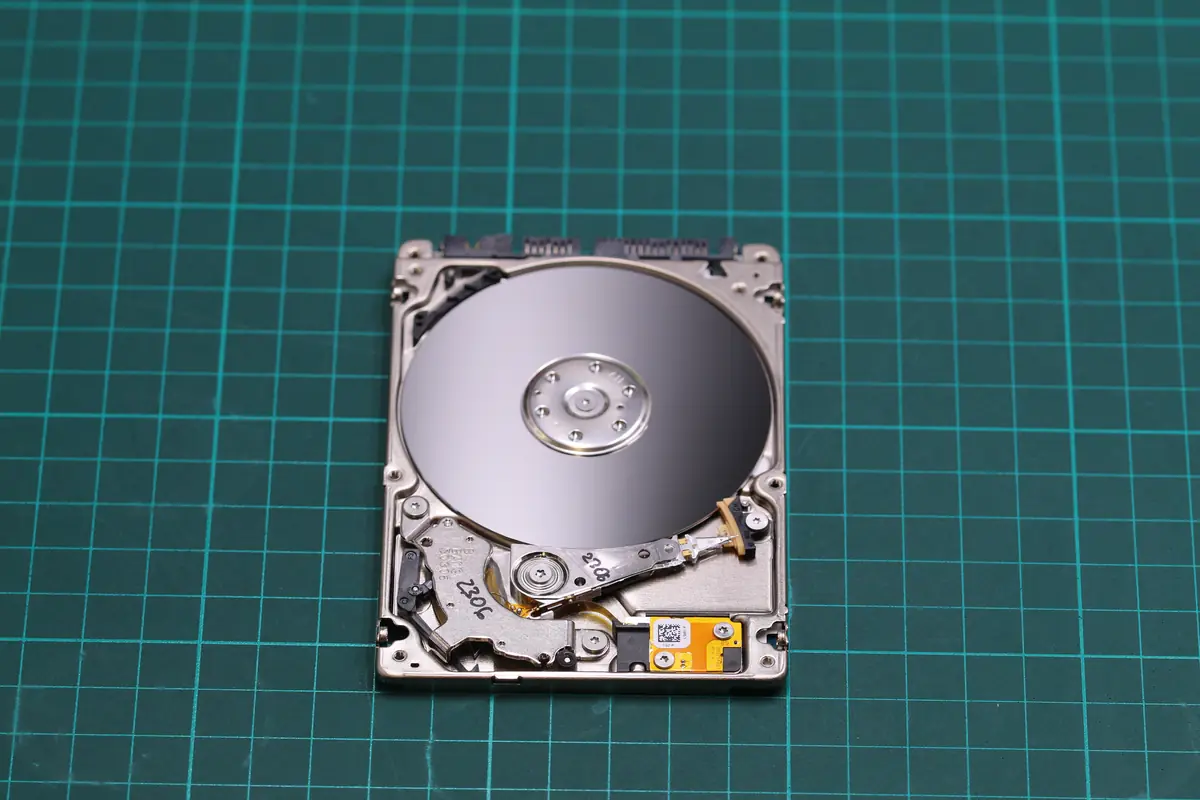
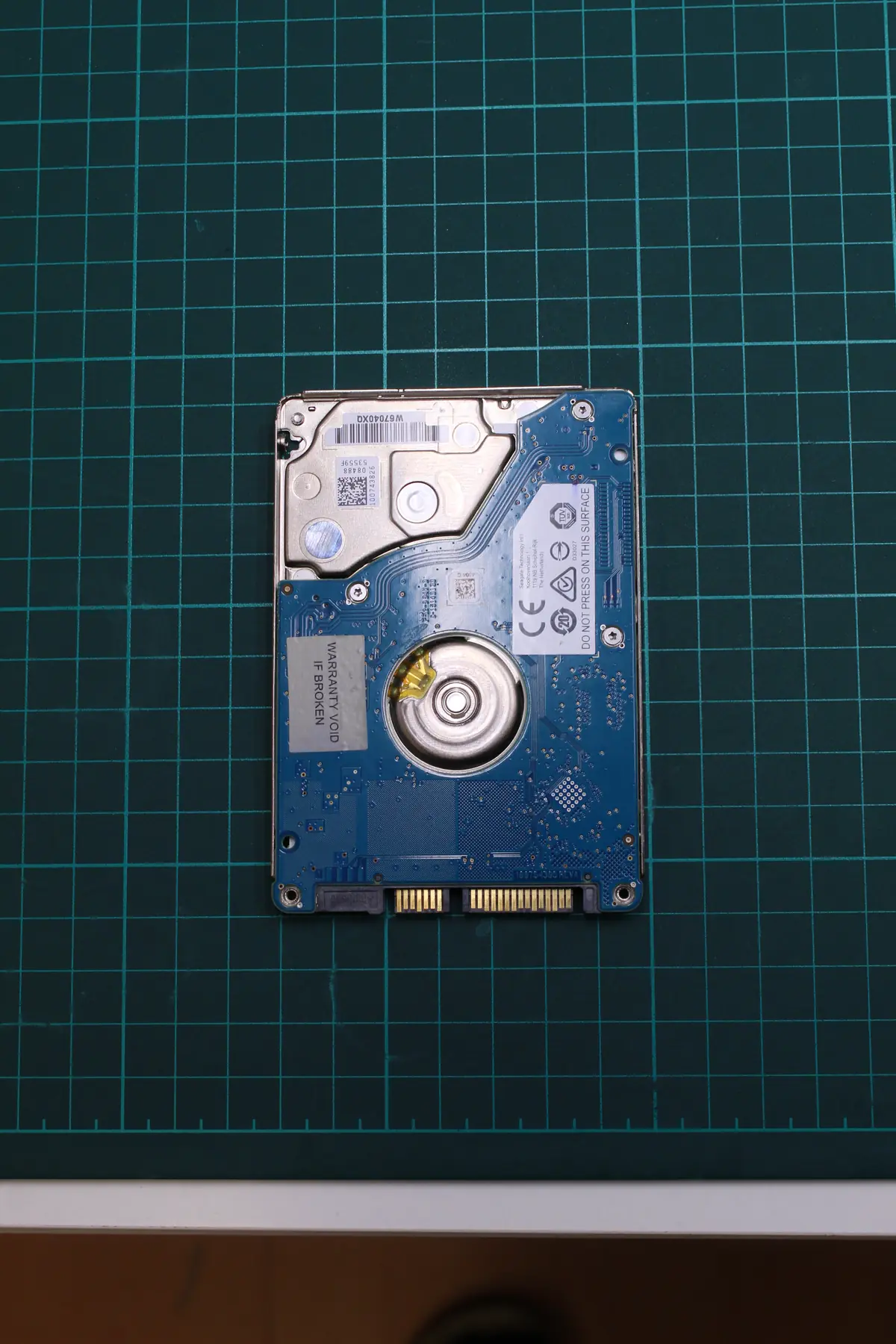
The Seagate ST750LM030 is a 2.5” 750 GB SMR drive from 2015. It was commonly used in the MacBook Pro before Apple moved to SSD-only. It has two heads.
First step — reading the firmware area. Using PC3000 HDD we reached the internal service area. We found:
- Head 0 — signal markedly weaker than head 1. Probably partial damage to the read element.
- The translator is damaged — the defect list (G-list) has inconsistent entries. This means the drive remembers the bad sectors, but the firmware cannot correctly remap from the G-list.
- Incipient scoring in the service area. Under the microscope, the first trace of a micro-scratch is visible on platter 0 in the area where the firmware and maps are stored. This is a serious problem — if the scoring spreads, we lose access to the service area entirely.
The combination: a weak head reads poorly, so the firmware repeatedly went into the service sectors and tried to read the maps, and in doing so kept grinding the platter further. A classic circular problem.
The solution
Ten days to a clear plan:
- Day 1: Intake from the partner, full PC3000 HDD diagnosis, decision on how to proceed.
- Day 2: Donor identification — a Seagate ST750LM030 with matching firmware revision and PCB. One was in stock from an old job.
- Day 3: Stopping any further reading from the original drive. Critical — the longer it runs, the more it grinds.
- Day 4: Reconstructing the G-list from the donor. Seagate allows this via PC3000 if we have a matching firmware family. We managed to obtain a clean sector list.
- Days 5–6: Head-stack assembly transplantation in the clean room. Head 0 replaced from the donor, head 1 retained (it worked well).
- Days 7–8: Imaging the drive with a custom strategy. Instead of sequential imaging, we first read all the priority areas (user data, then firmware), and only afterwards read the remaining sectors. In total 12 % of the sectors were not read — mainly in the outer areas of the drive, which the user data did not reach.
- Day 9: Reconstructing the HFS+ filesystem (macOS). The end client had FileVault disabled (fortunately), so direct reading was possible.
- Day 10: Export back to the partner for handover to the end client. 88 % of the files fully recovered, 6 % partially, 6 % missing.
The outcome
- 88 % of the data recovered (roughly 410 GB out of 470 GB of used capacity)
- 10 days in total
- The video of the child’s birth — recovered 100 %. The end client wrote a thank-you to the partner.
- The holiday photos — 94 % recovered, only a few JPGs from 2018 are missing.
- The work presentations — recovered 100 %.
The end client took the data away on an external SSD through the partner.
Lessons learned
For users and owners of MacBooks with HDDs (pre-2017):
- Every drive freeze is a signal. Not „try restarting it" — that is exactly what does further damage.
- FileVault (encryption) is security, but a complication in recovery. If you have it on, you must have the password written down outside the MacBook (in a paper vault, in 1Password).
- For MacBooks with HDDs, migration to SSD is recommended. It is not about performance — it is about reliability. An SSD in a MacBook has a markedly higher MTBF than the original HDD.
For IT services that focus on Apple:
- If the end client brings in a MacBook with an unreadable HDD, do not run it any more than is strictly necessary for diagnosis.
- We are available for the B2B partner mode — you send the drive, you get a commission, we invoice the end client directly.
- The Seagate ST750LM030 has a tendency to develop scoring in the service area. On older MacBooks with this drive it is worth monitoring SMART during hardware checks and, where appropriate, proactively offering migration.
PRO TIP
When a MacBook with an HDD „gets stuck on the apple" during boot, do not repeat the start. Each further attempt, given the constant reading of the service area, worsens the state. Power it off, connect it via a USB adapter, and back up what you can — while you still can.
Have a similar case? HDD recovery enquiry · +420 775 556 063 · B2B partner portal