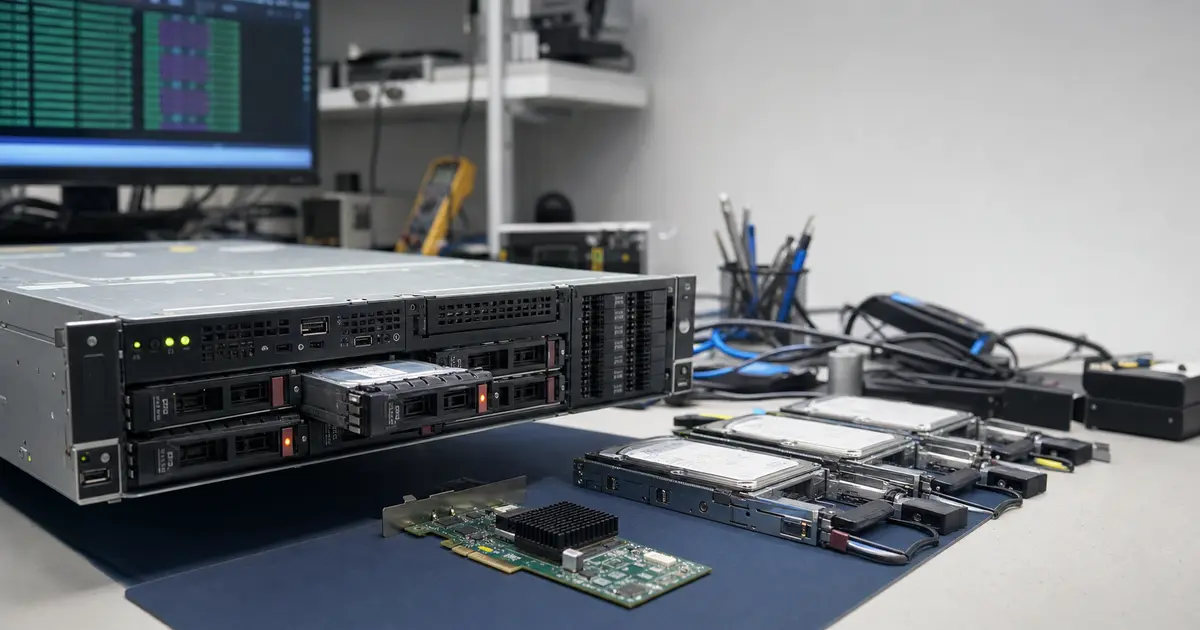
Immediate answer: If your HP ProLiant, Dell PowerEdge, or any other machine with a hardware RAID controller has entered a „Degraded„ or „Offline" state, shut it down immediately. Do not attempt to blindly import a „Foreign config„ after replacing a controller, do not start a rebuild of a degraded array, and definitely do not initialize a new virtual disk. Every write attempt or configuration recovery attempt drastically reduces the chances of data recovery because proprietary metadata from controllers like HP Smart Array or Dell PERC gets overwritten in milliseconds. The chance of recovery is high if the server is immediately powered off and proper laboratory procedures are followed, even when the array reports „Failed" or the controller itself has failed. A simple initial assessment may be free; analysis of multiple drives, array reconstruction or metadata work may be charged, and we communicate the price before any paid work begins.
With server RAID, the tricky part is that the management interface often offers a simple choice: import configuration, start rebuild, create a new virtual disk. However, when the array is already reporting Degraded, Offline, or Foreign Config, it’s uncertain whether the controller is still reading the original map correctly. What looks like routine maintenance can, with a single confirmation, turn into overwritten metadata and a lost VMFS datastore.
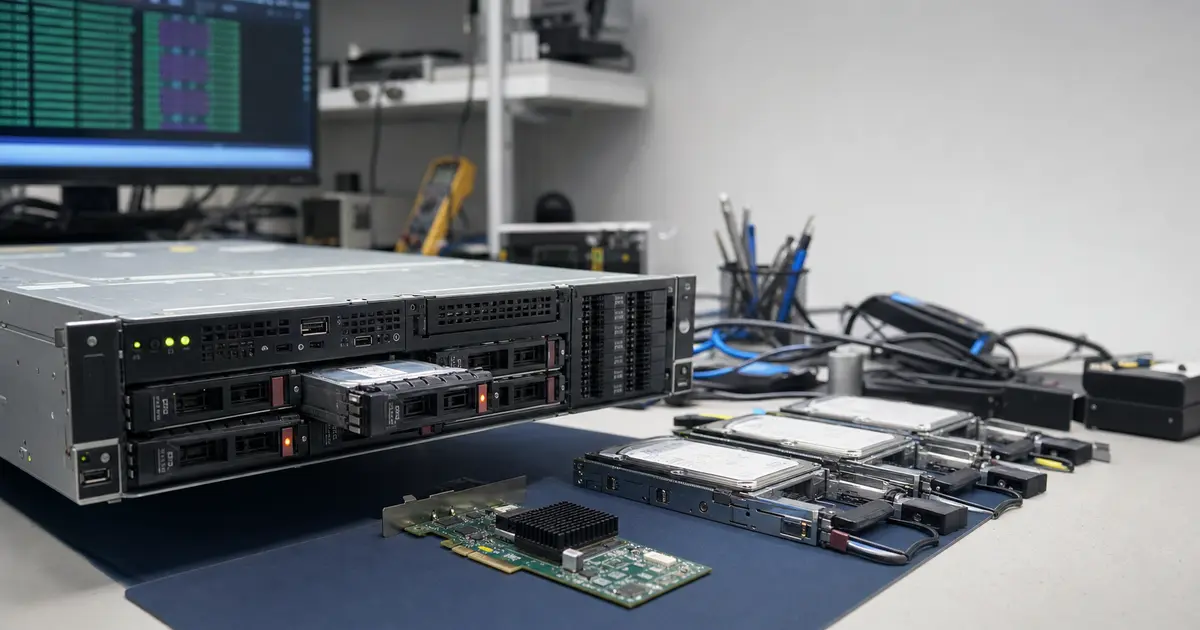
Quick orientation based on the server message
When a server reports Foreign Config, Virtual Drive Offline, or an inaccessible VMware datastore, it’s not just about the disks. You’re dealing simultaneously with the controller, slot order, RAID metadata, and the virtualization file system.
- Foreign Configuration: do not import or clear it without analysis. First, label the disks and find out why the configuration appears as foreign.
- Virtual Drive Offline / Failed: shut down the server. Repeated reboots can trigger an initialization or further writes to the metadata.
- Unconfigured Good after a controller replacement: this does not mean the disks are empty. It means the new controller does not see the original configuration.
- Rebuild failed for RAID 5/6: another attempt typically puts the same load on the same disks again. Without sector-level clones, it’s a gamble.
- VMware VMFS datastore inaccessible: do not click on Format, Resignature, or create a new datastore. Doing so loses the virtual machine structure.
The safe procedure is the same for HP Smart Array, Dell PERC, and LSI MegaRAID: preserve the physical order of disks, disconnect the array from writes, clone each disk individually, and only then, from the copies, verify how the array was assembled.
1. Why hardware RAID on a server is a different league
While budget NAS devices or software arrays use relatively standardized headers, enterprise servers employ dedicated RAID controllers with their own logic and closed metadata. This is a fundamental difference that turns data recovery into detective work at the bit level.
Proprietary metadata and the „Foreign Config" trap
Controllers like HP Smart Array (Pxxx series), Dell PERC (H710, H730, H740), Broadcom/LSI MegaRAID, or Adaptec/Microsemi create their own configuration sectors on the disks, containing information about the RAID level, stripe size, disk order, and position within the array. This metadata is not transferable between manufacturers, often not even between different controller generations from the same company. If the controller doesn’t see the expected configuration after boot, it reports a „Foreign Configuration". The subsequent „Import Foreign„ or „Clear" option, chosen without deep knowledge of the situation, writes to the disks and can overwrite the last known good array map.
Virtualization on top of RAID: an unseen additional layer
Enterprise servers typically do not store files directly. A hypervisor runs on the hardware RAID volume — most commonly VMware ESXi with VMFS datastores, or Microsoft Hyper-V with the VHDX format. When the array fails, you don’t just lose a file system; you lose an entire container with virtual servers. Laboratory reconstruction therefore cannot end with assembling the blocks; it must go deeper: find and repair the VMFS structure, verify its tables, and extract virtual disks. This is a critical context that distinguishes a server from a simple external box.
2. Typical failure scenarios for a server array
Hardware RAID on a server is robust, but its failures often follow a specific pattern that often ends in a fatal offline state.
Degraded RAID 5 and cascading failure
This is the most common scenario. RAID 5 tolerates the loss of a single disk. The administrator notices a blinking amber LED, orders a new disk, and initiates the replacement. The problem is that all remaining disks in the array are usually the same age, from the same manufacturing batch, and have the same number of power-on hours. A full rebuild, which takes tens of hours, represents extreme stress. If even a single bad sector appears on another disk, causing the rebuild to get stuck, the array transitions directly from Degraded to Failed. With RAID 6, the situation is better with its two parity disks, but there is still zero tolerance during a rebuild — see the real case with 20 disks below.
Controller failure and „Foreign Config"
A hardware controller is not immortal. It can fail due to a power surge, a short on the backplane, or simply after years of operation. If you take the disks and connect them to another server (or another slot), the controller will report a foreign configuration. Importing blindly without knowing the original stripe offset, alignment, and firmware version carries the risk that the controller will write new metadata incorrectly — especially if the data layout geometry has changed between controller generations. Simply moving the disks from one server to another can thus end with the array map being wiped.
Corrupted VMFS datastore and expander failure
Power outages or momentary SAS expander (backplane) faults are particularly insidious. The backplane can disconnect several disks simultaneously for a millisecond. The hardware controller immediately evaluates them as dead and marks them as „Failed". No physical damage has occurred, yet the array is broken. Similarly, an improper intervention in ESXi (e.g., creating a new partition where the datastore was) turns VMFS into an unreadable mess of metadata.
3. What you MUST NOT do with a server RAID controller
This is absolutely crucial. Please pass this on to your IT colleagues — these are steps that destroy the last chance of recovery.
- Do not blindly import „Foreign Configuration". Until you know why the configuration appears as foreign, Importing is a ticking time bomb. This is especially true if the controller was changed or the disks were moved.
- Do not initialize a new virtual disk. If the server doesn’t respond to the old VD, never choose „New Volume / New Logical Drive" on the same physical disks. This step overwrites the array header and will definitely destroy the partition map.
- Do not start a rebuild if you see two or more failed disks. Once you are in a RAID 5 state where there is more than one problem, it’s not maintenance; it’s recovery. Every second of read load during a rebuild kills the remaining disks (see cascading failure).
- Do not swap disks between positions by trial and error. The hardware controller identifies slots. If you don’t label them before removal, we lose time and increase the risk.
- Do not upgrade the controller or hypervisor firmware on a broken array. Trying to fix a failed array by flashing a newer version of Smart Array / PERC firmware can change how the metadata is read.
- For ESXi, do not create a new datastore. When vCenter reports „Inaccessible„, do not click „Format" or „Resignature". Bring it to us.
4. How our lab handles server array recovery
The secret is to stop relying on the controller’s logic and start working with raw data.
- Sector-level cloning. Each individual disk (SAS and SATA) is moved to specialized cloning stations (PC-3000, DeepSpar Disk Imager). The goal is to read all readable data sector by sector before the disks fall apart. Bad sectors are handled at the hardware level, not through a software controller timeout. Disks with damaged heads go into a laminar flow hood.
- Offline analysis of the proprietary layout. We extract binary metadata from the clones. Here, HP Smart Array is a different beast than Dell PERC. We look for parameters: stripe size, parity rotation (left/right, synchronous/asynchronous), and, most importantly, the actual disk order and data start offset (some controllers leave a reservation before the data). We don’t guess anything — we verify everything against the file system structure.
- Virtual reconstruction of the array. On our computing storage (120 TB SATA RAID 10 staging), we assemble the clones into a virtual block device. We do not use the original server controller. If VMware was running on the array, a crucial phase begins: reconstruction of VMFS tables — the superblock, allocation pointers, and VMDK/VHDX mappings.
- Extraction to staging. The resulting data (often tens of TB) is extracted onto a verified file system. If the customer only needs a specific virtual machine, we pull out just its VMDK file.
5. Real case: enterprise reconstruction of a 20-disk RAID 6
In exactly the spirit of the pitfalls described above, a recovery was performed for a design company in Brno. It involved a 160 TB array with 20 disks in RAID 6, but the situation is perfectly transferable to any large server with hardware RAID.
On Monday, disk #7 failed. The administrator ordered a replacement and started the demanding rebuild. On Tuesday, disk #12 failed — the array entered a critical state but was still running (two parities were supposed to handle it). However, after 30 hours, the rebuild got stuck on a bad sector of a „healthy" disk #5. The bad sector appeared precisely because of the brutal stress during the rebuild, and in that instant, the array had three problem spots — the parity reconstruction failed, and the array went offline. The solution required cloning all 20 disks, offline finding the proprietary stripe offset and order, and extracting the data to our staging. It took 11 days, and the result was 100% of all data. Details: 20-disk RAID 6.
Frequently asked questions
The controller is dead, will I lose the entire array?
No. If only the controller is dead (and the disks are mechanically sound), the data remains on the platters. We solve this by cloning the disks and assembling the array in software according to the proprietary metadata that remained on the disks. We don’t necessarily need an identical replacement controller, which is crucial because older HP or Dell models are no longer available. In general, the sooner you power it off, the better. For more on RAID rules, see RAID and NAS Recovery.
After replacing the controller, the server reports „Foreign Config". What now?
Power off, label the disk positions, and do absolutely nothing in the controller BIOS. When you send the array to us, we will load the old configuration from the disk clones offline and verify it against the file system structure. The „Import Foreign" option is a gamble because you don’t know if the new controller has the same alignment and reading logic as the old one.
Can I plug disks from an HP ProLiant into another server and import the array?
We strongly advise against it. We do this in the lab, but purely for read-only purposes on hardware that does not write to the disks. Another server, upon booting, can start synchronizing or immediately place the disks in an „Unconfigured Good" state, thereby erasing the RAID metadata.
VMware ESXi is running on it — is it possible to rescue just one virtual machine?
Yes. Once we virtually reconstruct the entire VMFS datastore, we can selectively extract only the selected virtual disks (VMDK). It is not necessary to rescue the datastore as a whole, which is particularly useful when storage capacity on your side is limited.
RAID 5 on a Dell and one disk has failed — do I need to address recovery immediately?
If the array is only in a Degraded state, it’s time for a backup, not panic — but only on the condition that no rebuild is started, and data starts being copied out immediately. If this is your primary storage and you have no backup, shutting down the server and handing the disks over to us is safer than hoping that years-old secondary disks will withstand a multi-hour rebuild.
How long does server array recovery take?
The exact time depends on the capacity and extent of the damage. Standard arrays of 4–8 disks are handled within a few business days. Massive reconstructions of tens of terabytes (see 20-disk RAID 6) can take two to three weeks. You will receive a precise estimate after diagnostics.
What to do now
- Immediately shut down the server. If it won’t start, disconnect the power. Do not continue rebooting and do not attempt repair using built-in tools.
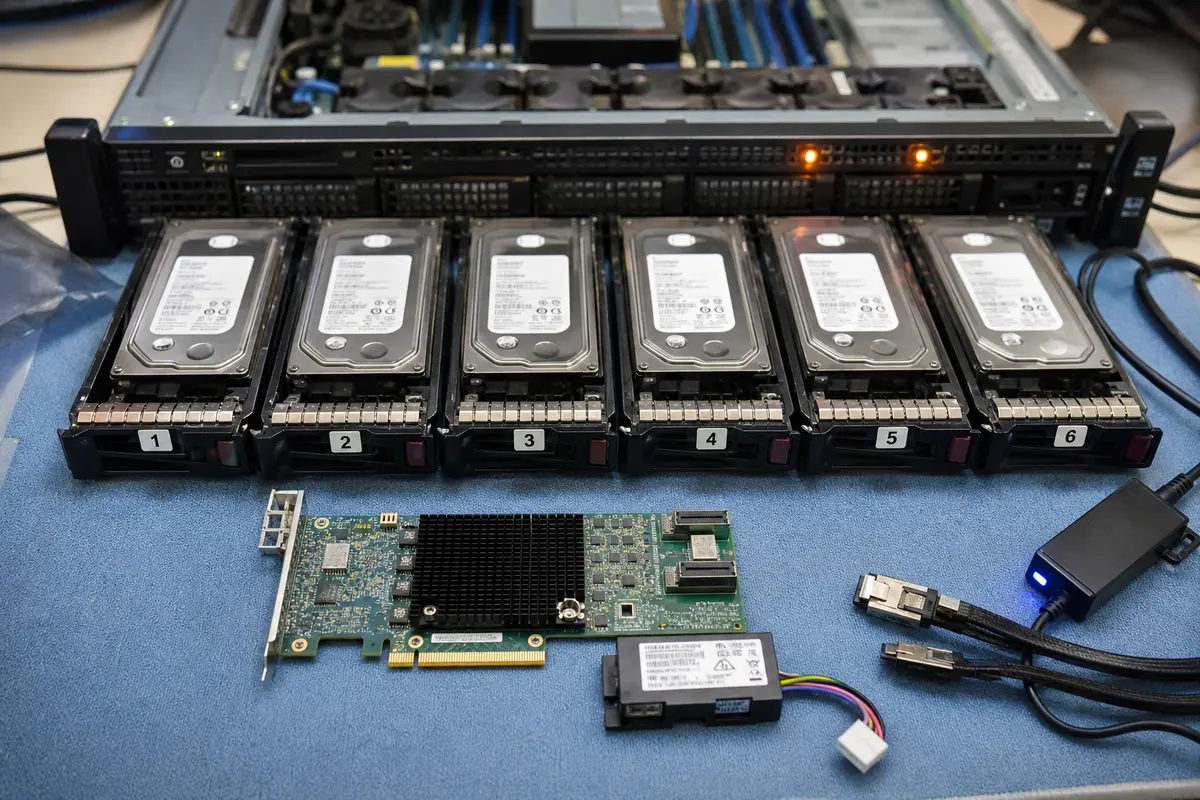
- Physically label the disks. Before any handling, write down their positions (slot 1, slot 2…). The order is crucial for HP and Dell servers with hot-swap bays. Also, photograph the rear connections if they are exposed.
- Do not let an ordinary IT technician without lab recovery experience work on it. A standard IT tech typically doesn’t have the training to avoid interfering with the array and to avoid blindly importing the configuration.
- Contact our lab. Call NONSTOP at +420 775 556 063 or use our no-obligation consultation. We will arrange pickup or safe transport of the disks to Brno.
- Expect diagnostics. A simple initial assessment may be free, analysis of multiple drives is quoted in advance. In the lab, we will assess the disks, verify whether any writes occurred on them, and quote an exact price for the complete recovery. You pay only after the work is successfully completed, after viewing the list of rescued files.
Summary in bullet points
- Hardware controllers (HP, Dell, LSI) use proprietary metadata; a „like-for-like" controller swap often fails and results in configuration loss.
- Cascading failure during a rebuild is the main cause of fatal failure for older disks in RAID 5/6 — the array must not be subjected to further stress.
- When a „Foreign Config" message appears, any import without offline analysis risks overwriting the array map.
- Virtualization adds another layer: after assembling the blocks, the lab must repair VMFS/NTFS structures and extract virtual disks (VMDK/VHDX).
- Netgear ReadyNAS (X-RAID) and high-capacity enterprise boxes require the same approach — disk cloning, parity decoding, and offline reconstruction.
- The ITHOPE lab works with SAS and SATA cloning stations, in a clean environment, with 120 TB staging — and, most importantly, offline, without a single write to the original disks.
Has your server fallen into a Degraded or Offline state? Don’t start a rebuild and don’t import a foreign configuration — every attempt reduces the chances. No-obligation consultation · Initial assessment · Contact · +420 775 556 063 (NONSTOP)
See also: RAID Array Data Recovery · Synology NAS · QNAP NAS · RAID and NAS Recovery (service) · Case study: 20-disk RAID 6
About the author
Ing. Miroslav Jaroš is the owner and senior technician at ITHOPE s.r.o. in Brno. He has been dedicated to data recovery since 2008 — over 18 years, more than 2,500 cases have passed through the lab, from single drives to enterprise RAID arrays and NAS. The article has undergone expert fact-checking (Tomáš Kopřiva) against the real practices of the ITHOPE laboratory. The described case of the 20-disk RAID 6 is based on a real, anonymized case.
Where to find us
ITHOPE is a company based in Brno, Czechia: we do data recovery from disks, RAID and NAS, PC and laptop service and IT for business, all in our own lab at Viniční 3587/216, 615 00 Brno.
Phone +420 775 556 063 (24/7 line). You can bring the device in person, or send it by courier (Zásilkovna, PPL).