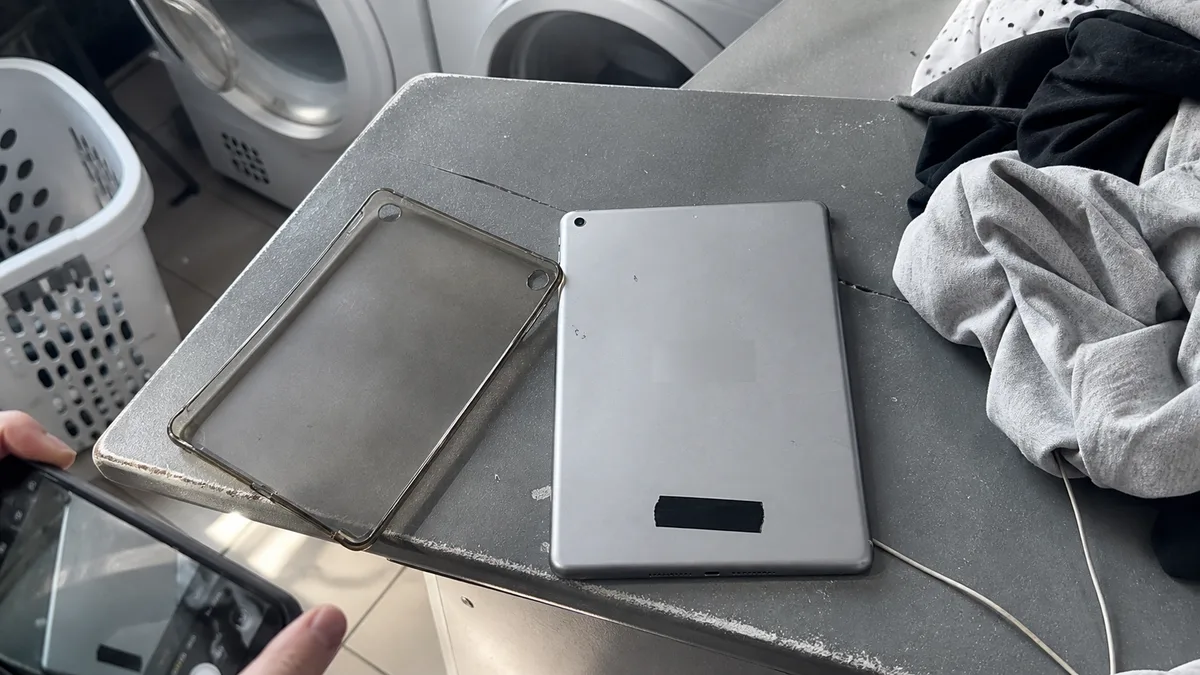
The short answer: „MacBook Pro,„ „iPad Air," or „iPhone Pro" is not specific enough. To identify the right part and prepare a quote, we need the generation, size, and exact variant. If the device turns on, you can find these details in its information settings. If it does not, use the markings on the device, the original box, or the device list in your Apple Account. Do not share the serial number publicly.
What information the service provider actually needs
Apple uses several identifiers:
- marketing name — for example, 13-inch MacBook Air;
- year or generation — distinguishes the design and compatible parts;
- A-number model number — helps identify the device family;
- Mac model identifier — a more precise technical designation;
- serial number — a unique identifier for the individual device.
For an initial public or email enquiry, the name, year or generation, and A-number are usually sufficient. Only share the serial number through a trusted channel if it is genuinely needed.
Why we insist on this: the exact model determines whether a particular component exists in a form that can be safely installed in your device. Two devices with the same marketing name but different model years may require entirely different procedures.
A Mac that turns on
From the Apple menu, select About This Mac. You can also find the model name and basic details in System Information. Apple also states that you can look up the model at account.apple.com under Devices.
When requesting service, include the display size and chip type if shown. A „2020 MacBook Pro" may have either an Intel processor or an Apple chip, and the service procedure differs. A clearly written model description looks like this: 13″ MacBook Pro, 2020, M1 chip — optionally with the A-number, such as A2338.
A Mac that will not turn on
Turn the notebook over and check the small print on the bottom case. It usually includes a model number beginning with the letter A. If the print has worn away—which is common on older devices—the original box, proof of purchase, or the device list in your Apple Account may help.
If you have none of these, that is not a problem. Take photos of the notebook from above, underneath, and from the rear with the lid open, and state how many ports it has and whether it has MagSafe. This is usually enough to narrow down the device family reliably; an in-person inspection can confirm the rest.
An iPhone or iPad that turns on
Open Settings → General → About. Tap Model Number to switch between the part number and the model number beginning with the letter A. Only include the storage capacity if it is relevant to a quote for the entire device; for a display or battery replacement, the generation and size are usually more important.
For iPads, this is effectively the only reliable method. The marketing name „iPad" has been reused for many years, and in a case, a 9th-generation iPad (A2602/A2604) looks almost identical to a 10th-generation iPad (A2696/A2757), even though they use different connectors and have Touch ID in different locations.
When the device is unresponsive
Check the small print on the bottom of a MacBook, the back of an older iPad, the SIM tray on supported iPhones, or the original packaging. The details may also be available in your Apple Account or on the proof of purchase. A photo of the entire device can help identify the variant, but cover the serial number and IMEI before sending it.
Six pairs that are confused most often
| What people usually write in their enquiry | Why it is not enough | What to add |
|---|---|---|
| „13″ MacBook Pro 2020" | two different machines were released in 2020—one with Intel and one with the M1 chip (A2338) | chip type, ideally the A-number |
| „MacBook Air 2020" | there were also two generations: the Intel model from spring and the M1 model from autumn | chip type |
| „16″ MacBook Pro" | the 2019 Intel model and the 2021 model with M1 Pro or M1 Max have different designs | year and chip |
| „iPad" | the 9th generation (A2602/A2604) and 10th generation (A2696/A2757) are confused most often | A-number, connector shape, and Touch ID location |
| „11″ iPad Pro" | this display size has been available in several generations since 2018 | year/generation or A-number |
| „iPhone 12" | the 12 mini, 12, 12 Pro, and 12 Pro Max have different designs and use different parts | exact variant |
The most common mistakes in service enquiries
| Unclear information | What to add |
|---|---|
| „iPhone 12" | 12 / mini / Pro / Pro Max |
| „iPad 10" | 10th generation, not just the iPadOS version |
| „M1 MacBook" | Air or Pro, year, and size |
| photo of the box | cover the serial number and barcode |
| „USB-C model" | the connector shape does not identify the generation |
| „silver MacBook" | the colour identifies neither the product line nor the year |
Serial number and IMEI: why you should not post them publicly
The serial number and IMEI identify an individual device; they are not technical specifications. If you include them in a public listing or discussion, anyone could use them to present your device as their own—for example, when asking about service coverage or creating a fraudulent listing.
You do not need them for an initial service enquiry. The product line, year, generation, and A-number are sufficient. Once we have agreed on a specific course of action and need to identify the exact device, we will request these details through a private channel—not through a form, chat, or public post.
A template you can simply fill in
Copy, complete, and send this template. It covers everything we need for an initial assessment:
- Device and model: for example, „13″ MacBook Air, 2020, M1 chip„ or „9th-generation iPad, A2602"
- Symptom in your own words: what is happening, when it started, and how often it occurs
- What happened beforehand: a fall, liquid exposure, an update, or a previous repair
- What it happens with: which adapter, cable, dock, or Apple Pencil
- Photographs: the entire device and the damaged area, with the serial number covered
- Who approves the work: for a company device, the name of the person and their spending limit
The correct model helps us check repair feasibility and part availability more quickly, but it does not replace fault diagnosis. Neither the price nor the completion date can be confirmed without inspecting the device.
If you are unsure of the model, bring the device in
ITHOPE operates an independent Apple repair service in Brno in pilot mode. It is not an Apple Authorised Service Provider, and the final price is confirmed only after the device has been assessed. We can identify the model on-site within a few minutes—so if you are unsure whether you have a 9th- or 10th-generation iPad, there is no reason to delay your enquiry. Call 774 777 774 or send us a message to arrange the handover.
Frequently asked questions
How can I tell whether I have a 9th- or 10th-generation iPad?
The quickest way is to open Settings → General → About and tap Model Number to display the number beginning with the letter A. The 9th-generation iPad has model numbers A2602/A2604, while the 10th-generation iPad has A2696/A2757.
I have a 13″ MacBook Pro from 2020—how can I tell whether it has an M1 chip?
Open About This Mac from the Apple menu; the chip type appears directly in the overview. The model with the M1 chip has the A-number A2338.
Is a photo of the device enough?
Yes, for an initial identification, but not for a quote. A photograph can distinguish the variant, but it cannot reliably determine the generation or the device’s internal condition.
Do I need to send the serial number before you can answer me?
No. The product line, year, generation, and A-number are sufficient for an initial assessment.
Sources
- Apple: Find your Mac model name and serial number
- Apple: Find the serial number of your Apple product
Where to find us
ITHOPE is a company based in Brno, Czechia: we do data recovery from disks, RAID and NAS, PC and laptop service and IT for business, all in our own lab at Viniční 3587/216, 615 00 Brno.
Phone +420 775 556 063 (24/7 line). You can bring the device in person, or send it by courier (Zásilkovna, PPL).