The situation
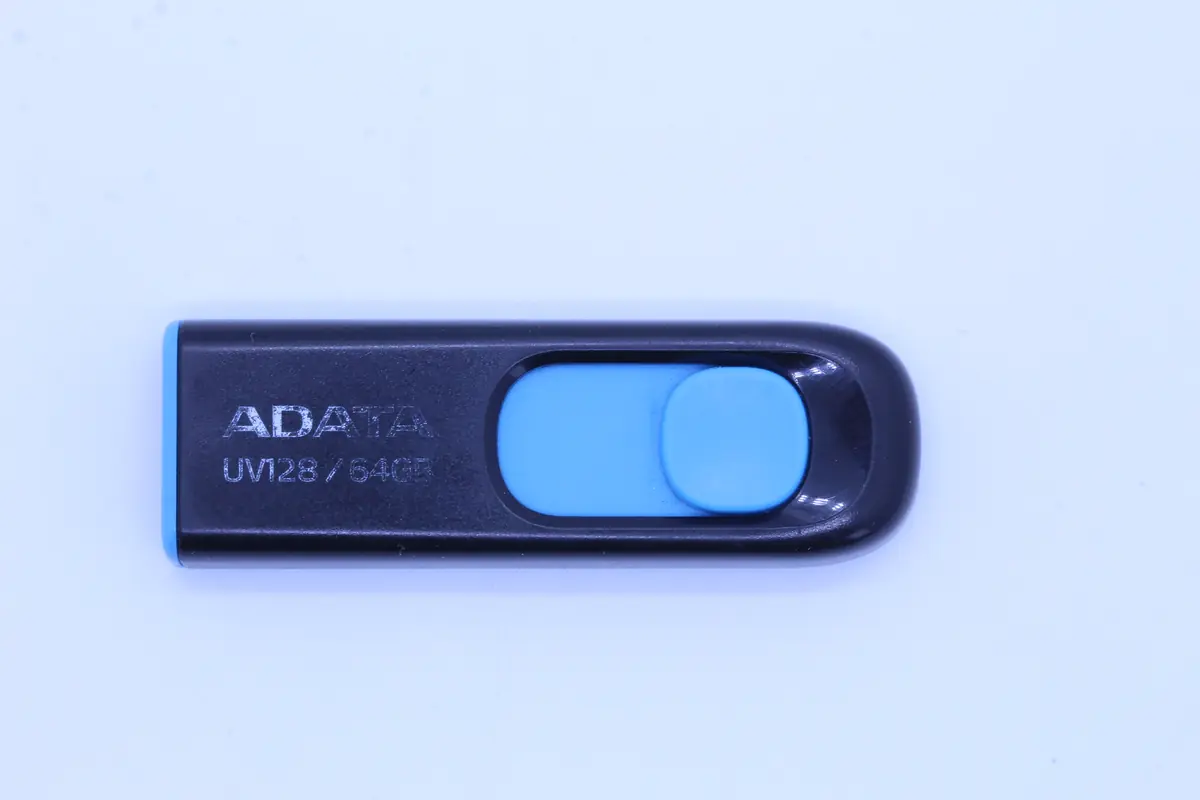
The client brought in an ADATA UV128 64 GB flash drive in a cardboard box. Calmly, without drama. „My son brought it to me. He said you might be able to do something with it."
On the flash drive she had photos of her granddaughter from birth to her fourth birthday (the eldest granddaughter was 4.5 years old in the end). Holiday photos with the family. A few videos from performances. Work folders — about 10 years ago she was still employed and had kept some documents. The only copy.
The flash drive stopped working all at once. She plugged it into the PC as usual, wanting to add new photos from a family celebration. Windows did not recognize it. She tried unplugging it and plugging it back in. It did not work. After three days she called her son. The son recommended us.
Diagnostics
The ADATA UV128 from 2019–2020 has a standard construction:
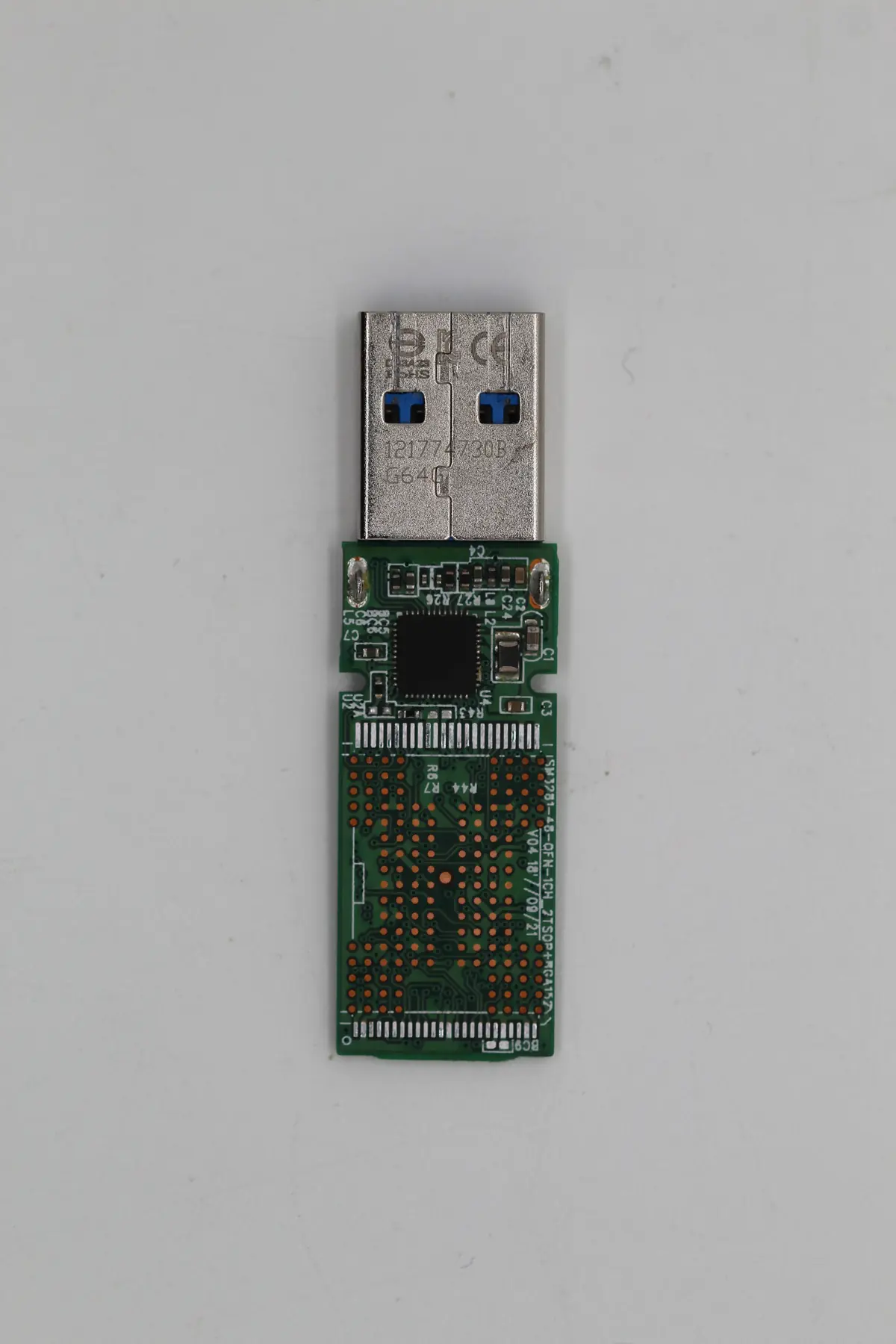
- Controller — SMI SM3267AB, a well-known USB 3.0 mass storage controller.
- NAND chip — typically TLC 64 GB from Micron or SK Hynix.
- Construction — cheap plastic, with no fundamental quality problem.
During diagnostics:
- The USB port does not see the flash drive at all — this points to a problem either in the controller or in the NAND interface.
- Multimeter: power to the controller is fine — the controller is receiving 5 V, it should be starting up.
- Reading the log from the controller via the UART pin — the controller did start up, but it reported „NAND init failed". That is, the NAND chips do not respond correctly to the initialization sequence.
- Most likely: degradation of the memory cells on the NAND — many bits flipped, the controller cannot handle the ECC and gives up during initialization.
The plan: chip-off NAND, raw read, FTL reconstruction outside the controller.
The solution
Seven days, a classic chip-off:
- Day 1: Intake, diagnosis, explaining the process to the client (I had to repeat the value of the work several times — the lady mainly wanted to know whether the photos would be there).
- Day 2: Removing the plastic cover. The ADATA UV128 has the NAND in a TSOP-48 package. Desoldering on an infrared soldering station, 230 °C, ~60 seconds.
- Day 3: Reballing, connecting to the PC3000 Flash Reader. Raw read of the NAND — a high ECC error rate (~5 %), but most blocks readable.
- Day 4–5: FTL reconstruction. The SMI SM3267AB uses the standard SMI wear-leveling, which is documented in the Flash Extractor database. Extraction of the logical blocks.
- Day 6: Parsing FAT32 (the lady used the default format). The root directory was fine, the FAT table partially corrupted — we used the second FAT copy.
- Day 7: Exporting the files, checking the integrity of JPG and MP4. 87 % of the files without errors, 9 % with minor artifacts (some JPGs with broken color on part of the image), 4 % missing.
The result
- 87 % of the data recovered (roughly 41 GB out of 47 GB of used capacity)
- 7 days in total
- The granddaughter’s photos — 94 % recovered. Every birthday, every key moment. A few photos from the last year are missing, but the lady said she has those on her phone.
- The holiday — completely.
- Work documents (old) — 80 % recovered, some PDFs remained corrupted.
- Videos — all recovered.
When we handed the data over on a new USB drive, the lady burst into tears. „I thought it was lost. The granddaughter has no archive from birth like this from any other source."
Lessons learned
For the older generation who use a flash drive as their only storage for photos:
- Flash drives are not „forever". This is perhaps the most important message. When someone tells you „save it to a flash drive and you’ll have it forever„, that is not true. NAND cells degrade over time, the electric charge „evaporates" even without use. The lifespan of a flash drive when idle is 5–10 years, with active use 3–5 years.
- For family photos the best combination is: one copy on a flash drive/SSD + a second copy in the cloud (Google Photos, Apple iCloud, OneDrive). The cloud will outlive the flash drive.
- If you don’t want the cloud, have at least two physical drives. One with you, the other with your son/daughter.
- Don’t use one flash drive for a long time. A new one every few years, the old one as an archive. Against hardware failure that is the only protection.
For children of parents and grandparents:
- Check where your parents store their photos. If it’s a single flash drive, deal with it — set up Google Photos for them (automatic backup from the phone).
- Teach them to copy photos to the cloud. For a year or two it will seem pointless to them, then they will be grateful.
- If they have a PC, set them up for Time Machine or Windows Backup. Automatic backups that run on their own.
A week later the lady called once more. She wanted to make sure she knew our name so she could recommend us. From that one contact we received three more jobs.
PRO TIP
A flash drive from a promo, a conference giveaway, a cheap blue one from a discount store — these are all candidates for degradation within a few years. If you have photos of your children/grandchildren on them, copy them over today to an SSD + cloud. Everyone who doesn’t will one day become a client of a data recovery service.
Have a similar case? Request USB flash data recovery · +420 775 556 063