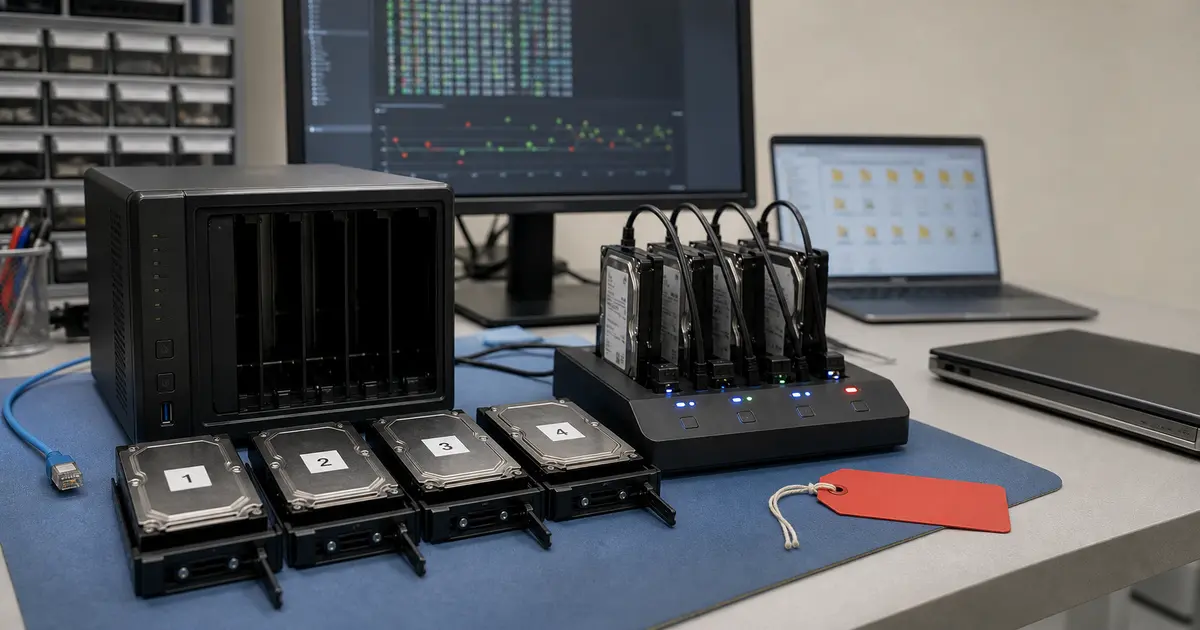
Immediate answer: If your NAS has been attacked by ransomware, switch it off immediately and disconnect it from the network. Do not manipulate the disks in any way, do not delete anything, and under no circumstances pay the ransom – there is no guarantee you will get your data back. A realistic chance of data recovery does exist (untouched files, specifically requested deleted originals, snapshots), but the extent can never be promised in advance. Contact our laboratory; the first indicative diagnostic is normally free for selected NAS devices, without obligation.
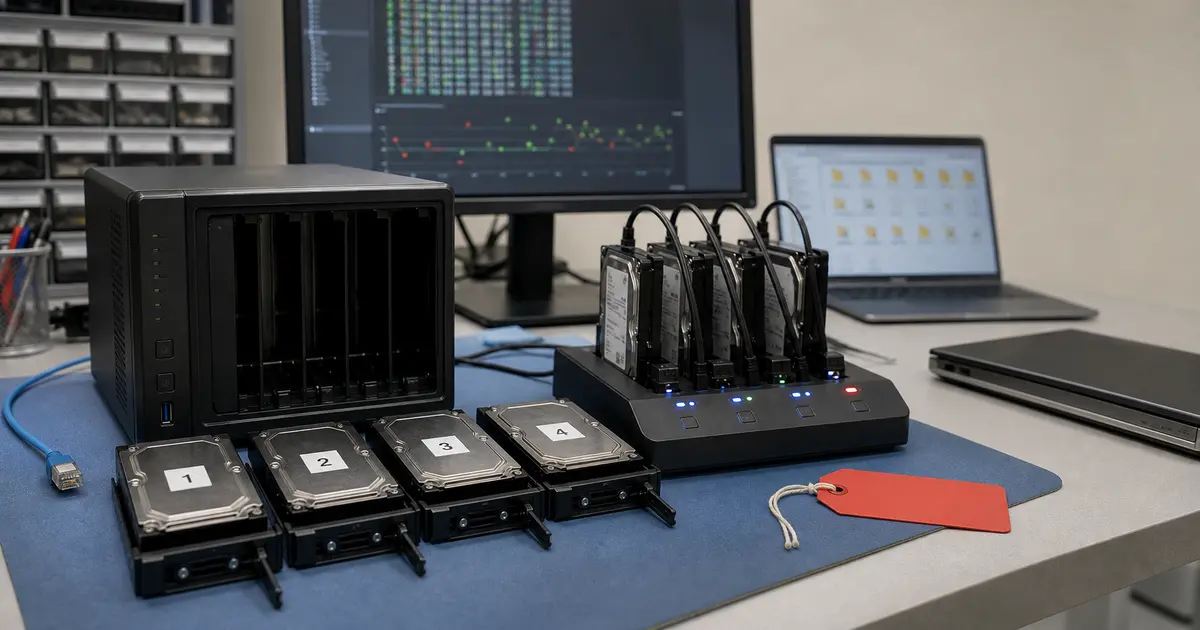
You come to your computer in the morning, open a shared folder on your NAS where you have years of family photos, project documentation, or company accounts, and instead of familiar files, you are greeted by emptiness and a text file demanding payment. It is every network storage owner’s nightmare. Although NAS devices from QNAP, Synology, or Asustor are excellent tools, if you leave them exposed directly to the internet (via port forwarding, UPnP enabled, with a weak password, or outdated firmware), they become an easy target for automated ransomware campaigns. These scan the internet, seek out vulnerable devices, and within a few hours can encrypt terabytes of data. The good news is that even in such a situation, there is a real chance of recovery – provided you know what to do, and more importantly, what not to do.
How NAS ransomware works
Ransomware targeting network-attached storage has evolved significantly in recent years. It is not a single virus but several specialised families that focus on specific brands and their known vulnerabilities. The common pattern is a gradual traversal of the directory structure, encrypting (or archiving) files, and then deleting the original data. It is precisely the fact that originals are deleted rather than overwritten that gives our laboratory the opportunity for forensic recovery.
Qlocker – the silent thief archiving into 7z
Qlocker primarily targeted QNAP devices. Instead of classically encrypting file contents, it used a different technique – it moved files into password-protected 7z archives. Users suddenly found only .7z files in their folders instead of documents, with no access to the password. Because this was a move operation, the original data was deleted from its location, but at the file system level, it physically remained for some time – until it was overwritten.
DeadBolt – attack on firmware and data
DeadBolt is a more sophisticated threat that hit both QNAP and Asustor. It did not just exploit weak passwords but managed to abuse zero-day vulnerabilities in the device firmware itself. After infection, it encrypted files and appended the .deadbolt extension. A characteristic feature was that, in addition to files, it also manipulated the NAS login page, where a ransom demand appeared. Here too, its gradual encryption meant that some data on the disk could have been left in its original state if the attack was stopped in time.
eCh0raix / QNAPCrypt – an experienced player
This ransomware family targets both QNAP and Synology. It is known for its long history and ability to exploit known security holes, as well as using dictionary attacks against weak administrator account passwords. The encryption method is classic, overwriting file contents, yet the same principle of sequential processing and origin deletion applies – earlier intervention means a higher chance of recovery.
The first 30 minutes are decisive: what to do immediately
Your reaction immediately after discovering the attack will fundamentally influence how much data can be saved. Follow these steps precisely:
- Turn off the NAS immediately. Perform a hard shutdown by pressing and holding the power button. Do not log off and do not initiate a standard restart – every second the system runs could mean overwriting further deleted originals.
- Disconnect the network cable. Physically pull the Ethernet cable from the device to prevent any further connection to the attacker’s server or spreading within your local network.
- Do not delete or reinstall anything. Do not attempt to „clean" the system, manually delete encrypted files, restore factory settings, or reinstall firmware. These interventions will irreversibly overwrite the structures the laboratory needs for forensic reconstruction.
- Document the screen. If the attacker’s ransom note is still visible on the monitor or via the web interface, take a photograph. Any identifiers or texts can assist in later analysis or the search for a potential public decryption tool.
- Secure forensic clones. We never work with original disks. Before any analysis, a bit-for-bit copy (clone) of each disk must be created, and all recovery attempts must be carried out exclusively on these clones.
- Consider reporting obligations. For companies and organisations, depending on the extent and nature of the data, the incident may be subject to mandatory notification to supervisory authorities (e.g., under GDPR) or the NÚKIB. Consult this obligation with your legal representative or Data Protection Officer.
Why part of the data is often recoverable
Data recovery after a ransomware attack on a NAS is not black magic but the result of patient forensic work utilising several mechanisms. However, the extent of recovery can never be promised in advance. Here is an honest look at what we work with in the laboratory:
- Unencrypted files: Ransomware traverses files sequentially. If you interrupt the attack by shutting down the NAS in time, part of the directory structure will remain completely untouched. This typically applies to large archive files or directories the attacker had not yet reached.
- Recovery of deleted originals: This is the key mechanism. After encryption, the ransomware deletes the original file; it does not overwrite it. At the file system level (typically ext4 or btrfs), metadata and data blocks marked as free remain. As long as the operating system or new data does not write to these blocks, the original files can be forensically reconstructed. The less the NAS runs after the attack, the higher the chance.
- Surviving snapshots: Modern NAS devices can create snapshots – instantaneous images of the file system state. Features like Synology Snapshot Replication or QNAP Snapshots are an extremely effective defence. If the attacker has not specifically deleted them (which happens with some advanced campaigns), the snapshots contain data in its state immediately before the attack, and our laboratory can extract them.
- Public decryption tools: For some historical campaigns, decryption keys or tools have appeared online over time (e.g., after the seizure of attacker servers by law enforcement). As part of our diagnostics, we also verify whether such a solution exists for the specific ransomware variant.
What kills the chances of recovery
Over the years, we have encountered cases where an initially promising situation turned into an irreversible data loss. The cause is almost always the following mistakes:
- Further operation of the device: Attempts to „just back up what’s left" or browsing files on the infected disk using a computer cause the overwriting of sectors where deleted originals were stored.
- Reinstalling firmware and „cleaning": Attempts to fix the issue by reinstalling the system or deleting encrypted files hand the hard drive over to the operating system for writing, which destructively overwrites the remnants of the original data.
- Formatting disks: An absolutely fatal step that deletes all file system structures and makes any recovery of deleted data impossible.
- Reliance on paying the ransom: We strongly advise against paying the ransom. Not only are you funding criminal activity, but you have no guarantee that you will receive a functional decryption key, or that the key will work on your data without corrupting it.
How the ITHOPE laboratory proceeds
Our specialised workplace in Brno-Židenice has experience with data recovery from infected NAS devices. We proceed methodically, with an emphasis on safety and the maximum possible data yield. „No recovery, no fee" applies to standard recovery charges; agreed targeted searches for or recovery of specifically requested deleted or other individual files are paid work even without a result.
- Forensic cloning: The first and mandatory step is the creation of 1:1 clones of all disks from the NAS onto our sterile working media. We then do not physically manipulate the original disks any further.
- File system analysis: We perform an in-depth analysis of the ext4/btrfs structures on the bit-for-bit copies. We search for unencrypted file remnants, references to deleted originals, and surviving snapshots. We use specialised software and manual forensic procedures for this.
- RAID layer reconstruction: If the case involves a multi-disk NAS, we must first virtually reconstruct the RAID array (be it RAID 0, 1, 5, 6, or proprietary hybrid RAID) before analysing the data. This step is critical – without correctly assembling the stripes across disks, the data is just a jumble of nonsensical fragments. You can read more about this process in our article on data recovery from RAID and NAS arrays or in the guide How to pull data from a NAS.
- Export of recoverable data: All found and reconstructed files are exported to a replacement medium. The output is a directory structure corresponding to the state before the attack, albeit often incomplete. The extent of recovery from ransomware genuinely cannot be predicted in advance – the first indicative diagnostic is normally free for selected NAS devices and helps assess options; targeted recovery of specifically requested deleted originals is paid work.
How to avoid NAS ransomware next time
The best data recovery is the one you never have to undertake. Prevention is, in most cases, straightforward and costs only your time, not money.
- Never expose your NAS directly to the internet. Disable UPnP on your router and do not manually forward ports for the administration interface or services like SMB. For remote access, always use a VPN server (e.g., on the router or a separate device).
- Keep firmware up to date. Manufacturers like QNAP and Synology often release security patches specifically in response to active attacks. Automatic updates are a necessity.
- Use strong passwords and two-factor authentication (2FA). A password like „admin/admin„ or „qnap123" is an open door for attackers.
- Actively use snapshots. Schedule their regular creation, ideally multiple times per day. They are your last line of defence.
- Follow the 3-2-1 backup strategy. Keep at least 3 copies of data, on 2 different types of media, with at least 1 copy offsite (away from your home/office). You can find a detailed guide in our article External HDD as backup and the 3-2-1 strategy.
Frequently asked questions
Should I pay the ransom? We strongly advise against paying the ransom. There is absolutely no guarantee that the attacker will actually provide the decryption key, that it will be functional, or that it will not corrupt your data further. Moreover, you would be funding further criminal activity. Instead, use the first indicative diagnostic, normally free for selected NAS devices in our laboratory, which will check the real possibilities for recovery.
I turned off my NAS after the attack – will I lose snapshot data? On the contrary, a rapid shutdown is the best possible reaction. Snapshots are stored as part of the file system. If the attacker did not manage to delete them, they remain fully preserved on the disks after the device is turned off, and our laboratory has full access to them during forensic analysis. Restarting the device or further operation would, conversely, risk overwriting them.
Will reinstalling the firmware help? No, reinstalling firmware will not save the data. On the contrary, it significantly reduces the chance of recovery, because the initialisation processes of the new system write to the disks and can overwrite precisely those original, deleted but still recoverable, data. Do not manipulate the disks in any way after an attack.
Can you recover data from a RAID NAS after ransomware? Yes, we also specialise in multi-disk NAS systems. The correct reconstruction of the RAID array is key, without which the data remains unreadable. We have experience with specific attacks on Synology and QNAP and work with both corporate and home devices using RAID 0, 1, 5, 6, and SHR technology.
If your NAS has been attacked by ransomware, do not panic. Entrust the case to specialists who understand both file systems and RAID technologies. Send us your disks by post or courier from anywhere in the Czech Republic, or consult with us in advance by phone/WhatsApp at +420 775 556 063 or by email at zachranadat@ithope.cz. Our laboratory in Brno-Židenice will perform the first indicative diagnostic normally free for selected NAS devices and without obligation, so you know exactly where you stand. Find out more about prices and conditions in our data recovery price list.
Where to find us
ITHOPE is a company based in Brno, Czechia: we do data recovery from disks, RAID and NAS, PC and laptop service and IT for business, all in our own lab at Viniční 3587/216, 615 00 Brno.
Phone +420 775 556 063 (24/7 line). You can bring the device in person, or send it by courier (Zásilkovna, PPL).