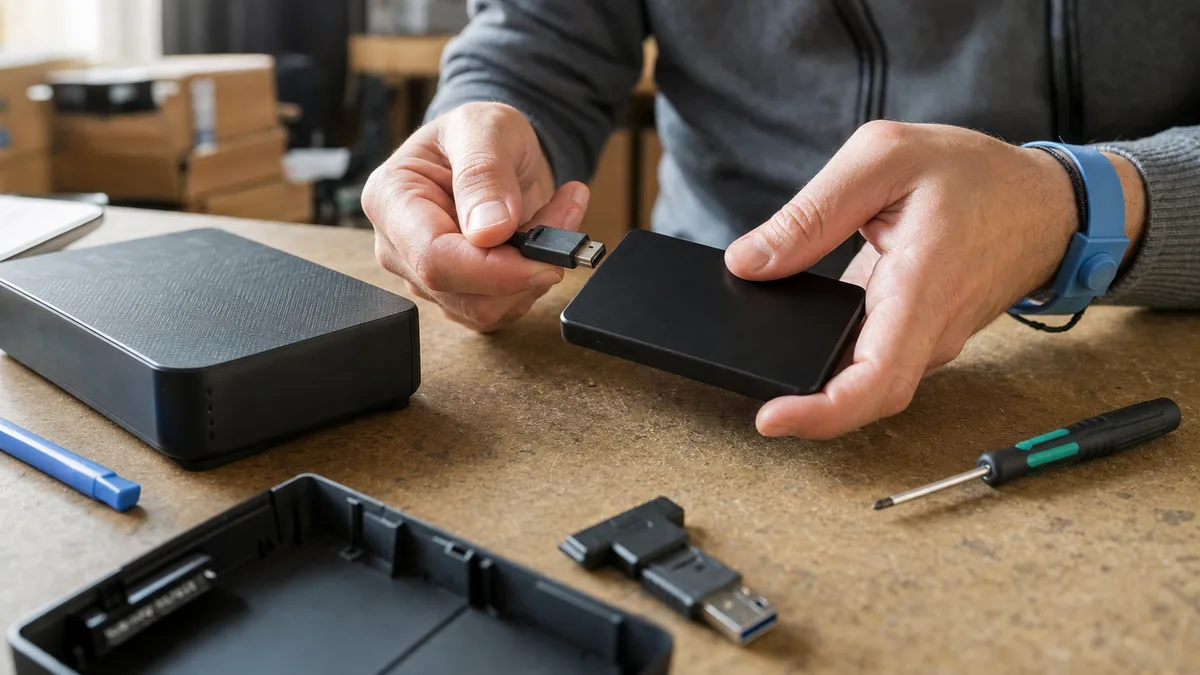
The short answer: If a Western Digital HDD is not detected, try no more than one other known-good data cable, another USB port directly on the computer, and, for a desktop My Book, the original power adapter. As soon as the drive starts clicking, reports the wrong capacity, asks to be formatted, or disappears while copying, power it off and do not write anything to it—every additional attempt reduces the chances of recovery. A failed HDD should not be repaired for continued use: the goal is to retrieve the data and move it to healthy storage. That is what WD external drive repair means in a data recovery laboratory.
In practice, a request for „WD HDD repair" can refer to two completely different jobs. Either the cable, adapter, or USB bridge has failed while the drive itself is fine—in which case the accessory needs repairing or replacing. Or the drive has bad sectors, a damaged file system, failed electronics, faulty read/write heads, or a damaged service area—in which case the task is data recovery, not repair. This article will help you distinguish between the two situations based on the symptoms and, most importantly, avoid making the second one worse. If you are dealing with the second situation and the data exists nowhere else, go straight to external drive data recovery.
Why a Failed WD Drive Is Recovered, Not Repaired
A failed hard drive is generally not repaired so that it can continue storing your accounting records for years. After intervention, it may work long enough for the data to be read once, but returning it to business use is a gamble. The sensible objective is different: recover the data, verify that it is readable, and move it to reliable storage.
Before trying anything, answer one question: Does this data exist anywhere else?
- Yes, you have a current backup. You can afford limited testing—and if the drive does not come back, replace it.
- No, this is the only copy. The outcome will then depend mainly on what you do with the drive before diagnosis. The most valuable thing you can do now is stop.
What to Do Based on the WD Drive’s Behavior
| Symptom | Possible cause | What you can safely check | What to avoid |
|---|---|---|---|
| External WD drive shows no response | cable, USB port, power supply, enclosure, or drive electronics | another known-good data cable, another port directly on the PC, and the original adapter for a My Book | repeatedly powering it on, opening the drive |
| The drive spins but does not appear in File Explorer | missing drive letter, damaged partition, or USB bridge | Disk Management, or another computer | initialization, formatting, creating a new partition |
| Windows says „You need to format the disk before you can use it" | damaged file system or unstable reads | do not write anything; photograph the message | clicking Format, running CHKDSK |
| The drive clicks regularly | read/write heads, servo data, or platter surface | power it off and disconnect it | further testing, reading SMART data, recovery software |
| Capacity shows as 0 B or is significantly wrong | electronics, firmware, or service area | note the model and reported capacity | blind firmware updates, replacing the PCB |
| Copying stops and the drive disappears | bad sectors, heads, or power supply | stop copying | copying files one by one, repeated scans |
The general safe procedure for any external drive is explained in external drive not loading or detected. Western Digital drives add another factor: the design of the specific model.
When Not to Try It Yourself and What We Will Do
Attempting a home repair can damage a WD drive when:
- the drive clicks or repeatedly spins up and stops—failed heads can damage the platters every time the drive starts,
- the drive is not detected even with another cable and port, or reports a capacity of 0 B—the fault may be in the electronics, firmware, or mechanical components,
- the drive was dropped or exposed to a power surge—the first attempts to power it on can cause the most damage.
In these situations, power the drive off and bring or send it to us for external drive repair and data recovery. The process has three steps:
- Intake—bring the drive to our laboratory in Brno-Židenice or send it to us, including the original enclosure, cable, and adapter.
- Diagnosis—we determine where the fault is and what can be recovered. The initial diagnosis of a standard HDD or SSD may be free; non-standard cases, such as a drive opened by another service provider, overwritten or formatted media, or complex analysis, cost 1 210 Kč including VAT (1 000 Kč excluding VAT), and you will be informed in advance.
- Quotation, then recovery—you receive the recovery price before work begins, and we do nothing further to the drive without your approval. Estimated prices by fault type are available in our data recovery price list.
Is it urgent? Call our NONSTOP line at +420 775 556 063.
Checks You Can Perform Without Significant Risk
Only follow these steps if the drive has not been dropped, has not started clicking, and is not spinning with an unusual sound:
- Disconnect the drive and stop all ongoing repair attempts.
- Try another USB port directly on the computer—not through a monitor, dock, or passive USB hub.
- Use another short, known-good data cable. With USB-C, make sure the cable actually carries data; some cables are designed mainly for charging.
- For a desktop WD My Book, check the original power adapter. A matching connector is not enough—the voltage, polarity, and current shown on the label must also match.
- Check whether the drive appears in BIOS/UEFI or Disk Management. Use these tools only to determine whether the device is present.
If Disk Management offers to initialize the drive, cancel it. Refuse formatting as well. Neither action can repair a mechanical fault, but both write to the medium and alter structures needed for recovery.
Portable 2.5-inch drives such as WD Elements Portable and My Passport draw power from the USB port. A weak or unstable port can cause repeated spin-up and disconnection. This is one of the few situations where reconnecting the drive has a realistic chance of helping. Even then, perform no more than one test using another cable and one direct port. If the behavior does not change, further reconnection attempts will provide no new information—they will only place additional strain on the drive.
For an internal SATA drive, you can check the data and power cables while the computer is switched off and disconnected from the mains. Once the drive starts clicking, slows down the entire system, or repeatedly disappears, home diagnosis is no longer safe.
Why You Should Not Power On a Clicking WD Drive Again
Clicking usually means that the mechanism cannot reliably read essential information and repeatedly returns the heads to their starting position. Possible causes include a damaged head assembly, unreadable servo data, a failed preamplifier, or damaged platter surfaces.
Every subsequent startup adds operating time while the drive is faulty. If a head touches the surface, it creates further scratches and releases dust from the magnetic layer. That debris can then abrade areas that were previously intact. A case that could have been resolved by replacing the heads and performing a controlled read can become a drive with irreversibly damaged areas after only a few power cycles.
Do not put the drive in a freezer, tap or knock it, or open its top cover. More detailed first aid is provided in what to do when a drive clicks, while the article on crashed read/write heads explains what mechanical intervention involves.
Why a WD Drive Asks to Be Formatted Even When the Data Still Exists
A formatting prompt does not mean the drive is empty. It only means that Windows could not mount a volume it detected. Common causes include:
- a damaged NTFS or exFAT file system,
- a bad sector within an important file-system structure,
- an interrupted write caused by a power failure or disconnection without safe removal,
- a damaged partition table,
- unstable drive reads over USB.
Formatting creates new file-system structures. Although a quick format does not normally overwrite the entire surface of an HDD, it complicates subsequent recovery—and every write places unnecessary strain on an unstable drive.
Do not run chkdsk /f or chkdsk /r either. CHKDSK repairs the logical consistency of a volume by writing to the original medium. On a healthy drive, it can correct inconsistencies caused by improper disconnection. On a drive with bad sectors, it adds further strain and may overwrite metadata required for recovery. The same applies to macOS First Aid and fsck. The relationship between bad sectors and system behavior is explained in bad sectors on an HDD.
What Makes Western Digital External Drives Different
The label on the enclosure does not tell you exactly what is inside. The design of WD Elements, My Passport, and My Book drives varies by model and revision—two units sold under the same marketing name may use different electronics.
Three factors make a difference with WD drives:
Native USB interface. Some portable My Passport models have the USB controller built directly into the drive’s circuit board. Removing the drive from its enclosure will therefore not reveal a standard SATA connector that you can plug into a computer—there simply is not one.
Hardware encryption. In many external WD drives, the original controller is involved in data transfer and encryption tied specifically to that controller. Replacing the enclosure with a standard USB-to-SATA adapter may therefore fail to provide readable data, even if the user never set a password. This is also why moving the platters into another enclosure is not a shortcut to the data. Software encryption presents a similar trap—the article on BitLocker explains how to approach it.
Adaptive data on the PCB. A visually identical board from another WD drive is often not enough. The electronics contain calibration data tied to the specific mechanism; without transferring it, the drive may not start or may be unable to read. An amateur PCB replacement can therefore turn a straightforward case into a complex one.
WD Red, Red Plus, and Red Pro drives removed from a NAS add another layer: the original array layout and device metadata. Connecting a single RAID member on its own may show no files at all—and that is neither a reason to panic nor a reason to initialize it. With Synology DSM, QNAP QTS, and other systems, first record the order of the drives and do not initialize anything. The article why a rebuild can destroy a RAID array explains why a „quick fix" is particularly dangerous here.
How Diagnosis and Data Recovery Work
A sensible process does not begin by repairing files on the original drive. The first step is identifying the location of the fault: the interface, electronics, firmware, heads, or platter surface.
If the drive permits safe reading, a sector-by-sector copy is created on another medium. The reading process is controlled so that accessible areas are captured first and damaged areas are not subjected to unnecessary repeated attempts. Only then is the file system repaired and files located on the copy—the original drive is no longer involved.
A mechanical failure may require opening the drive in a controlled environment, fitting a compatible donor component, and performing a controlled read. A donor is not chosen solely by capacity or the „WD Blue" label—the exact family, electronics, and parameters of the individual unit matter. The complete process is described in more detail in how to recover data from a damaged HDD.
The diagnostic result should include a description of the fault, an estimate of recoverability, the price, and clear information about whether any fee is due if recovery fails.
How Much WD Drive Data Recovery Costs
The price is determined not by the number of documents but by the type of damage and the work needed to retrieve them. Software-related cases and simpler electronic failures generally cost several thousand Czech koruna. Mechanical work requiring a donor drive typically costs from the upper thousands to the lower tens of thousands. The article how much drive data recovery costs explains the estimated ranges for different fault types.
Before placing an order, clarify:
- whether diagnosis is charged,
- what exactly constitutes a „successful recovery,"
- whether the price includes donor parts,
- which medium will be used to return the data,
- whether you will receive a list of recovered files,
- how the original drive and working copies will be handled.
Be wary of a fixed price promised solely on the basis of a telephone description. The same symptom—„not detected"—can be caused by either a faulty cable or damaged heads, and the difference in price can be an order of magnitude.
How to Recognize a High-Quality Service
The provider should be able to explain the process without promising a 100% successful outcome. Ask whether they first create a sector-by-sector copy, how they minimize writes to the original drive, and whether they perform mechanical work themselves or send the drive to a third party.
Confidentiality also matters to businesses. Before handing over the drive, agree on confidentiality terms or an NDA, encrypted delivery of the recovered data, and a deadline for deleting working copies.
One more point is often overlooked: do not take a drive from one service provider to another merely to obtain multiple diagnoses. Every startup of a mechanically damaged drive can reduce the chances of success for the laboratory that might otherwise be able to recover it.
What to Prepare Before Handing Over the Drive
Record the model and serial number, the original device, a description of its last working state, and everything you have already tried—including what failed. For a NAS, label the order of the drives. With an external WD drive, include the original enclosure, USB cable, and power adapter; with a My Passport, the enclosure is often part of the solution rather than mere packaging.
List your priority data, such as accounting records, databases, specific directories, and projects. If the drive has limited readability, the technician can then prioritize the files your business cannot operate without.
Frequently Asked Questions
Can a WD drive that the computer does not detect at all be repaired?
Sometimes. The cause may be the cable, USB bridge, power supply, electronics, or an internal drive failure. Without diagnosis, you cannot tell whether the enclosure merely needs attention or whether data recovery is required.
Should I accept the formatting prompt shown by Windows?
No, not if you need the data. Formatting will not heal a failed drive and will alter its file-system structures. Disconnect the drive and do not run initialization or CHKDSK either.
Will replacing the electronics with a board from the same WD model help?
Replacing the board alone is often insufficient. It contains adaptive data specific to the individual drive. Some external WD models also use a native USB interface or hardware encryption.
Can I use Recuva, TestDisk, or Disk Drill?
Only on a drive confirmed to be healthy after accidental deletion—ideally on a copy of the drive, with recovered files saved to another medium. If the drive clicks, has bad sectors, disconnects, or becomes significantly slower, a lengthy scan can make its condition worse.
Can a repaired WD drive be returned to normal use?
Do not rely on it after a physical failure or extensive logical damage. The purpose of the intervention is to recover the data safely. Use new storage for continued operation and implement backups according to the 3-2-1 rule.
Where to find us
ITHOPE is a company based in Brno, Czechia: we do data recovery from disks, RAID and NAS, PC and laptop service and IT for business, all in our own lab at Viniční 3587/216, 615 00 Brno.
Phone +420 775 556 063 (24/7 line). You can bring the device in person, or send it by courier (Zásilkovna, PPL).