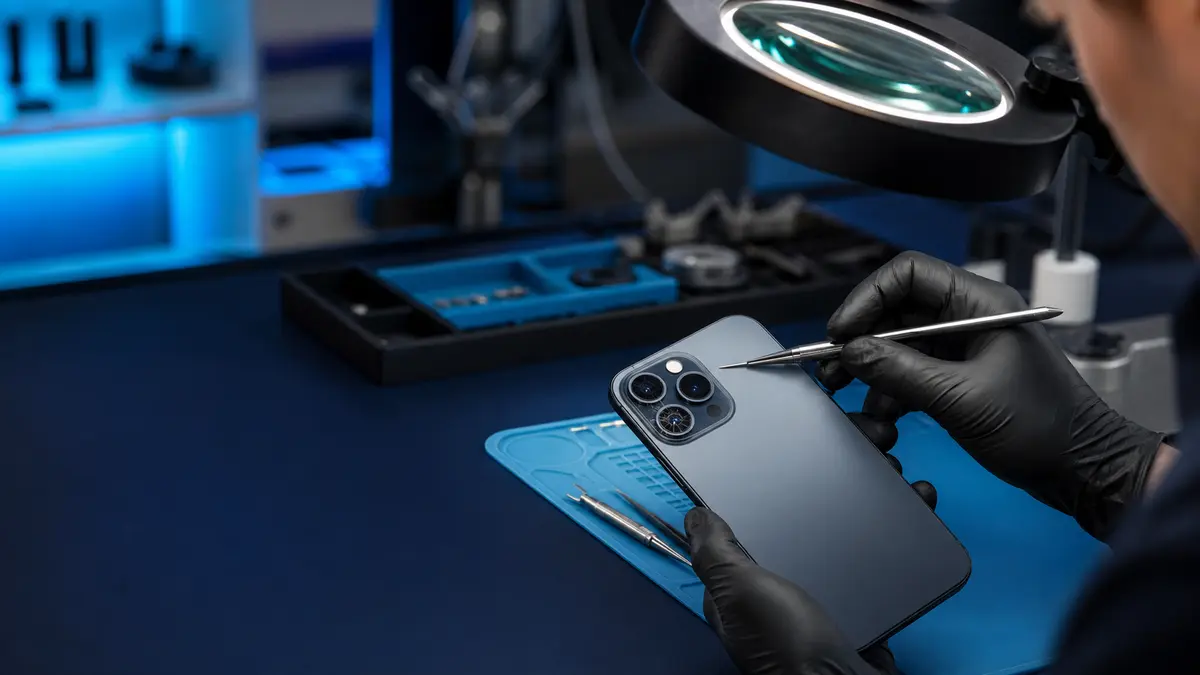
Quick answer: A crack confined to the cover glass in front of the camera causes glare and hazy images; shaking, clicking, and an inability to focus are more likely to indicate damage to the mechanism inside the camera module. Before ordering a part, test every lens in the Camera app, remove any magnetic accessories, clean the glass, and restart the phone. After a hard drop, however, tapping or trying to „shake the camera loose" is not a sensible solution.
Four faults that only look the same at first glance
The phrase „the camera is broken" can refer to four different repairs:
- Damaged cover glass. The camera focuses and the app works, but shooting towards a light source produces streaks, haze, or glare. The image may contain sharply defined dark spots caused by debris that has entered the assembly.
- Damaged rear camera module. The image shakes, the camera audibly clicks, the focus hunts, or one lens displays a black image.
- Deformed frame or loose mounting. The cover glass may remain intact after a drop, but the assembly may no longer sit in its original position. Installing a new module in a bent frame would only be half a repair.
- Software or accessories. A fault in one app, a magnetic mount, or a case near the camera can interfere with stabilization even when there is no mechanical damage.
The exact symptom is more useful than simply saying that the camera „will not focus." A short screen recording, information about the drop, and details of whether the problem occurs with the 0.5×, 1×, or telephoto lens, in videos, or in photos will help the repair technician.
A safe five-minute test
First, remove the case, any add-on lens, and any magnetic mount. Wipe the cover glass with a clean microfiber cloth. Then open the built-in Camera app—not Instagram or the scanner in a banking app—and switch through all available lenses one by one.
Photograph the same high-contrast object from both a short and a longer distance. Record a short video while holding the phone still. Finally, restart the iPhone and repeat the test. If the problem only affects one app, update or reinstall it. If the same lens fails to focus in every app, a hardware fault is more likely.
Do not shake the phone, tap it against a table, or try to „free" the stabilization mechanism. The camera’s moving parts are delicate, and an impact that temporarily restores the image may also make the mechanical damage worse.
What each symptom may indicate
| Symptom | Likely source | What else to check |
|---|---|---|
| glare and a milky haze, particularly when shooting towards a light source | cracked or dirty cover glass | whether a lens protector is attached |
| a fixed dark spot in every photo | debris inside the optical path or a sensor fault | whether the spot changes when switching lenses |
| the image vibrates and the camera clicks | stabilization or focusing mechanism inside the camera module | remove magnetic accessories |
| one lens displays a black image while the others work | the specific module or its connection | test it in the built-in app and after a restart |
| the camera and flashlight both fail | module, connector, or a more extensive fault | condition of the phone after a drop or liquid exposure |
This table is not a remote diagnosis. A drop can damage both the cover glass and the module at the same time. Replacing only the visibly cracked glass will not fix the image if the stabilization mechanism underneath remains damaged.
The rear camera is not Face ID
The rear camera assembly and the front-facing TrueDepth system are not the same thing. This repair pilot covers diagnosis and out-of-warranty replacement of the rear camera in supported iPhones. We do not offer repairs to TrueDepth or Face ID. If Face ID stopped working after the drop, mention it in your initial enquiry—it requires a different type of assessment.
On the iPhone 12 and later, the rear camera appears in Parts and Service History. With supported models and a genuine part, the repair may need to be completed using Repair Assistant after installation. Apple requires the latest version of iOS, Wi-Fi, and more than 20% battery power for this step. This does not mean that every module can be freely swapped between phones or that the source of the part is irrelevant.
When requesting a quote, therefore, ask:
- whether the repair covers the cover glass, the complete camera module, or both,
- whether the frame is straight around the camera,
- whether the part is new genuine, used genuine, or aftermarket,
- what entry will appear in Parts and Service History after the repair,
- whether the price includes configuration and testing of every lens.
Our separate article Why an iPhone shows an Unknown Part message after repair explains what the „Unknown Part" entry means and when it may simply indicate incomplete configuration.
When a repair makes sense
An isolated rear camera fault in an otherwise straight and functional phone is usually a reasonable candidate for repair. The decision changes if the screen is also cracked, the frame is bent, the back glass is damaged, the cellular connection does not work, or the phone got wet during the fall. In those cases, the quote needs to reflect the phone’s overall condition rather than just its most visible symptom.
Everyday business tasks also depend on the camera, including job documentation, reading QR codes, and scanning receipts and banking documents. Before handing over the phone, arrange a replacement device or another method of multi-factor authentication. For managed phones, check MDM and Apple Account ownership; our article on where to have an iPhone repaired in Brno also explains how to choose a repair service and prepare a company device.
What testing after the repair should include
Simply opening the camera and pressing the shutter once is not enough. The final test should cover every rear lens, both photos and videos, focusing at short and long distances, image stability, the flashlight, and transitions between lenses. A uniform bright surface can reveal dust spots, while a point light source can expose glare and haze. A short recording made while walking slowly is also useful for detecting unstable stabilization.
Review the results on a larger display. A defect that looks like a tiny spot on the phone can be far more noticeable in job documentation or in print. If the phone is locked, we will perform these tests with you at handover, so the passcode remains with you.
When collecting the phone, open Settings → General → About → Parts and Service History. The entry must match what was promised in the quote. If the repair is waiting for Repair Assistant, complete it before final acceptance or ask for the exact procedure to be demonstrated. The service receipt should specify the type of part and the work performed, not merely state „camera repair."
When only the cover glass is damaged
An open crack in front of the lens is more than a cosmetic issue. Dust and moisture can enter and subsequently contaminate the module’s optics. Do not carry the phone loose with keys, and do not seal the opening with glue. Clean protective tape placed temporarily over the surrounding area may help keep out debris during transport, but it must not be pressed into the opening or touch the lens.
Before replacing the glass alone, it is essential to confirm that the module focuses and stabilizes correctly. If the image already contains spots or haze, the quote should include an inspection and potentially a more extensive repair. A cheap cover-glass replacement without this test may simply seal the debris inside.
Out-of-warranty diagnostics in Brno
ITHOPE is neither an Apple Store nor an Apple Authorized Service Provider. For warranty claims, contact Apple Support or the retailer first. For an out-of-warranty iPhone 12 or later, we can individually assess the rear camera, cover glass, frame, and whether a supported repair can be completed correctly. We provide a price after diagnosis and before ordering the part; we do not promise a while-you-wait appointment.
Send the exact model, a description of the drop, and a sample photo through our Apple service page. We accept the phone without its passcode and without your Apple Account password. We will perform tests that require the phone to be unlocked together with you at handover; you can complete Repair Assistant yourself if necessary. We do not offer mobile phone data recovery.
Frequently asked questions
Is replacing the cracked glass in front of the camera enough?
Only if the module focuses, stabilizes, and contains no debris. After a drop, every lens needs to be tested before the glass is ordered because damage to the module may not be visible from the outside.
Can a magnetic mount interfere with the camera?
Yes, strong magnetic accessories positioned very close to the camera can affect the moving optical stabilization and focusing mechanisms. Remove the accessory and repeat the test. If the problem began after a drop and persists without the accessory, the phone needs professional diagnosis.
Does the repair shop need my passcode?
No. We accept the device without its passcode. We will test functions that require the phone to be unlocked together with you; you do not hand over the password to your Apple Account or any apps.
Sources
- Apple: About genuine iPhone cameras
- Apple: Parts and Service History
- Apple: Use Repair Assistant to finish an iPhone or iPad repair
Where to find us
ITHOPE is a company based in Brno, Czechia: we do data recovery from disks, RAID and NAS, PC and laptop service and IT for business, all in our own lab at Viniční 3587/216, 615 00 Brno.
Phone +420 775 556 063 (24/7 line). You can bring the device in person, or send it by courier (Zásilkovna, PPL).