The situation
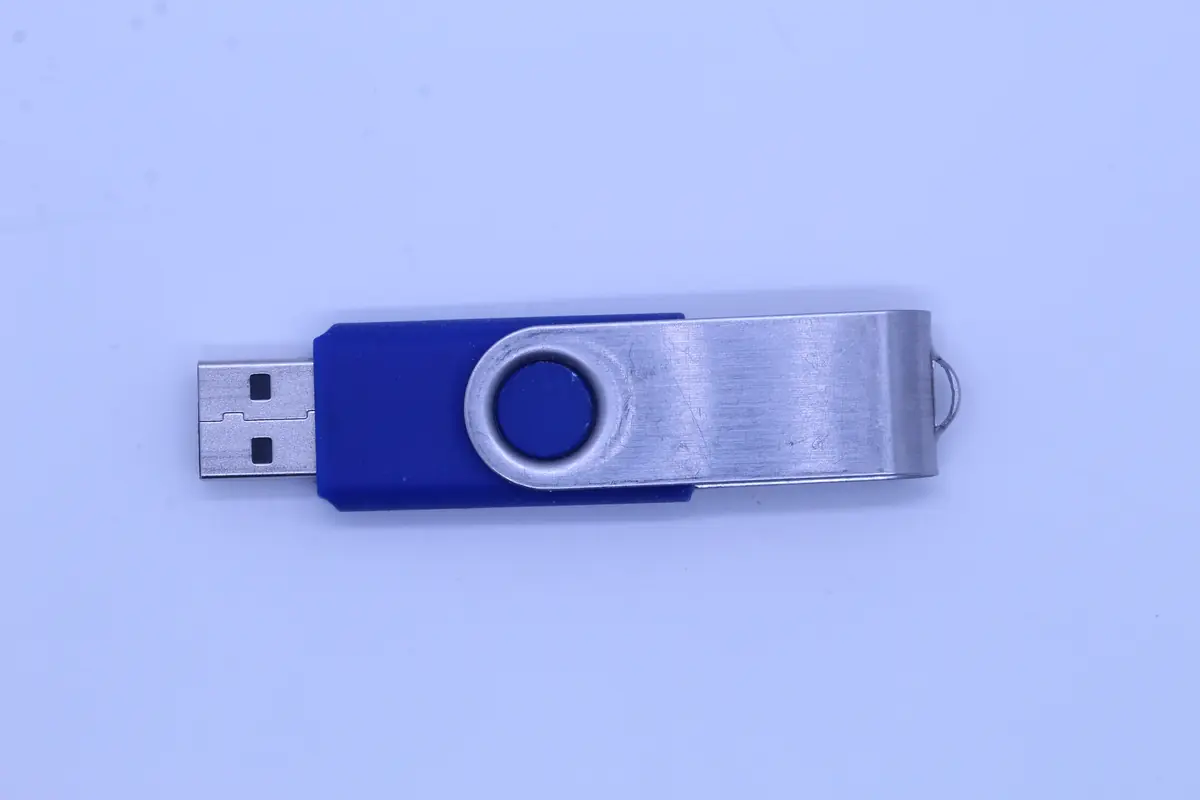
A B2B client brought in a promotional batch of 32 GB USB flash drives carrying their company’s logo. Each drive held creative documents (catalogue and brochure designs) and business materials. One drive from the batch had stopped working — specifically the internal one the designer used for production work.
Symptoms: once plugged in, the drive briefly registered, but soon Windows reported „The disk structure is corrupted and unreadable". The designer tried to format it — fortunately, they thought better of it before confirming. And brought it to us.
Diagnostics
Flash drives from promotional campaigns usually carry cheaper NAND chips (often refurbished) than drives from established brands. This particular one had:
- Controller — a standard USB 2.0 + USB 3.0 mass storage device, nothing special.
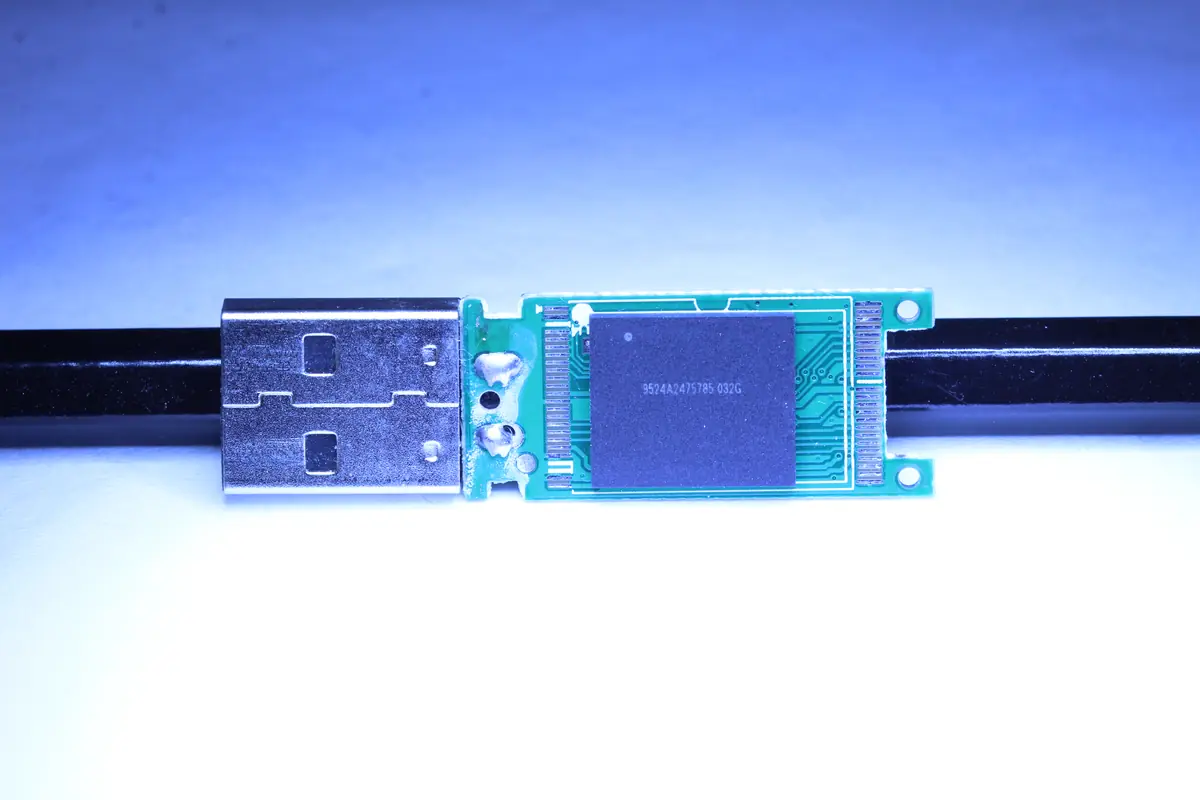
- NAND chip — 32 GB MLC, no brand (apparently refurbished or B-grade quality).
- Cell degradation — when read, the first quarter of the drive was fine, the second half read with retries, and the last quarter would not read at all.
- File system (FAT32) — MBR contaminated with an error, FAT table with a corrupted beginning, root directory unreadable.
The client had roughly 24 GB of data on the drive — catalogue designs for the company’s products, reference materials, business presentations. No copy. The designer worked straight from the drive (the infamous anti-pattern).
The solution
Six days — a quick case, because we can run flash recovery efficiently:
- Day 1: Diagnosis, decision in favour of chip-off (with the combination of FS issues + NAND degradation this is the standard procedure).
- Day 2: Desoldering the NAND chip. The flash packaging is a standard TSOP-48. Temperature 230 °C, 60 seconds. Infrared soldering station.
- Day 3: Reballing + connecting to PC3000 Flash. Raw read of all sectors — ECC error rate around 3% (high, but manageable).
- Day 4–5: Reconstructing the FTL (Flash Translation Layer). NoName drives typically use a Phison or SMI controller. This particular one had a Phison PS2251-03 — the FTL is documented in the Flash Extractor database. Extraction of the logical data.
- Day 5–6: Reconstructing FAT32 from the extract. The MBR backup in sector 62 was intact. The FAT table was damaged, so we used the second copy (FAT32 keeps two FAT tables). The root directory was partially repaired.
- Day 6: Exporting the files, integrity check. 84% of files error-free, 8% of PDFs with minor artefacts, 8% missing entirely.
The result
- 84% of data recovered (roughly 20 GB out of 24 GB of used capacity)
- 6 days in total
- Catalogue designs — 92% recovered (the most important projects in full).
- Reference materials — recovered.
- Old presentations (a year+ old) — some missing, but the designer still had them in their email.
The client took the data away on two SSDs. This time with an explicit instruction: „the designer works from the SSD, not from a flash drive".
Lessons learned
For companies that use „promotional USB flash drives" as working storage:
- Cheap drives from promotional campaigns have lower-quality NAND chips. Some are refurbished, others are B-grade from the manufacturer. Their lifespan is significantly shorter than that of branded drives.
- Designers and creatives should work from internal SSDs, not from a flash drive. Classic crash scenarios: the drive „gets lost" in a USB port, disconnection during a save, drops to the floor.
- For transfers between clients and designers, use the cloud (WeTransfer, Dropbox Transfer, Proton Drive) or an internal Git repository. A flash drive for moving large files belongs to the last decade.
- If the drive reports an error, do not attempt to format it. Formatting is very likely to overwrite the FAT/exFAT tables with empty new ones, and the data is then harder for us to reconstruct.
For B2B clients dealing with data security:
- Promotional drives with a company logo can hold data that is core to your business. Catalogues, price lists, presentations — if the drive leaves the company, its content may have commercial value.
- Consider versioning your designs in the cloud. The designer then doesn’t need to carry a flash drive at all.
- If a drive fails, don’t try to fix it yourself. Chip-off recovery is specialized work.
PRO TIP
A promotional USB with a company logo = perfect marketing, a poor working tool. Split the use case: logo drives for clients (read-only catalogue content only), data work on branded drives or straight onto an SSD.
Have a similar case? Request USB flash recovery · +420 775 556 063 · B2B partner portal