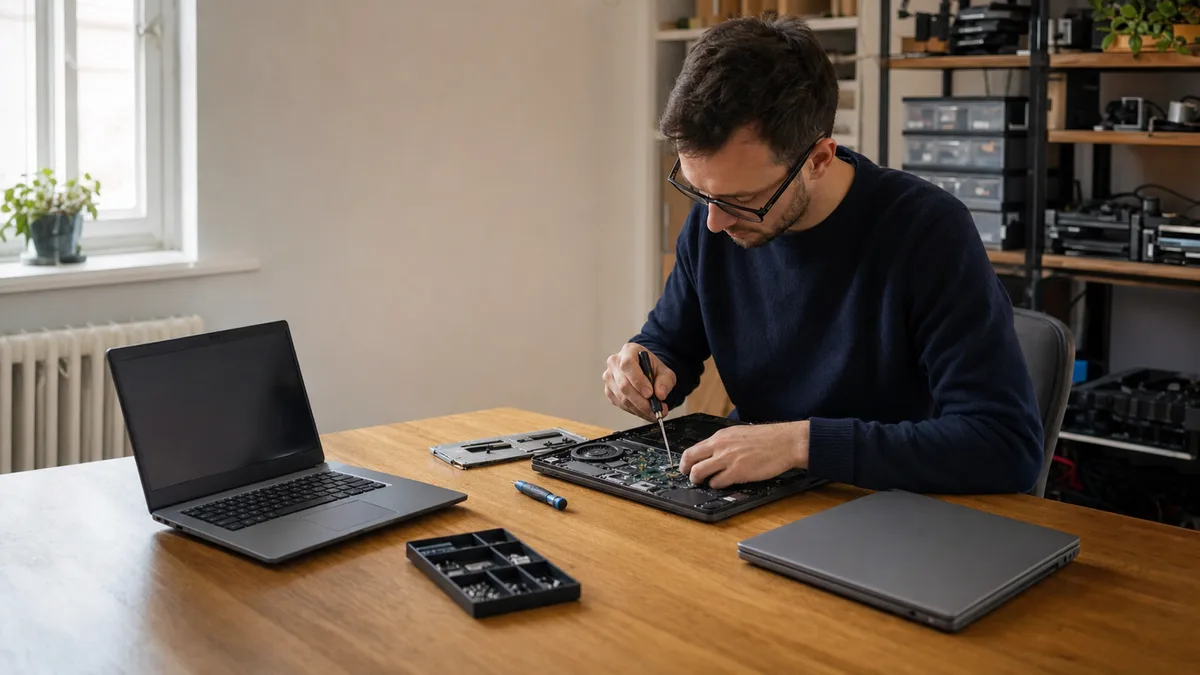
The short answer: Notebook repair in Brno is worthwhile for machines under roughly four years old with a single clear fault — replacing a charging port, keyboard, or cleaning the cooling system are among the cheapest and most routine tasks, but an exact price can only come from a specific service quote after diagnostics. Once the estimated repair cost exceeds about half of the notebook’s current market value, a refurbished or new machine makes more economic sense. And if there is unbacked-up business data on the drive, address data recovery first — only then the hardware.
This text isn’t a price list, but a decision-making guide. It shows when repairing a business notebook makes economic sense, when a refurbished or new machine is cheaper, and how to find a service in Brno that actually fixes the fault — instead of just replacing the whole part and billing you for it.
When Is Repairing a Business Notebook Worthwhile?
Three factors decide the fate of a business notebook: the machine’s age, the extent of the damage, and the impact of downtime on operations. A two-year-old notebook with a faulty charging port is a clear candidate for repair. An eight-year-old machine with a cracked motherboard and a dented display is not.
The most common mistake small businesses make is calculating the return on investment from the original purchase price. The owner remembers what they paid for the notebook years ago and bases the „worth" of a repair on that amount. However, the current market value of the same machine is significantly lower today. A repair then isn’t a small investment into an expensive notebook, but could easily be a large portion of the price you’d pay for a comparable refurbished unit.
A practical rule of thumb: if the repair estimate exceeds roughly 50% of the notebook’s current market value, buying another machine is the better option. The specific threshold in crowns is determined by your model’s current value — for an older machine, this value is low, meaning even a nominally cheap repair could exceed it.
The exception is data recovery — that’s governed by the value of the data, not the machine. We’ll get to that later.
Which Faults Are Worth Repairing and Which Aren’t
Not all faults are equal. Some are a cheap, routine replacement. Others mean you’re paying for labor on a machine that will soon fall apart elsewhere anyway.
Usually worth repairing:
- a faulty charging connector or port,
- the keyboard,
- a faulty fan, overheating, and clogged cooling,
- a broken display on a newer machine,
- a failing SSD, especially if it holds unbacked-up data,
- a broken display power cable,
- liquid spills, if the power was disconnected quickly (only diagnostics can confirm the extent of the damage).
Consider replacement instead:
- a failing dedicated graphics chip soldered onto the board,
- a motherboard seriously damaged by a short circuit,
- a combination of multiple simultaneous faults (display + battery + keyboard),
- extensive liquid damage where the machine remained powered on for an extended time.
Time is critical with liquid spills. Quickly cutting the power — removing the battery and disconnecting the charger — can limit the extent of the damage: the longer the board remains powered and in contact with liquid, the higher the risk of corrosion. However, only diagnostics at a service center can reliably determine the extent of the damage and whether a repair is worthwhile. If the machine will not boot, continue with the guide for a computer that will not turn on and shows a black screen.
Repair, Refurbished, or New Notebook
Refurbished business notebooks (Lenovo ThinkPad, Dell Latitude, HP EliteBook) are typically three-year-old machines from corporate refresh cycles, often with a one-year seller’s warranty. They tend to be significantly cheaper than a new machine and are more than adequate for standard office work, accounting, or warehouse systems.
A new notebook for the same tasks will cost more but comes standard with a two-year warranty. Check the current price range for both refurbished and new machines with specific vendors — these fluctuate based on supply and model.
| Solution | Costs | Best for |
|---|---|---|
| Repair an older machine | Lowest for a single clear fault; the service quote provides the exact amount | Notebooks under 3–4 years old, one fault |
| Refurbished with 1-year warranty | Lower than buying new | Limited budget, standard administrative tasks |
| New with 2-year warranty | Highest | Key personnel, demanding applications |
How Much Does Notebook Repair Cost in Brno?
We intentionally refrain from listing specific prices here — they vary based on the model, part availability, and fault extent, and they quickly become outdated. You’ll get a reliable figure as a specific price quote after diagnostics; current reference prices for common procedures and standalone data recovery can be found in our price list.
The final price is influenced by:
- type of fault — replacing a charging port, keyboard, or cleaning the cooling system are routine and the cheapest tasks; repairing liquid damage or performing board-level work requires more labor and is more expensive,
- part cost and availability — original or harder-to-source parts increase the final price,
- labor scope and diagnostics — when you proceed with a repair, the diagnostics fee is typically absorbed into the final price,
- data recovery — billed separately and governed by the drive’s condition, not the notebook’s price; for a seriously damaged drive, the final cost is determined solely by the extent of the damage.
Manufacturer-authorized service centers tend to be more expensive as they work exclusively with original parts and follow brand procedures. An unauthorized service is usually cheaper and often faster for out-of-warranty machines. However, for a notebook under warranty, unqualified intervention can void the warranty — in this case, the authorized route is worth respecting.
How to Identify a Quality Service in Brno
Look for specific indicators when choosing a provider, not just the price list on their website.
Turnaround speed for common repairs. Replacing a part shouldn’t take longer than two to three business days. If a service center holds your notebook for over a week without explanation, it’s either overwhelmed or orders parts only after accepting the job.
Upfront diagnostics. A reputable service communicates the diagnostic result, usually within 24 hours, and gives a concrete description of the fault and the price before the repair. „We’ll see once we open it up" is acceptable only if followed immediately by at least an estimated price range.
In-house stock of common parts. A provider who stocks parts for widespread brands (Lenovo, Dell, HP) handles repairs faster. One that orders everything in will delay you by several days.
Warranty on labor. A quality service provides a warranty on both the work performed and the replaced parts — confirm the specific duration in advance.
Breadth of expertise. A service that handles data recovery, NAS, or server repairs in addition to notebooks has deeper electronics proficiency. Anyone can replace a keyboard — you’ll notice the difference with a board-level short, where the choice is between a targeted repair and replacing the entire motherboard.
How the Repair Process Works Step-by-Step
A typical process at a service center with set procedures:
- Intake — a report is written documenting the condition, visible damage, and the described fault.
- Diagnostics — the technician disassembles the machine, measures key points, and determines the cause. Usually 1–24 hours.
- Price Quote — you receive a specific amount or options (economical repair vs. whole-part replacement). You can decline the repair.
- Repair — only after you approve the price. For common faults, this takes 1–2 days.
- Testing — a stress test, temperature check, and verification of the repaired part.
- Handover — the device, a repair document with the warranty period, and, upon request, the replaced original part.
A well-run service keeps you informed at every step, ideally by email or SMS, so you don’t have to chase down your job status by phone.
Risks of Unqualified Intervention
Attempting a DIY repair or entrusting the notebook to an unqualified person carries several specific risks:
- Damage to board connectors — common during unskilled display or battery replacements. A torn connector means repairing or replacing the entire motherboard.
- Electrostatic discharge (ESD) — without anti-static precautions, you can destroy a sensitive component without any visible damage.
- Data loss — occurs when handling a drive without a backup. If the notebook is dead and you need the data, the first step is a service center, not disassembly on the kitchen table.
- Damage from liquid spills — the longer the board remains powered and in contact with liquid, the greater the risk of corrosion; only diagnostics can reveal the extent of the damage and the repairability of the board.
- Incompatible parts — cheap, off-brand batteries and chargers can overheat, damage the charging circuit, and, in extreme cases, cause a fire.
A simple rule applies to unbacked-up data: if you are unsure, do not repeatedly attempt to start a faulty notebook, and do not connect the drive to another computer without consulting a professional. Each startup of a physically damaged disk reduces the chance of recovery.
Address Data from a Damaged Notebook Before the Hardware
Separate two things: hardware repair and data recovery. They are not the same procedures, and not every service center does both at a professional level.
A typical situation: the notebook shows no signs of power, doesn’t respond, but the drive contains invoices, accounting records, or ongoing contracts. In this case, data recovery is the priority, and repairing the machine can wait.
A safe procedure:
- do not attempt to turn the notebook on repeatedly — for a damaged drive, each start worsens its condition,
- do not connect the drive via an external enclosure unless you are certain it is mechanically sound,
- entrust the drive to a service center that directly handles data recovery and has the equipment for it (a clean environment, hardware for reading damaged media).
If the drive is intact and the fault lies elsewhere (cooling, display, charging port), data can usually be removed and copied within an hour — the repair and backup then proceed independently. When a drive is physically damaged, the procedure and cost depend on its condition; the safe first steps and service options are summarised on our data recovery page.
How to Avoid Unnecessary Repairs
Many repairs can be prevented by adopting habits that cost nothing.
Clean the cooling system once a year. Dust buildup inside raises temperatures, forces the processor to throttle performance, and degrades the thermal paste over time. In dusty environments (workshops, warehouses), the interval is shorter.
Protect the keyboard from liquids. A spilled drink next to a notebook is one of the most common causes for repair. Plastic keyboard covers reduce typing comfort but make sense for shared or high-risk workstations.
Back up your data. A backup doesn’t protect hardware, but it keeps losses low. Business data without a backup incurs additional recovery costs in case of a fatal failure — and offers no guarantee of success.
Don’t leave the notebook permanently plugged in. Constantly holding the battery at 100% shortens its lifespan. Modern notebooks can limit charging (typically to 80%) — it’s worth enabling this feature.
Carry the notebook in a reinforced bag. A soft sleeve without reinforcement won’t protect the display from pressure in an overstuffed backpack. A cracked panel from pressure is one of the most common forms of mechanical damage.
If the notebook is slowing down rather than suffering from a hardware fault, start with software diagnostics — why and how is summarised in the guide to a slow computer in 2026.
Frequently Asked Questions
How long does a notebook repair take in Brno? A common part replacement (keyboard, charging port, display, fan) takes 1–3 business days if the service has the part in stock. Allow 5–7 days for ordered parts. Diagnostics should be completed within 24 hours of intake.
My notebook won’t turn on, and I need data from it. What should I do? Do not attempt repeated startups. If you don’t have a data backup, take the machine to a service center that also performs data recovery. The technician will remove the drive and check its condition; if the drive is intact, they can retrieve the data even from an otherwise dead notebook.
Is it worth repairing a gaming notebook for business work? Generally, no. Gaming machines have more expensive parts and a more complex build; for office use, they are unnecessarily powerful, noisy, and have short battery life. Repairing a gaming notebook older than three years is rarely worthwhile.
Can I repair the notebook myself? Replacing a keyboard or battery is manageable if you have experience, the right tools, and follow the procedure for your specific model. For anything involving the motherboard, power circuits, or display, you risk causing more damage than the original fault.
Do repair costs vary based on the service’s location within Brno? A slight difference in labor costs between the city center and outskirts exists due to overheads, but expertise is the deciding factor. A specialized service equipped for board-level repairs may be more expensive but will fix what another shop would resolve by replacing the entire part.
Where to find us
ITHOPE is a company based in Brno, Czechia: we do data recovery from disks, RAID and NAS, PC and laptop service and IT for business, all in our own lab at Viniční 3587/216, 615 00 Brno.
Phone +420 775 556 063 (24/7 line). You can bring the device in person, or send it by courier (Zásilkovna, PPL).