The short answer: In-house IT makes sense when a company needs a technician on site every day and in-depth knowledge of its specific operations. For a smaller company with a standard environment, outsourcing with one accountable person inside the company is usually more practical. As the company grows or its operations become more critical, a hybrid model generally works best.
The number of computers is not the only deciding factor
The question of in-house IT versus outsourcing is rarely prompted by a long-term strategy. The trigger is usually the departure of the sole administrator, repeated outages, uncertainty about backups, or company growth that makes it impossible to keep managing access rights by phone and in a spreadsheet.
Another reason is the replacement of workstations. Standard support for Windows 10 ended on 14 October 2025. The computers did not stop working, but the usual options are to upgrade to a supported version of Windows 11, use a suitable extended security updates programme, or replace the devices. Microsoft’s information on the end of Windows 10 support summarises the details and limitations of each option.
The decision is therefore not simply a choice between an employee and an invoice. You are deciding who will:
- handle routine user requests;
- understand critical systems and their dependencies;
- cover for an ill or unavailable technician;
- be authorised to change the firewall, accounts, and backup settings;
- respond to a security incident;
- provide evidence of completed changes and recovery tests.
What you should actually compare
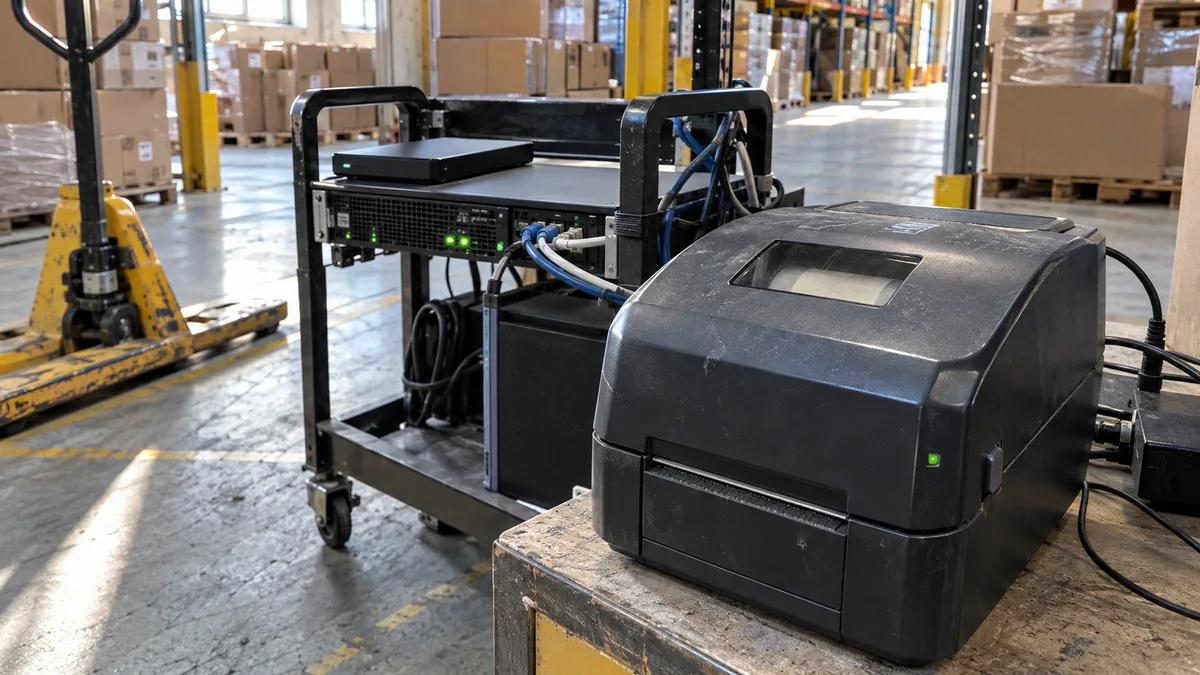
An in-house administrator is close to both the people and the operation. They know when a production computer cannot be restarted, why the warehouse needs its label printer before the shift begins, and which accounting system must be operational during the financial close.
The weakness of a one-person IT department is its limited capacity and range of expertise. One person may manage Microsoft 365, Windows, and endpoint devices well, but may not also be proficient in firewalls, Proxmox VE virtualisation, Windows Server, Synology DSM, QNAP QTS, ransomware recovery, and the licensing terms of an enterprise system.
An external provider can divide responsibility for networks, servers, cloud services, security, and support among several people. Without an understanding of the company’s priorities, however, it can easily become limited to handling individual requests. Documentation, a designated owner, and escalation rules are therefore just as important as technical expertise.
| Area | In-house IT | IT outsourcing |
|---|---|---|
| Knowledge of operations | Developed through daily contact | Must be captured during onboarding and updated continuously |
| Staff cover | Often weak with a sole administrator | Depends on the team, documentation, and handover of requests |
| Expertise | Limited by the size of the internal team | Different specialists can be involved as needed |
| On-site availability | A technician is usually present at the workplace | Determined by location, the contract, and call-out arrangements |
| Priority management | Handled directly within the company | Managed through the service owner, priorities, and escalation |
| Main dependency | Specific employees | The provider and the quality of the documentation handed over |
Do not compare salary with a monthly fee alone
First, define the same required coverage for both options. Include user support, identity management, updates, monitoring, backups, recovery tests, call-outs, work outside normal business hours, and major project changes.
For the in-house option, account not only for salary and employer contributions, but also for work equipment, training, remote management tools, monitoring, and security. Add recruitment and onboarding costs, holidays, sick leave, and any specialists the in-house administrator may need to bring in.
With outsourcing, some of the work is usually included in the monthly fee. The following may be billed separately:
- call-outs and work outside the agreed hours;
- migrations and other projects;
- work beyond the agreed scope;
- Microsoft 365 and security tool licences;
- hardware and backup storage;
- on-call support or guaranteed coverage.
The contract must distinguish between routine management, incidents, and change requests. A response time usually specifies when the provider will begin dealing with a request, not when operations will be restored. For critical services, you therefore also need priorities, an escalation process, and an expected recovery procedure.
You can find a more detailed cost breakdown in our article on how much IT management costs for a small business.
Run the second-administrator test
Saying „we have an IT person" does not mean that the company’s IT can be managed by someone else when needed. Ask whether another authorised person could do the following without calling the original administrator:
- obtain emergency administrator access;
- identify the owner of the domain and Microsoft 365 tenant;
- find contracts, licences, and supplier contacts;
- understand the network layout and key servers;
- determine where the backups are stored;
- start and verify the recovery of an important system;
- identify which devices must not be restarted without approval.
With an in-house model, cover can be provided by a second employee, an external provider, or regular independent reviews. With outsourcing, make sure that the information does not exist only in the assigned technician’s head.
The essential records should include at least an inventory of devices and services, a network diagram, a controlled credential vault, operating procedures, and a change history. If the sole administrator left without a handover, use the checklist for missing passwords and access credentials.
Security cannot be delegated entirely to a provider
An external company can take responsibility for specific operational tasks. The customer’s management, however, continues to decide on the budget, acceptable risk, the provider’s authority, and recovery priorities.
Zákon č. 264/2025 Sb., o kybernetické bezpečnosti, has been in force since 1 November 2025. This does not mean that every small business automatically qualifies as a regulated entity. The impact of the law must be assessed according to the services provided and other statutory conditions; the NÚKIB guide to the new cybersecurity law offers an initial assessment.
Regardless of the applicable legal regime, require at least the following from both in-house and outsourced IT:
- individual administrator accounts and multi-factor authentication;
- separate standard user and administrator accounts;
- emergency access controlled by the company;
- records of privileged actions and significant changes;
- company ownership of the domain, tenant, licences, and contracts;
- clearly defined roles during incidents and service recovery;
- rules for subcontractors and the handling of personal data;
- a backup isolated from the normal production environment;
- documented proof of a recovery test;
- a procedure for terminating the relationship and revoking access.
A green status indicator for a task in Synology DSM, QNAP QTS, or another backup console confirms, at most, the result of that particular task. It does not prove that the correct data is being backed up, that you have the required credentials, or that the system can be restored within the required time. We describe the procedure separately in our article on how to perform and document a backup recovery test.
Decide based on criticality, not a fixed threshold
There is no fixed number of users at which hiring an in-house administrator becomes worthwhile. A small manufacturing company may need an internal technical role sooner than a larger office that mainly uses standard cloud services.
It is more practical to assess operations using the following indicators:
| Situation | Probably the most suitable starting model |
|---|---|
| Standard office, normal business hours, mostly cloud services | Outsourcing with an accountable person inside the company |
| Multiple sites, on-premises servers, or several interconnected systems | Outsourcing with an internal IT owner, or a hybrid model |
| Manufacturing, specialised equipment, or a need for a permanent on-site presence | An internal operational role supported by external specialists |
| In-house development, continuous operation, or severe consequences of downtime | An internal team or a hybrid model with on-call support and precisely divided responsibilities |
Apply stricter criteria if documentation is missing, the company has only one administrator, administrator accounts are shared, or the only backup is accessible from the same environment as the original data.
For every important system, define:
- the service owner;
- the longest acceptable outage;
- the maximum acceptable data loss;
- the person authorised to approve downtime;
- the fallback operating procedure;
- responsibility for recovery and its verification.
Only then can you compare whether the required coverage will be provided more effectively by an employee, a supplier, or both together.
A hybrid model keeps control inside the company
For a growing company, an arrangement in which the IT owner remains in-house while an external team handles technical operations often works well. The internal owner does not have to be a full-time administrator. They must, however, understand the company’s priorities, approve access and investments, and decide what level of risk is acceptable.
Responsibilities can be divided as follows:
- Inside the company: priorities, budget, data ownership, employee onboarding and departures, and approval of access rights and significant changes.
- Externally: helpdesk, monitoring, updates, Microsoft 365 management, networking, backups, and specialist interventions.
- Jointly: architecture, the recovery plan, incident response, access reviews, and the technology roadmap.
A hybrid model will not work if the internal coordinator merely forwards emails or if the provider waits for separate approval for every routine security action. Authority, spending limits, and situations requiring escalation must be agreed before an incident occurs.
If you need to transfer IT management, complete the documentation, and define responsibilities between your company and its technicians, we can handle this as part of our business IT management service. The first step can simply be mapping the environment; changing providers is not an automatic outcome.
How to assess a provider before signing
A list of supported technologies is not enough. Ask about specific deliverables and situations:
- Who will cover for our assigned technician when they are unavailable?
- What documents will we receive after you take over the environment?
- Who updates the documentation after a change?
- Which events do you monitor, and who responds to them?
- How will you provide evidence of the latest recovery test, and what was actually restored?
- Who owns the accounts, domains, licences, and configuration backups?
- What is included in the monthly fee, and how do we approve additional work?
- How will the handover to another administrator be conducted?
- Under what circumstances may you isolate a device or account without prior approval?
- How will you revoke access for your employees and subcontractors?
Warning signs include a single shared administrator account, passwords sent by ordinary email, vaguely defined on-call support, or claims that backups are working without evidence of a successful recovery. A contract that specifies penalties but fails to define incident priorities, communication channels, and responsible people is equally problematic.
Start the change with an audit, not termination
Before changing the IT management model, list all users, devices, locations, suppliers, and systems. For each system, record its owner, administrator access, dependencies, backup method, and required availability.
If the inventory or access credentials are missing, it is not safe to begin by disabling accounts. First verify who controls the domain, tenant, firewall, remote access, backups, and licensing portals.
Carry out the transition with an overlap:
- take over the documentation and access credentials;
- verify them through an independent login;
- restore a selected backup;
- hand over open requests and planned changes;
- record the baseline configuration;
- only then revoke the old accounts and remote access.
Without this test, you are merely replacing a dependency on one person with a dependency on another.
Frequently asked questions
Is IT outsourcing always cheaper than an in-house administrator?
No. The result depends on the scope of support, required availability, and work outside the monthly fee. Compare equivalent coverage, including staff cover, tools, on-call support, training, and specialists.
At what number of users does in-house IT become worthwhile?
There is no universal threshold. The deciding factors are operational criticality, the number of locations, system complexity, the need for an on-site presence, and the impact of downtime. Specialised manufacturing may require an internal role sooner than a considerably larger office.
Does responsibility for security pass to the external provider?
The provider can assume the agreed operational duties and be held responsible for fulfilling them. The customer’s management, however, continues to make decisions about risks, budgets, authority, and priorities and must retain access to accounts, documentation, and evidence of checks.
Can we keep an in-house administrator and outsource part of our IT?
Yes. The in-house administrator can retain operational knowledge and manage priorities, while the external team provides staff cover, monitoring, or specialists in networking, cloud services, security, and recovery.
What should we prepare before requesting an IT management quote?
Start with the number of users, devices, and locations, along with a list of key systems, suppliers, administrator accounts, backup methods, and availability requirements. Missing information does not prevent you from requesting a quote; it shows what the initial audit needs to verify.
Where to find us
ITHOPE is a company based in Brno, Czechia: we do data recovery from disks, RAID and NAS, PC and laptop service and IT for business, all in our own lab at Viniční 3587/216, 615 00 Brno.
Phone +420 775 556 063 (24/7 line). You can bring the device in person, or send it by courier (Zásilkovna, PPL).