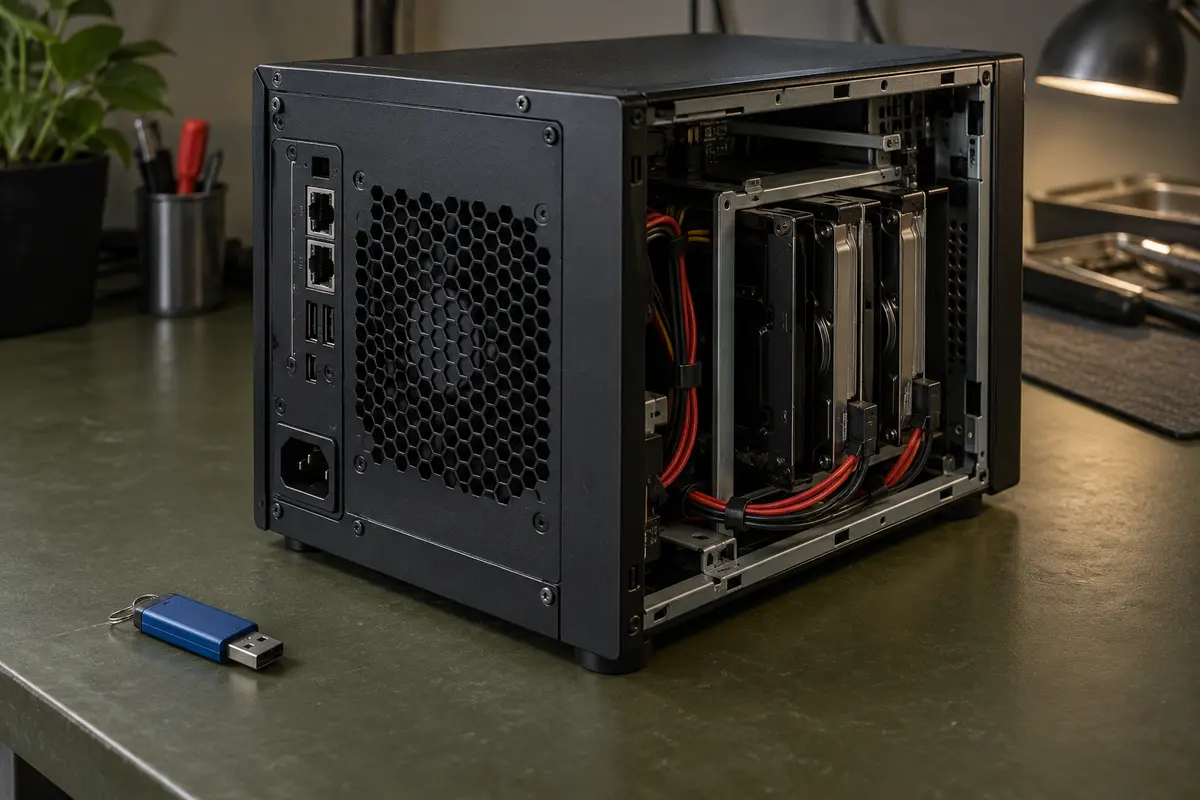
After reinstalling TrueNAS, you see an empty storage overview even though the original data disks are still in the machine. Do not proceed by creating a new pool. First, you need to determine whether this is a healthy existing ZFS pool that the new installation simply has not attached yet, or a problem with the availability of its members or its configuration.
The following procedure distinguishes a planned migration from a data incident. The reference interface is TrueNAS 25.10 (Goldeye), the current stable release at the time of review; for other releases, use their own documentation. A successful reinstall of the system media does not by itself prove the condition of the original data disks, nor does it rule out that the wrong target was selected during installation.
Importing an Existing Pool Is Not Creating One
The TrueNAS documentation describes importing for an existing ZFS pool that is detached from the system, transferred from another machine, or reattached after a reinstall or upgrade. The operation is meant to bring the original storage under management. It is not a new pool with the same name, and it is not a universal repair tool.
Creating a new pool or wiping disks alters the original structures. If you need the original files, do not confirm such choices. Even marking a disk as available for a new configuration does not mean the data you are looking for is not on it.
Do not treat the import as a purely read-only inspection: it attaches the pool to operation and writes may follow. Before confirming, you need to know the machine’s makeup, have the necessary permissions, and evaluate its condition. With only a single copy of important data and an unclear history, prioritize professional assessment over testing whether it „just boots up."
What to Verify Before Opening the Dialog
Start with a timeline. Which TrueNAS version was originally installed? Which device was the system media and which were data disks? Where was the new installation written? Which disks were disconnected or swapped out? If this information is missing, do not substitute it with guesses based on current disk size.
Keep a list of the members, their available identifiers, and photographs of the wiring. Compare it against the disks detected now. The count alone is not enough: the same number of devices is not necessarily the same set. Do not pull individual drives out of a running machine to test.
Track down a backup of the data, the system configuration, and information about encryption. A configuration backup is not a replacement for a copy of the files. The TrueNAS documentation separately covers the configuration file and the secret seed for protected configuration fields; this material may contain sensitive data and should be stored securely. It is not the same thing as a universal key to every encrypted dataset.
Drive not responding, clicking or reporting errors? Stop trying anything else.
What not to try any more:
- do not keep powering the drive on or reconnecting it,
- do not run data recovery software, CHKDSK or formatting on the failing drive,
- do not open or take the drive apart.
How it works with us and what it costs: hard drive data recovery.
Initial HDD and SSD diagnostics free of charge — we find out what can be recovered and quote the price in advance; you decide only then. NONSTOP line 775 556 063.
Non-standard cases (drive opened by another service, overwriting/formatting, complex analysis) cost 1 210 Kč including VAT (1 000 Kč excluding VAT) — we tell you in advance.
Which Situations Belong in the Normal Migration Branch
| Situation | What to document first | Further limits |
|---|---|---|
| Planned move of a working pool | Original configuration, backup, and target version | Verified import per the documentation |
| Unclear reinstall outcome | The actual installation target and history of interventions | No new pool or further installations |
| Missing member or read errors | Available identifiers and reports | No random repeated import attempts |
| Unknown encryption | Original platform and available keys | No trial-and-error conversion |
This decision table is not a health diagnosis. A pool offered in the list may still require verification; a pool missing from the list may have several different causes. Do not infer recovery success from either the offer or its absence.
If the storage is part of a company’s operations, coordinate changes with the responsible administrator. Importing to another system must not run concurrently while the same storage is in use elsewhere. The migration procedure for the original system follows the documentation of the specific release, not a generic command from an online discussion.
The Reference Path in TrueNAS 25.10
For a known, complete, and stable pool in an authorized move with a backup in place, the documentation describes opening the Storage Dashboard and choosing Import Pool. TrueNAS will offer the pools it found that are not attached. You select the matching pool and confirm with Import.
Before confirming, compare the offered identity with your original records and verify you are working with the correct machine. If the name, members, or reports do not match, do not proceed. With a different interface version, do not look for a similar-looking button for creating storage as a substitute.
After completion, verify the pool’s status, the availability of the required datasets, and the actual reading of the files you need. Assess encryption and authorized user access separately. A visible dataset may not be unlocked, and a working administrator login does not necessarily mean correctly configured shares for the team.
The expected outcome of a routine migration is access to the original storage. The completeness of important data must nevertheless be verified separately, ideally by comparing specific files against the owner’s requirements. Do not bring the whole company back into operation just because a green status indicator appeared.
When the Offer or the Outcome Differs
With an unknown pool, missing members, read errors, or reports inconsistent with the planned migration, stop your own attempts. Record the exact wording and the available inventory. Do not create a new pool „to unlock" the old one, and do not wipe disks to get them recognized again.
Forced import, rollback to an older transaction state, changing pool properties, or running a scrub are not consequence-free random tests. Some of these operations have legitimate professional uses, but they are not the first choice in an unclear data incident. Likewise, we are not claiming that every ZFS command writes to disk; the problem is the unknown impact of a specific intervention and working with the only copies in existence.
A separate boundary is GELI. TrueNAS 25.10 states that the Linux platform cannot import a GELI-encrypted pool from FreeBSD via this path. GELI is not native ZFS encryption. Preserve the original keys and environment records and follow the appropriate migration procedure; a passphrase for one method is not a way to convert it into another.
Frequently Asked Questions
Does an empty Dashboard mean the installation wiped my data?
Not by itself. An existing pool may simply be missing its connection, but the actual installation target and the state of the disks must be verified first. Without this evidence, neither data loss nor data integrity can be confirmed.
Is Import Pool a safe read-only diagnostic?
It is not just a display of records. The pool is being brought into operation. When the state is unclear, or when only a single copy of important data exists, the protection of the original storage must be assessed first.
Does the import also restore all accounts and shares?
The import alone is not a restoration of the entire system configuration. Verify accounts, services, and permissions separately; preserved dataset metadata may collide with different accounts of the new installation.
Can I attach a GELI pool using the same option in Linux?
The TrueNAS 25.10 documentation does not support this path for GELI from FreeBSD. You need a procedure matching the original platform and the preserved keys, not the creation of a new pool.
Will a new pool with the same name help?
No. The name does not recreate the original configuration or the data. Creating one on the same disks can damage structures you may still need for assessing the data.
For further assessment, prepare the original and new TrueNAS versions, the pool members, the installation target, the exact report, and a list of interventions. Hand over sensitive configurations and keys only through an agreed secure channel. If the pool does not match a known migration scenario, describe the problem to ITHOPE before any further write operation.
Sources and Limits of This Procedure
Documentation verified on October 7, 2026. For a different release of the system, verify the corresponding procedure from the vendor.
Where to find us
ITHOPE is a company based in Brno, Czechia: we do data recovery from disks, RAID and NAS, PC and laptop service and IT for business, all in our own lab at Viniční 3587/216, 615 00 Brno.
Phone +420 775 556 063 (24/7 line). You can bring the device in person, or send it by courier (Zásilkovna, PPL).