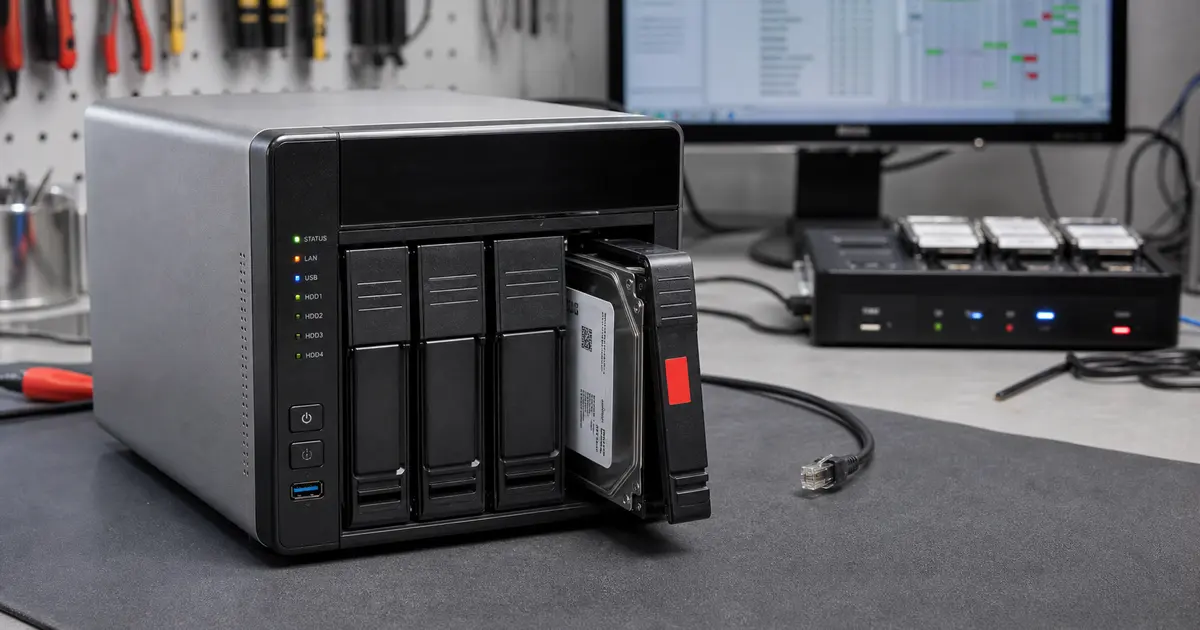
The short answer: If QNAP QTS shows RAID Group Degraded, Warning (Read-Only), Volume not active, or Storage Pool Inactive, stop all writes first and do not attempt repairs blindly. Recover and Rebuild RAID Group are standard maintenance functions, but they are not suitable for every failure. If the data is not backed up, the volume is Read-Only/Not Active, the drives have I/O errors, or the NAS has already been restarted several times, another click may overwrite metadata that is essential for data recovery.
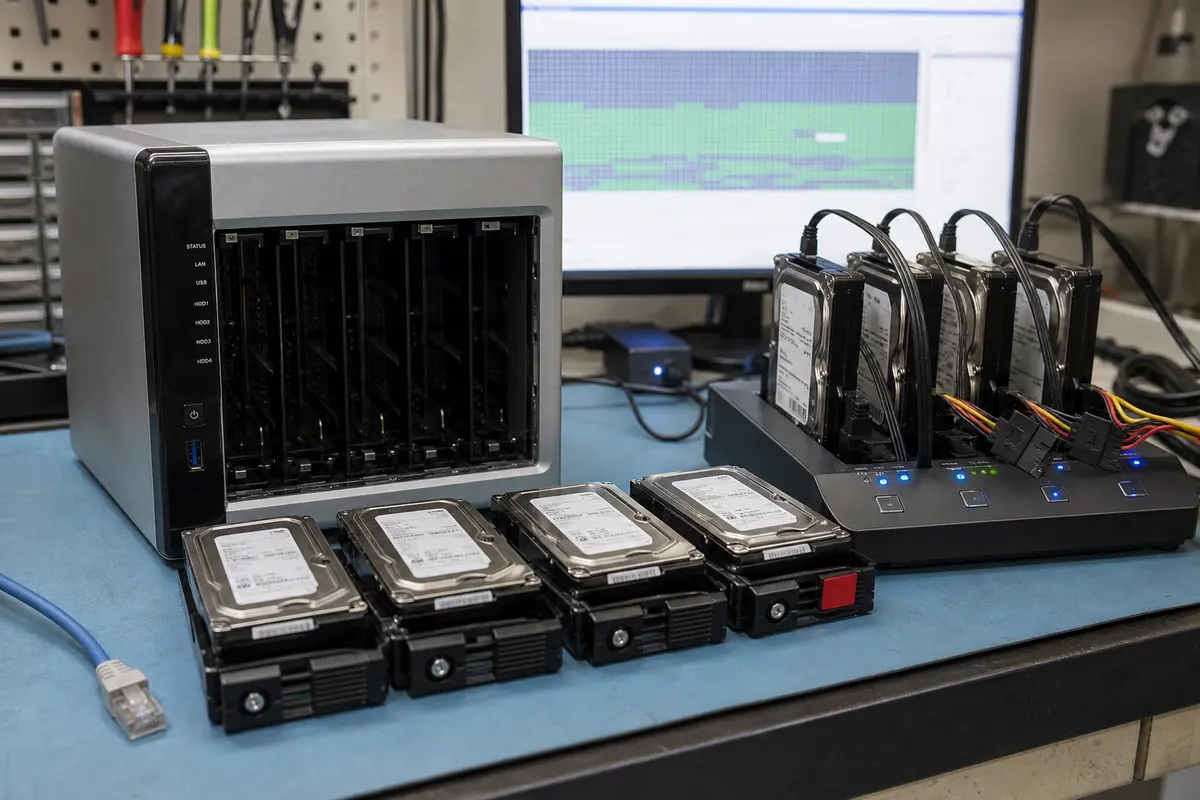
This article supplements our general page on QNAP NAS data recovery. It focuses on a specific decision point in Storage & Snapshots: when a rebuild is routine maintenance and when you should stop clicking.
Quick guide to QTS statuses
| Status in QTS / Storage & Snapshots | What it usually means | What not to do | Safer next step |
|---|---|---|---|
| RAID Group Degraded | One or more drives in the array have failed, but the number of failures is still within the tolerance of the RAID type. The data may remain accessible. | Do not start a rebuild unless the other drives have been checked and a backup exists. | Stop all workload, check SMART data and logs, document the current state, and assess the risk before replacing a drive. |
| Warning (Read-Only) | QTS has detected a problem in the storage pool. According to the documentation, one of the RAID groups may be Not Active while some data may still be recoverable. | Do not click Recover, Check File System, or force-mount the volume unless you have copies of the drives. | Stop all writes and perform an offline analysis. |
| Volume not active / not mounted | The volume could not be mounted. In QTS, the problem may involve mdadm, LVM, or thin metadata; in QuTS hero, it may involve the ZFS pool. | Do not run fsck, thin_repair, or zpool import -f on the original drives. | Label the drives by bay, shut down the NAS, and work only with clones. |
| Storage Pool Inactive / RAID Error | The pool or RAID group could not be assembled. The data is not accessible through the normal interface. | Do not create a new storage pool or move drives between bays by trial and error. | Do not overwrite the configuration. Preserve the drive order and have the system diagnosed. |
When Rebuild RAID Group is a routine procedure
QNAP documentation for QTS describes a situation in which a RAID group remains within the fault tolerance of its RAID type, its status changes to Degraded, and the data remains accessible. In that case, the administrator selects the degraded group, inserts a suitable drive, and starts Rebuild RAID Group.
This is the correct procedure for a properly managed array where:
- a verified backup exists,
- one clearly identified drive is missing,
- the other drives have no SMART warnings, pending sectors, or I/O errors,
- the NAS has not been running in a degraded state for an extended period,
- the storage pool is not Read-Only, Not Active, or Inactive.
If these conditions are not met, a rebuild is no longer a „data repair." It is an intensive process that reads every remaining drive and writes a new configuration. That is risky when the array has no backup.
Why Read-Only is different from Degraded
Warning (Read-Only) is often mistaken for ordinary degradation. Read-Only, however, means that QTS has already restricted writes because of a problem in the storage pool. According to QNAP documentation, one or more RAID groups may be Not Active, while some data from the volumes or LUNs may still be recoverable.
The word „recoverable„ is important. It does not mean „click every option that looks like a repair." It means that a consistent portion of the data or metadata may still exist—and you do not want to overwrite it.
When a pool is Read-Only, immediately running Check File System or forcing a mount therefore makes little sense. First, you need to determine whether the problem lies with the physical drives, the RAID layer, LVM metadata, the thin pool, or the file system.
Volume not active: a common Thin Volume problem
QNAP commonly uses an mdadm -> LVM -> volume stack. A Thin Volume adds a mapping layer that records where the volume’s logical blocks reside on the physical storage. If the thin metadata becomes corrupted, the files may still physically exist on the drives, but QTS no longer knows how to assemble them.
This often happens after a power outage, pool overprovisioning, a failed firmware update, an interrupted snapshot operation, or the failure of a drive during a write. To the user, the message looks simple: „Volume not active." For data recovery, however, it is a multilayered problem.
With a Thin Volume, it is particularly risky to:
- run Check File System on the live NAS,
- attempt
thin_repairwithout a copy of the metadata, - create a new volume „to make the array work again,"
- run data recovery software directly on the original drives,
- restart the NAS repeatedly while QTS keeps trying to mount the pool automatically.
When not to attempt it yourself: if QTS reports Volume not active, the pool is Read-Only, or another drive failed during a rebuild, Check File System, thin_repair, or creating a new volume will not restore the data—they write to the metadata from which the volume is assembled. Shut down the NAS and label the drives by bay. We clone every drive, reconstruct the mdadm, LVM, and thin mapping layers using those copies, and quote the price before any paid work begins. Learn more on our QNAP and RAID data recovery page, or send us a no-obligation enquiry.
QuTS hero and Recover RAID
QuTS hero uses ZFS, and QNAP documentation describes Recover RAID as a function for situations where drives were temporarily disconnected and then reconnected. It also explicitly states that this function does not help when a drive has failed. That is exactly the distinction you need to recognise in practice.
If you accidentally removed a drive and immediately returned it to its original bay, Recover may be the correct administrative function. But if the drive dropped out because of a mechanical fault, read errors, a power problem, or a controller issue, the situation is different. Repeated forced imports of the ZFS pool or recovery attempts on the original drives may leave the pool in an even worse state.
What to do in the first 10 minutes
- Stop all writes. Disconnect shared folders, backup jobs, synchronisation tasks, virtual machines, cameras, and databases.
- Photograph Storage & Snapshots. We need the exact status of the storage pool, RAID group, volume, and drives.
- Keep the drives in the same order. If you remove them, label each drive with its bay number immediately.
- Do not run Recover just because QTS offers it. An option appearing in the GUI does not mean it is safe for unbacked-up data.
- Shut down the NAS if the data is critical. This is especially important when the pool is Read-Only or Not Active, a drive is clicking, several drives report errors, or a rebuild has failed.
What you should never do
- Do not confirm drive initialisation in Windows, macOS, or another NAS.
- Do not run Check File System,
fsck,thin_repair, orzpool import -fon the original drives. - Do not swap drives between bays by trial and error.
- Do not reconnect a drive that dropped out because of a suspected mechanical fault.
- Do not start RAID migration, capacity expansion, or a firmware update while the array is degraded.
- Do not create a new storage pool or volume on the original drives.
Array or NAS reporting an error and the data matters? Stop trying anything else.
What not to try any more:
- do not keep restarting the NAS or server,
- do not start a rebuild, volume repair, initialisation or data recovery software,
- do not swap the drives, change their order or open them.
How it works with us and what it costs: RAID and NAS data recovery.
We do not assess RAID or NAS as a single drive. A simple initial assessment may be free; analysis of multiple drives, array reconstruction, deleted data, metadata or another complex state may be charged. We quote the price before any paid work. NONSTOP line 775 556 063.
How ITHOPE handles recovery
For QNAP NAS systems, we preserve the original state of the drives:
- Physical diagnostics. We test each HDD or SSD separately to determine whether it can be read safely.
- Bit-for-bit copies. All work is performed on drive clones. The originals are set aside.
- RAID reconstruction. We determine the drive order, offsets, stripe layout, and the state of the mdadm or ZFS layer.
- LVM/thin/ZFS analysis. For QTS, we analyse LVM2 and thin metadata; for QuTS hero, we examine ZFS labels and identify the last consistent transaction state.
- Data extraction. The recovered data is copied to new media, and both the directory structure and important files are verified.
The article Why a rebuild can destroy a RAID array explains the broader risks of rebuilding. If you already know that the device contains a multi-drive array, see our RAID and NAS recovery service.
FAQ
QNAP shows RAID Group Degraded. Is it safe to click Rebuild?
It is usually safe when you have a backup, the other drives are healthy, and exactly one drive is clearly missing. If there is no backup, the other drives have errors, or the volume is Read-Only/Not Active, stop the workload first and arrange a diagnosis.
What does Warning (Read-Only) mean?
QTS has restricted writes because the storage pool or one of its RAID groups is not healthy. Some data may still be readable or recoverable. That is precisely why you should not run write-based repair operations without first copying the drives.
The volume became inactive after a power outage. Is the data gone?
Often, it is not. On a Thin Volume, the block mapping may become corrupted, preventing QTS from mounting the volume even though the sector-level data remains on the drives. The chances of recovery depend on what was written after the outage.
Can I put the drives into another QNAP?
Sometimes, if the array is healthy. After a failure, however, this is risky. Another QNAP may attempt to import or repair the storage pool. If the drives hold the only copy of the data, offline cloning is safer.
Does Recover RAID in QuTS hero always help?
No. QNAP documentation describes it as a function for drives that were temporarily disconnected and then reconnected, not for physical drive failure. If a drive dropped out because of a fault, Recover may make the problem worse.
Sources and verification
As of 10 July 2026, we reviewed the official QNAP documentation for QTS 5.1/5.2 and QuTS hero. The manufacturer describes standard maintenance functions for degraded and disconnected RAID groups. ITHOPE’s recommendations apply to cases where the data is not backed up, physical faults are present, or the storage pool has already entered a Read-Only or Inactive state.
- QNAP QTS 5.1: Recovering a RAID group with a Degraded status
- QNAP QTS 5.2: Storage pool status
- QNAP QuTS hero: Recovering a RAID Group
Does your QNAP report RAID Group Degraded, Volume Read-Only, or Volume not active? Send us a screenshot through our no-obligation data recovery enquiry, call +420 775 556 063, or email info@ithope.cz. We will tell you whether a standard rebuild is appropriate or whether recovery from cloned drives would be safer.
See also: QNAP NAS data recovery · Synology NAS · RAID array data recovery · RAID and NAS recovery
Where to find us
ITHOPE is a company based in Brno, Czechia: we do data recovery from disks, RAID and NAS, PC and laptop service and IT for business, all in our own lab at Viniční 3587/216, 615 00 Brno.
Phone +420 775 556 063 (24/7 line). You can bring the device in person, or send it by courier (Zásilkovna, PPL).