TL;DR: AI in business doesn’t start with a „grand digital transformation" — it starts with one annoying, repetitive process that eats up an hour of someone’s day. It pays to automate routine admin, document sorting and reading, draft replies and system monitoring. It doesn’t pay to automate decisions carrying liability, processes without clear benefit, or anything where you’d be pushing sensitive data into a third‑party cloud. Start with a small, measurable pilot (one process, one week), measure the benefit, and only then scale. For sensitive data, reach for local AI that keeps data inside the company.
Almost every week someone asks us: „How do we bring AI into our business?" And almost every time they get an answer they don’t expect: Start with the single process that annoys you most. Not a strategy. Not buying ten tools. One process.
ITHOPE has spent 18 years as a data‑recovery, IT‑service and business‑IT company — not an AI start‑up with a slick pitch deck. But that’s exactly why we came to automation from the practical side: we had our own operations full of routine, and one by one we handed tasks over to machines. This article is about what actually worked, what wasn’t worth it, and how to approach it in your own company without blowing money on hype.
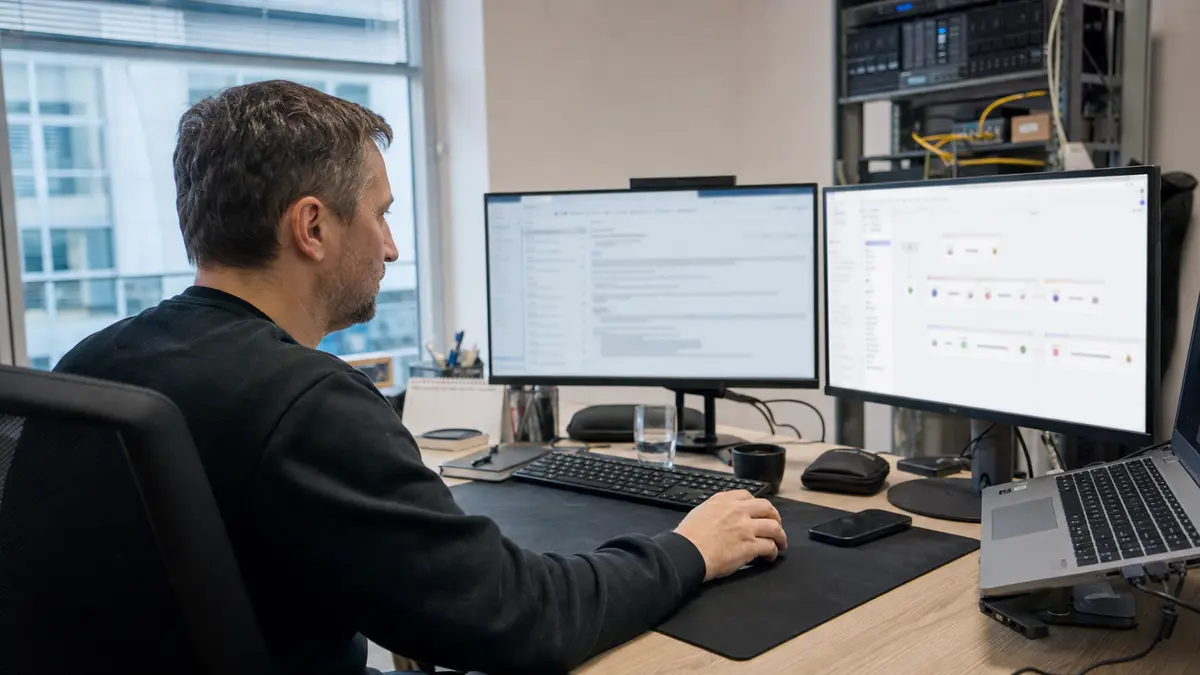
The short answer: where AI automation helps fastest
In a business, it pays to automate first the tasks that repeat every day, follow a clear procedure and, when processed manually, create errors or unnecessary waiting. Typically this means incoming emails, invoices, PDF documents, internal requests, monitoring, meeting notes and preparing customer replies.
The best result comes from the model AI prepares → person approves → system sends or files. The business gains speed but keeps control over liability, GDPR compliance and communication quality.
For small and medium‑sized businesses, a good initial target is saving 3 to 10 hours a month on a single process. Once that is confirmed with real data, it makes sense to roll the automation out further.
What we automated ourselves (and why we’re writing about it)
We don’t like advice from people who haven’t done the thing themselves. So, straight up, here’s what runs at our place:
- Draft replies to customer emails. When a data‑recovery enquiry comes in, the AI drafts a reply from the case context. The technician reads it, corrects it, adds to it, and only then sends it. The human stays in the loop — the AI saves typing, not responsibility.
- System monitoring and alerts. Servers, backups and services are monitored automatically; when something fails, an alert hits the phone before the customer even notices.
- Backups without manual clicking. Daily backups of customer data and systems run on their own, with verification that they actually completed (a backup you don’t know has failed is the worst kind of backup).
- Local language models. Some of our AI runs on our own hardware in Brno — on principle we do not send sensitive customer data to a third‑party cloud. We’ll come back to this because it’s crucial for businesses.
- Our own systems and this website were largely built with the help of AI — from the job‑tracking system to tools that previously „wouldn’t have been worth programming."
None of this was a big project. Each item started as „this is driving us nuts, let’s try handing it to a machine for a week."
What really pays to automate in a company
The best candidates for automation share three traits: they repeat, they eat time, and their procedure can be clearly described. Specifically:
1. Repetitive administration. Preparing quotes and contracts from templates, pre‑filling invoices from an order, transcribing call notes into the CRM, pulling data from emails into a spreadsheet. This is the „boring hour a day" that nobody wants to do — and a machine can handle it in seconds.
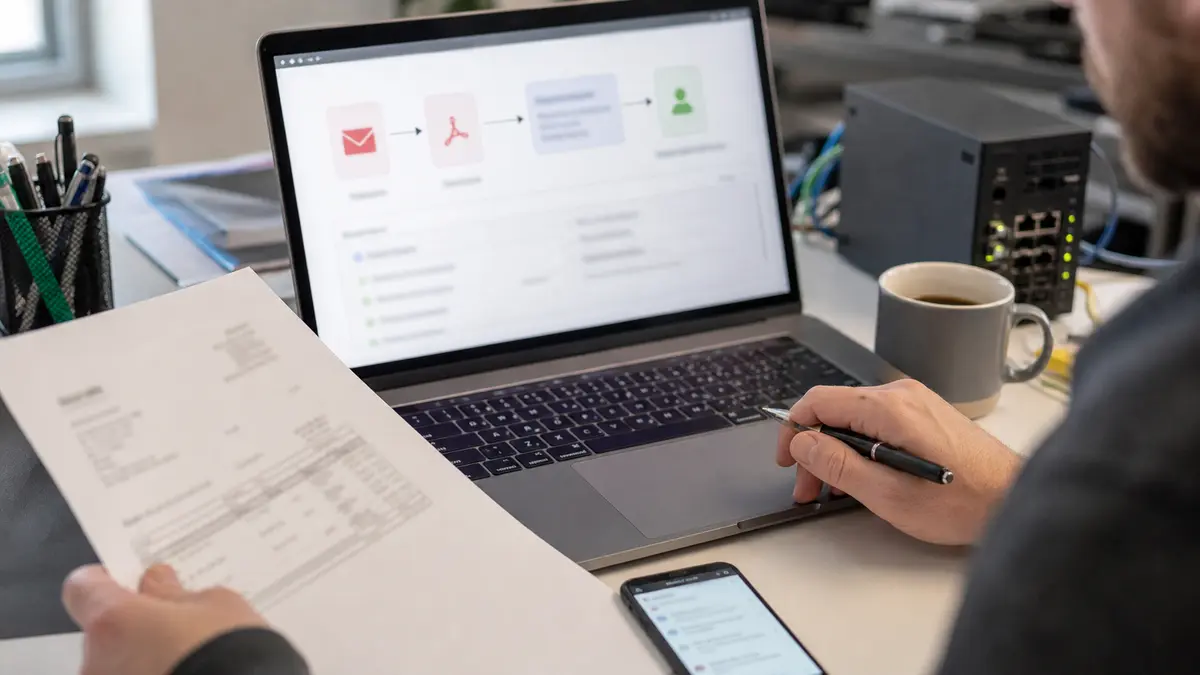
2. Reading and sorting documents. Incoming invoices, delivery notes, contracts, CVs, complaints. AI can extract structured data from a PDF or photo (who, how much, when, reference number) and sort documents where they belong. Instead of „open, read, retype, file", only checking remains.
3. Customer communication — drafts, not auto‑replies. Caution here: the goal is not a bot that answers customers on its own. The goal is an AI that prepares a draft reply to a common query, and a person sends it. The difference is in who bears responsibility for what goes out (always the person).
4. Watching, monitoring and reporting. Tracking the status of systems, stock levels, deadlines, statements. AI can run in the background, notice deviations and alert only when something needs attention — instead of a person „just in case" checking ten places every day.
5. Summarisation and searching your own data. „What did we last deal with for this client?„, „Summarise this 30‑page document in five bullet points." When a business has years of history in invoices, emails and jobs, well‑set‑up AI finds the answer faster than a person leafing through.
What NOT to automate (or only very cautiously)
This is where most money and trust get wasted:
- Decisions carrying liability. Approving a loan, dismissal, diagnosis, pricing a non‑standard job. AI can prepare the supporting material, but leave the decision to a person. Not just because of errors — also because someone has to be accountable for the decision.
- Anything where AI „hallucinates" and does damage unchecked. Language models sometimes invent nonsense with total confidence. If nobody reads the output, that nonsense goes straight to the customer or into the accounts.
- Sensitive data pushed to a third‑party cloud. Personal data, health data, trade secrets — before you send these to a foreign AI service, pause at GDPR (it has its own section below).
- Processes without clear benefit. If you can’t say how many hours or errors the automation will save, you’re probably doing it not for the utility but because „it’s AI." That’s a bad reason.
- „AI instead of people" as the goal. The best results we see are where AI takes the routine off people so they have time for work the machine can’t do. When the goal is „replace people," the project usually ends in frustration on both sides.
How to start: four steps instead of a grand strategy
- Pick one annoying, repetitive process. The one people complain about. Not the most important one — the most annoying and well‑described one.
- Measure the baseline. How many hours a week does it eat? How many errors happen? Without a „before" figure you won’t know whether the AI helped.
- Build a small pilot for a week or two. No big purchase. The aim is to find out whether it works with your real data, not with a demo from a slide deck.
- Measure the benefit and decide. Did it save time? Reduce errors? If yes, scale it and take the next process. If not, drop it with no hard feelings — a week’s experiment is cheap; a badly deployed big system is expensive.
This „small and measurable" path is slower than the grand AI vision at the kick‑off meeting. On the other hand, you’ll almost never waste money on something that doesn’t stick in your own operations.
Checklist: is the process suitable for AI automation?
Before you invest in anything, ask these six questions:
| Question | Good sign |
|---|---|
| Does the task repeat at least weekly? | Yes, ideally daily. |
| Does it have a clear input and output? | Email, PDF, form, spreadsheet, ticket. |
| Can the procedure be described? | Today a person follows similar steps the same way every time. |
| Can the result be checked easily? | A technician, accountant or manager can quickly approve the output. |
| Will it save measurable time or errors? | You can state how many hours or corrections will vanish each month. |
| Are the data handled securely? | It’s clear what may go to the cloud and what must stay local. |
If a process meets at least four points, it’s worth a small pilot. If it doesn’t meet even three, it’s better to tidy it up and document it manually first.
Local vs. cloud AI: a fundamental difference for business
Most popular AI tools send your input to third‑party servers, often outside the EU. For non‑sensitive items („draft a training outline for me") that’s fine. But for business data it’s a question of GDPR and trade secrets — and often a contractual obligation towards your own clients.
That’s why some of our AI runs locally, on our own hardware: customer data stays inside the company and doesn’t leak anywhere. For a company working with personal or sensitive data, this is the difference between „we may be breaching GDPR„ and „we have it under control." Today, local models are perfectly adequate for respectable operations — there’s no need to send sensitive documents anywhere outside to get help from AI.
A rule we follow ourselves: the more sensitive the data, the closer to your own server you keep it.
Frequently asked questions
Is automation worthwhile for a small business, or only large ones? Often it’s the small business that benefits most. A large company has dedicated staff for routine; in a small one the owner does quotes, emails and billing in the evenings. Automating one such process gives the owner real hours back.
Do we need programmers and a big budget? Not to get started. Plenty of processes can be solved through smart configuration of off‑the‑shelf tools. Custom development only makes sense where you need to connect AI to your own systems or a specific process — and even that we solve step by step, not with a year‑long big project. (We write about getting a team going practically in the follow‑up article AI training for businesses.)
Is it safe from a GDPR perspective? It depends where the data flows. For sensitive information we recommend local AI that keeps data inside the company. Before you deploy anything, it’s wise to know which tool sends what and where.
What if the AI makes a mistake? It will — that’s why for everything that goes out or into the accounts we keep a person who checks the output. AI is a tool for routine, not a substitute for responsibility.
How do I know it was worth it? With a number. Measure the time (or error rate) of the process before and after. If you can’t quantify the benefit, you’re probably automating the wrong process.
Want to find out what’s worth automating in your business? We’ll go through your processes with you, propose where AI can genuinely help (and where it can’t), and assist with deployment — including team training and a local solution for sensitive data.
AI training for companies · IT for businesses · Contact us · +420 775 556 063
See also: AI training for businesses: from prompts to your own automations
Where to find us
ITHOPE is a company based in Brno, Czechia: we do data recovery from disks, RAID and NAS, PC and laptop service and IT for business, all in our own lab at Viniční 3587/216, 615 00 Brno.
Phone +420 775 556 063 (24/7 line). You can bring the device in person, or send it by courier (Zásilkovna, PPL).